
Pick one team and one repository
Start where parallel work already hurts: a repo with a queue of small tickets and a test suite you trust. Harbor chose the billing web app.

For teams
One person sets it up on one machine and everyone else imports a file.
The example
Harbor is invented for this page: nine engineers, a web app, an API and a lot of overdue invoices. The steps are what the app really does, and the screens come from a demo workspace set up this way.
Start to finish
Start where parallel work already hurts: a repo with a queue of small tickets and a test suite you trust. Harbor chose the billing web app.
Run the setup file. A checklist installs Claude Code, signs you in and checks Git, with no terminal involved. Codex, OpenCode and GitHub sign-in are optional.
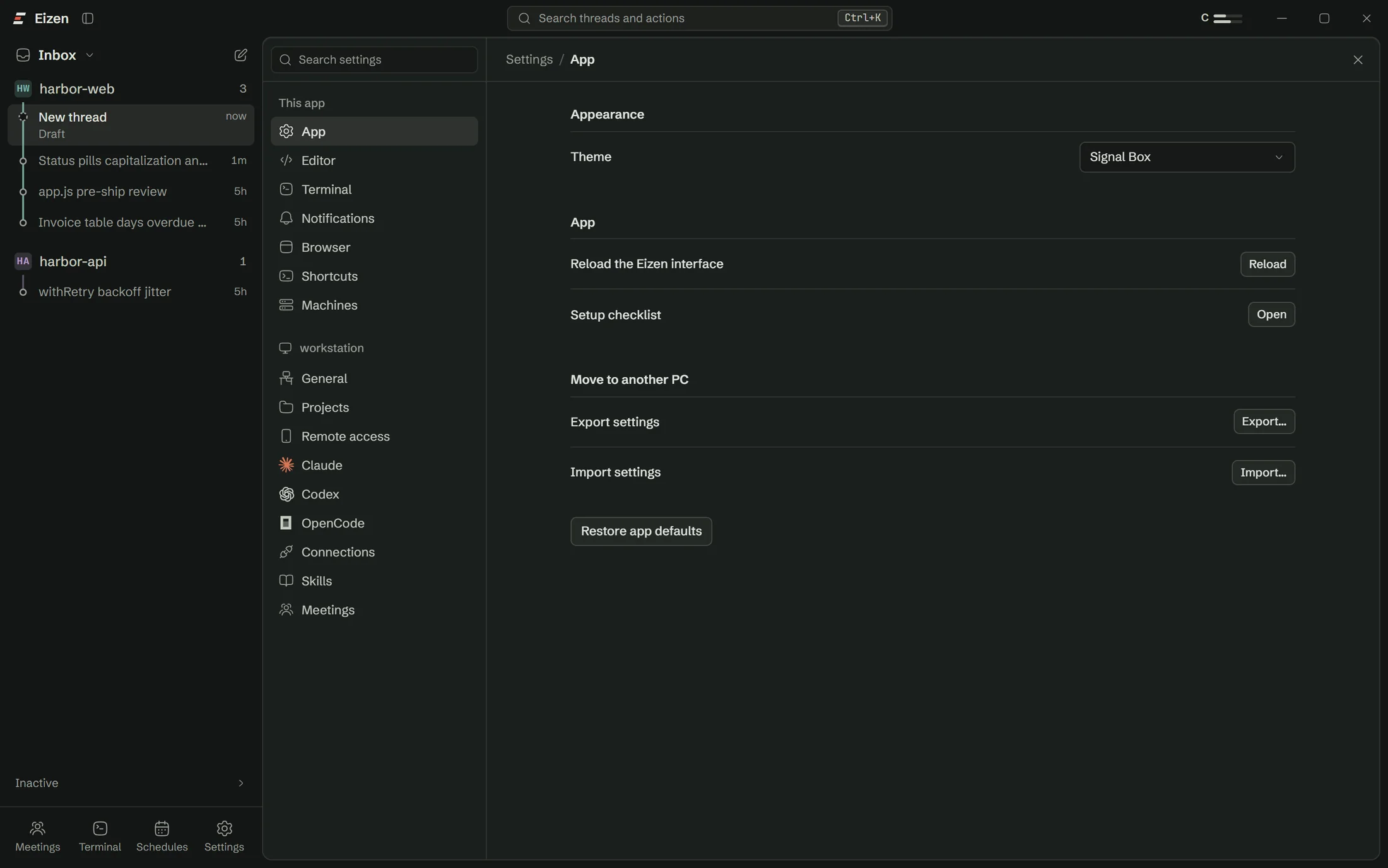
Add each Claude plan under Settings. Choose a default for new threads, or let new threads go to whichever account has the most room. Each engineer can do this with their own plan.
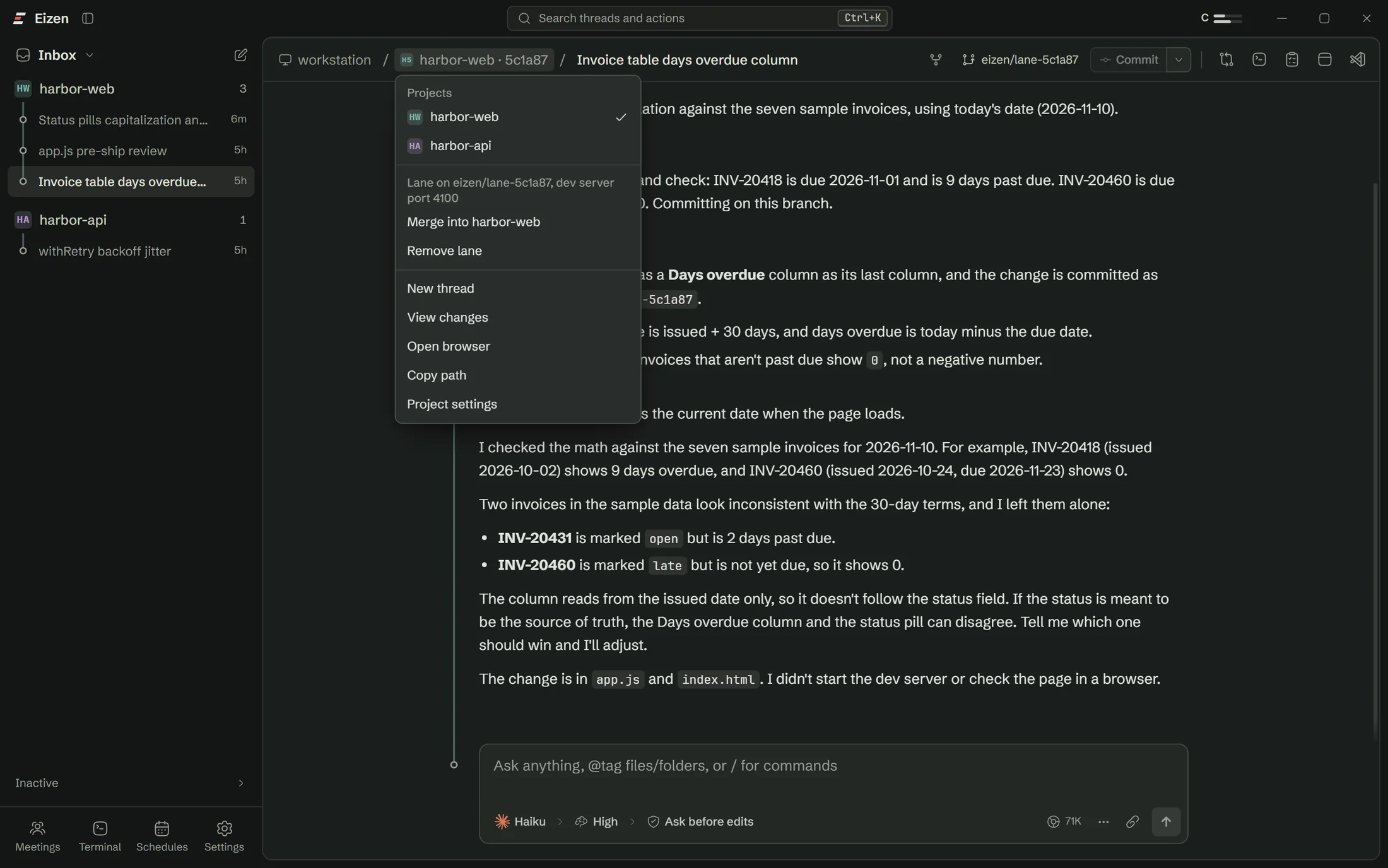
Add each repository as a project. Lanes need the project folder to be the top of a git repository, so a folder holding several checkouts works better as one project per checkout.
Decide how much the agent may do unattended.
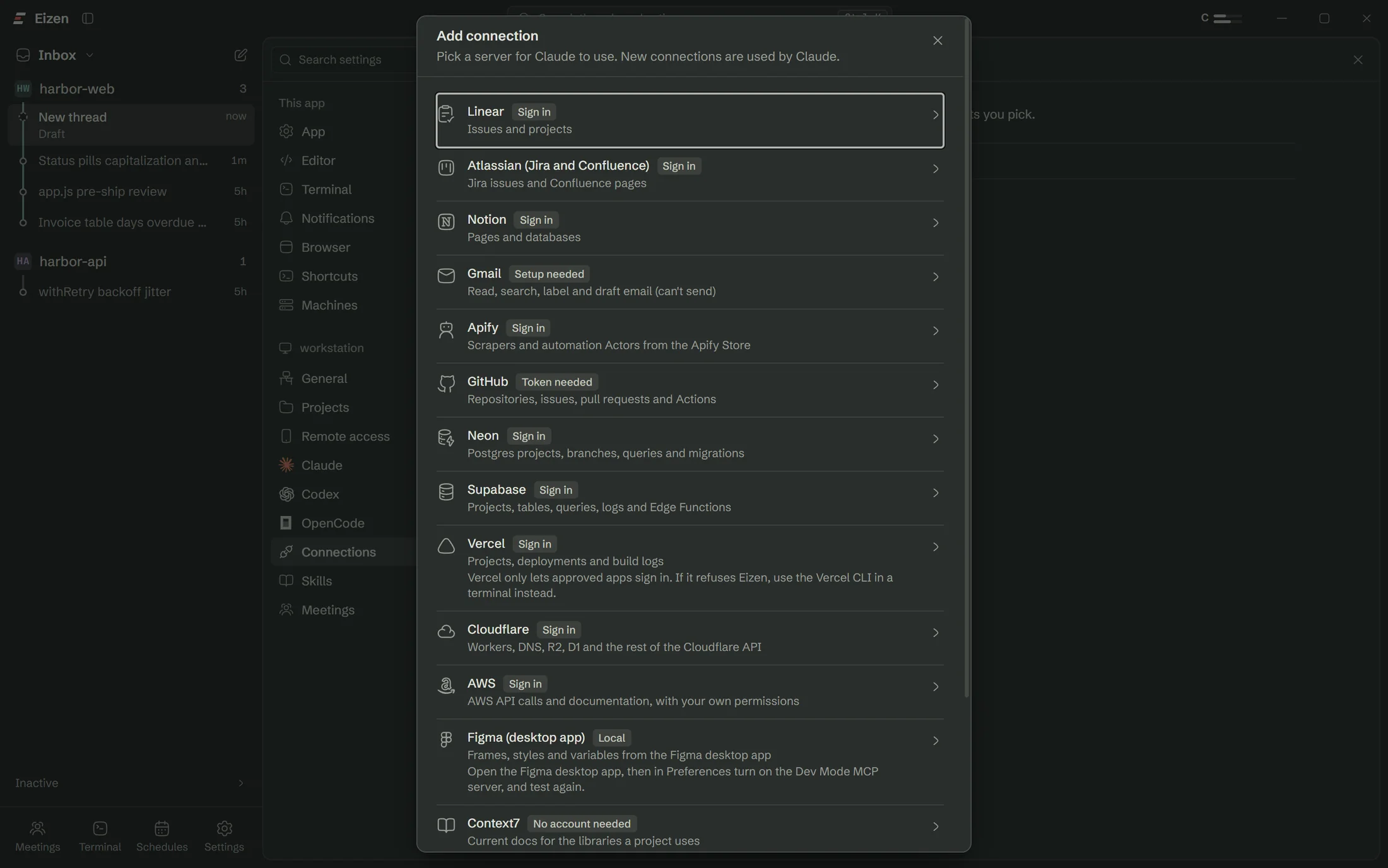
Add the tracker, GitHub and the database. Give database connections to the accounts that need them and to nobody else. Harbor uses a Neon branch per lane for anything that writes.
Run two lanes at once on real tickets, then three. Commit in the lane and merge from the breadcrumb. This is where a team finds out which services are still shared between lanes.
Export settings from the lead's machine. The file holds preferences, projects, their checks and schedules. Teammates import it and add their own accounts and tokens, which the file never contains.
Read what ran overnight, start lanes from the day's tickets, merge what passes the checks and queue the slow jobs for tonight. Non-engineers comment through review links.
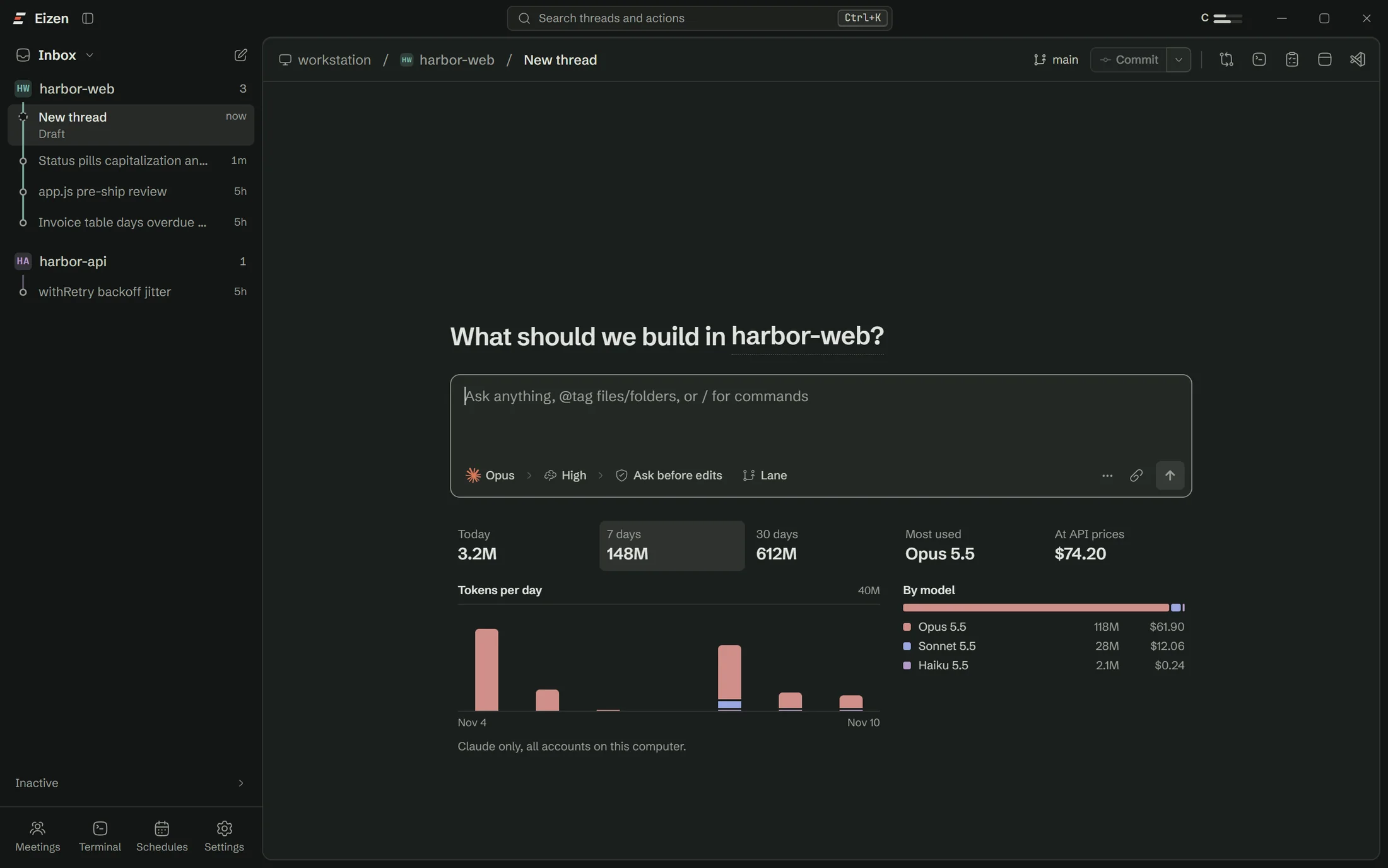
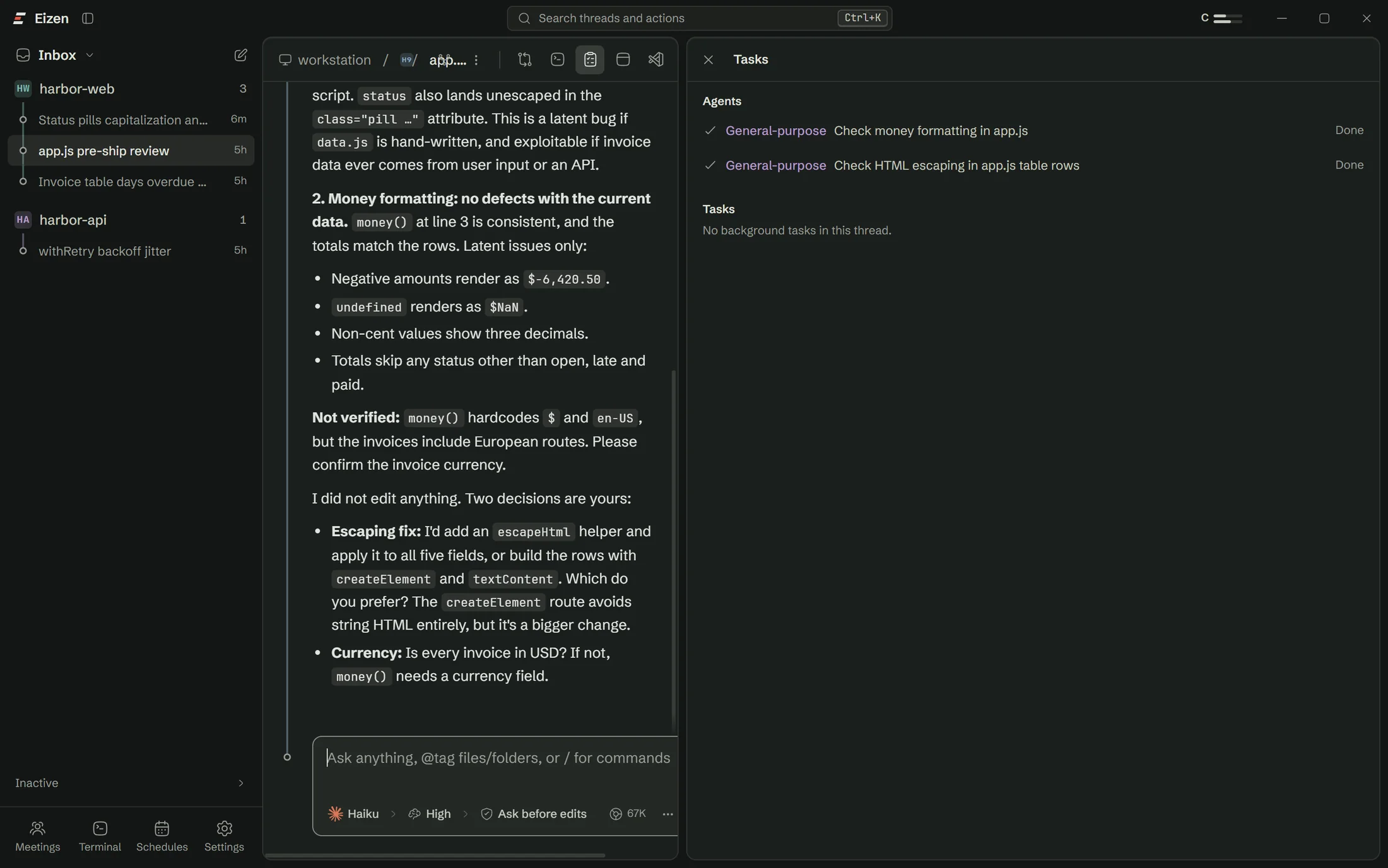
Usage shows tokens per day and per model, with cost at API prices. The Tasks panel shows which sub agents used what, which tells you where a smaller model would do.
Sharing the setup
The lead exports settings once. Everyone imports the same preferences, projects, checks and schedules, then signs in with their own accounts.
Who does what
| Role | Sets up | Uses day to day |
|---|---|---|
| Tech lead | Projects, checks, protected files, the shared settings file | Reviews merges, reads the Night shift summary |
| Engineer | Their own accounts and tokens | Lanes, the browser, Ask this line |
| Designer | Nothing, or their own install | Right-click to change, compare with a design |
| Product manager | Nothing | Comments through review links, meeting summaries |
| Client | Nothing | A review link that expires |
A normal week
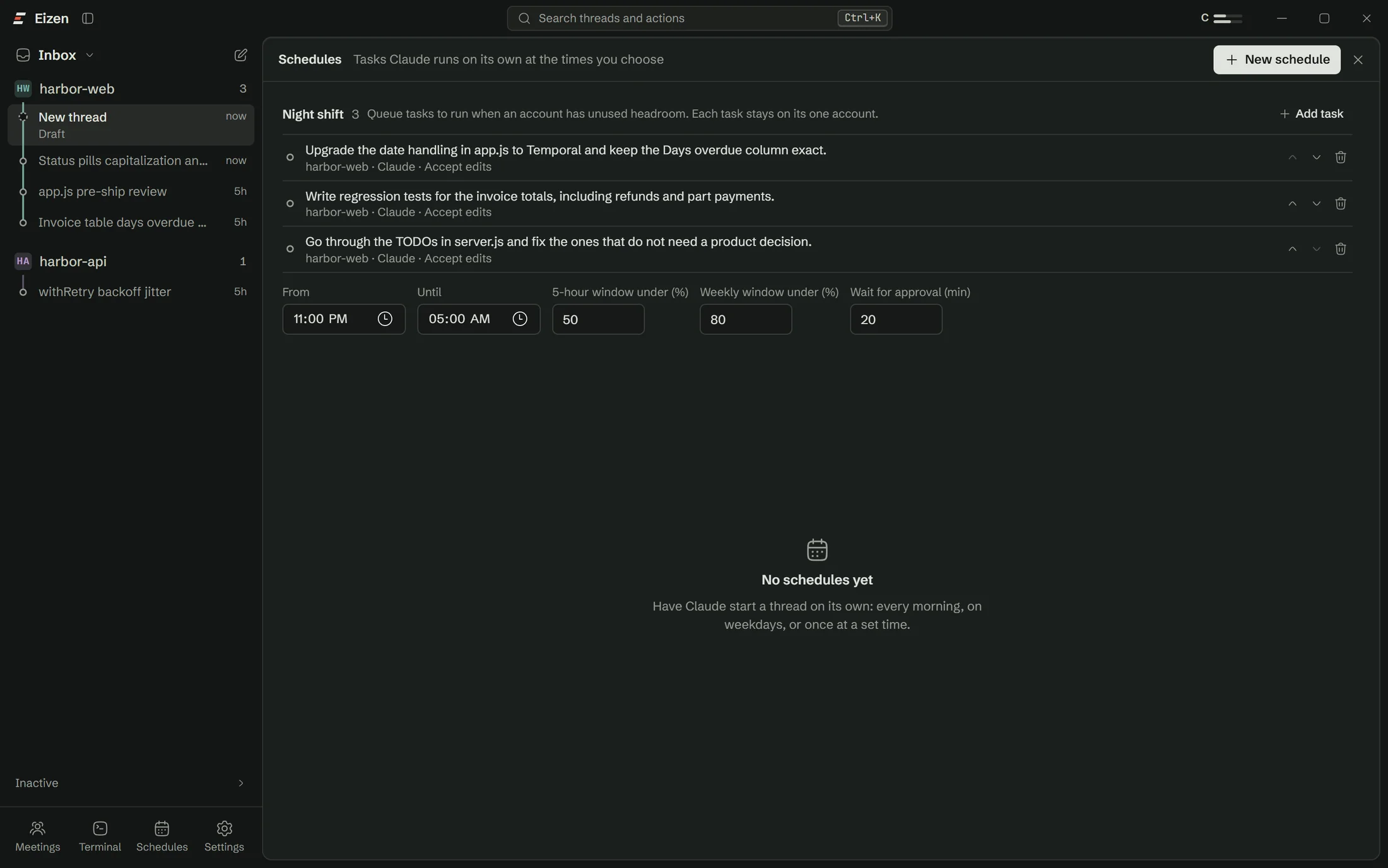
Harbor queues the slow jobs at the end of the day: test backfills, dependency work and small refactors. By morning there is a list of what finished, what needs a decision and what was left waiting.
A week at Harbor
| Day | Morning | Afternoon | Evening |
|---|---|---|---|
| Monday | Planning meeting, recorded and transcribed | Three lanes from the action items | Queue test backfill |
| Tuesday | Merge what passed overnight | Try 3 ways on the export redesign | Queue date library upgrade |
| Wednesday | Review link goes to the client | Comments become messages to the agent | Nothing queued |
| Thursday | Ask this line on a confusing retry | Fix it in a lane, with the original reason in view | Queue flaky test fixes |
| Friday | Check usage by model | Move routine work to a smaller model | Close the week's lanes |
How it helps
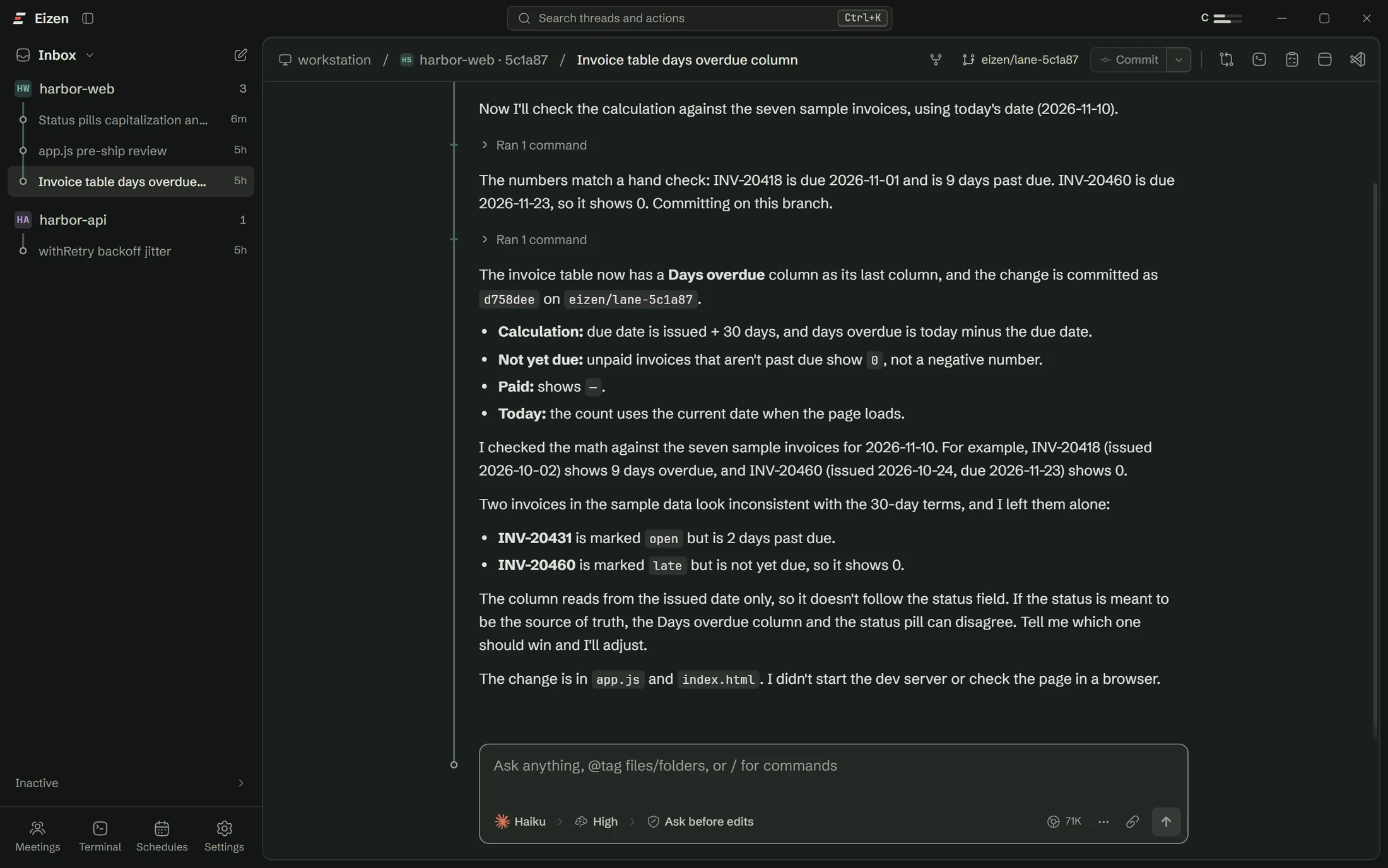
Every thread has its own folder and branch, so reviewing one change no longer means untangling three.
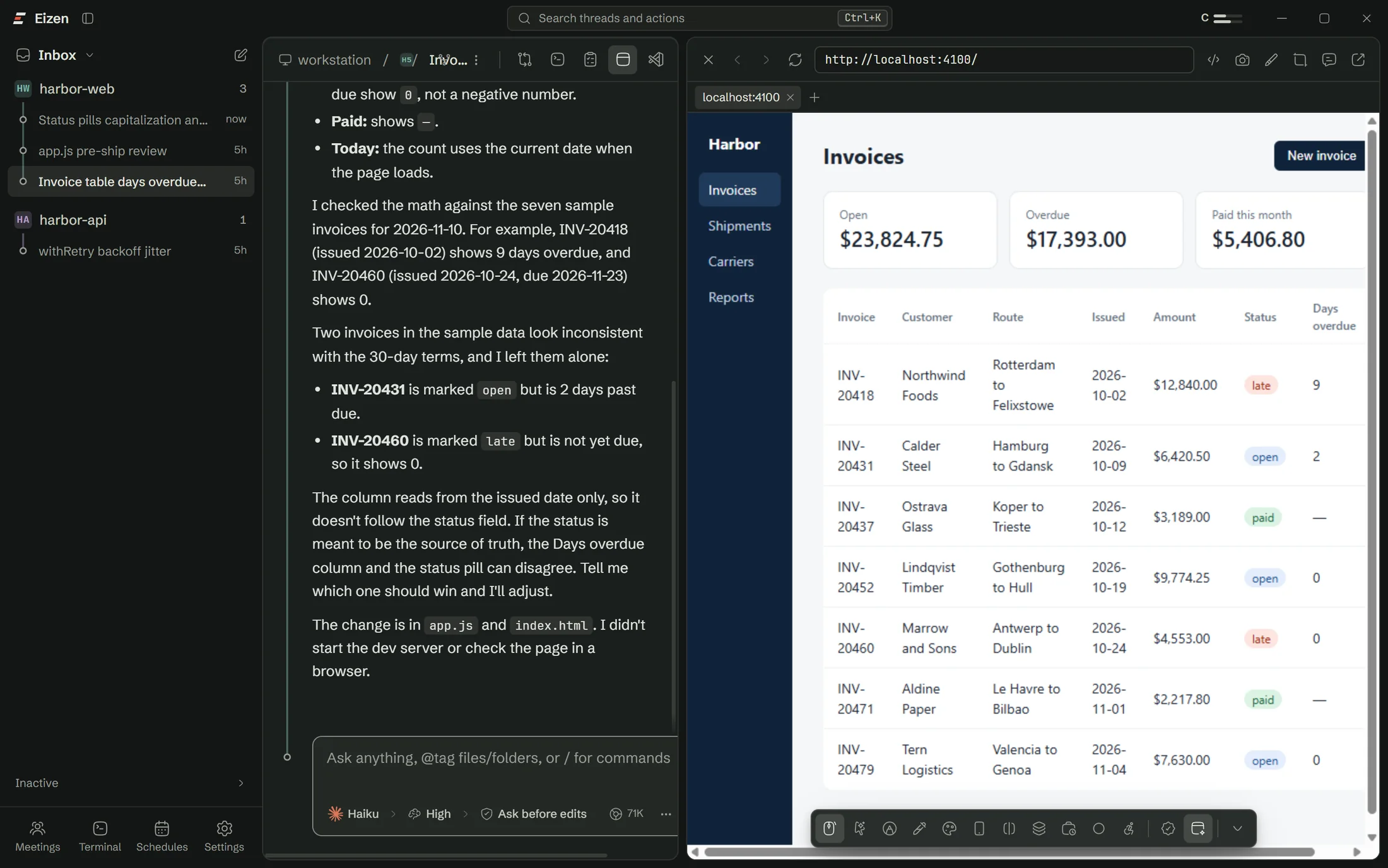
The agent checks the page itself, and you pick elements and record bugs in the same window.
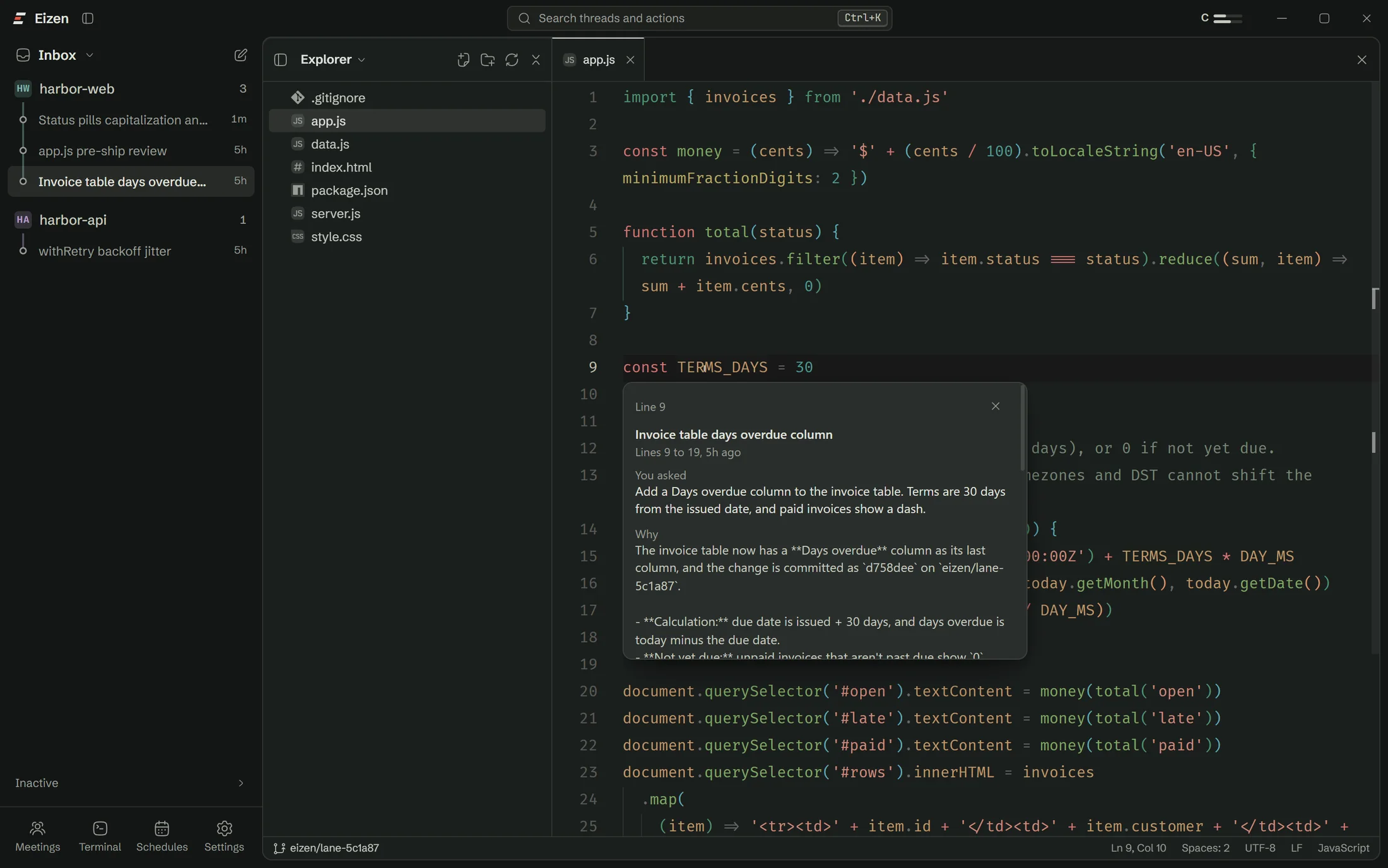
Six months on, a line still points at the conversation that produced it.
Night shift runs in hours that would otherwise go unused.
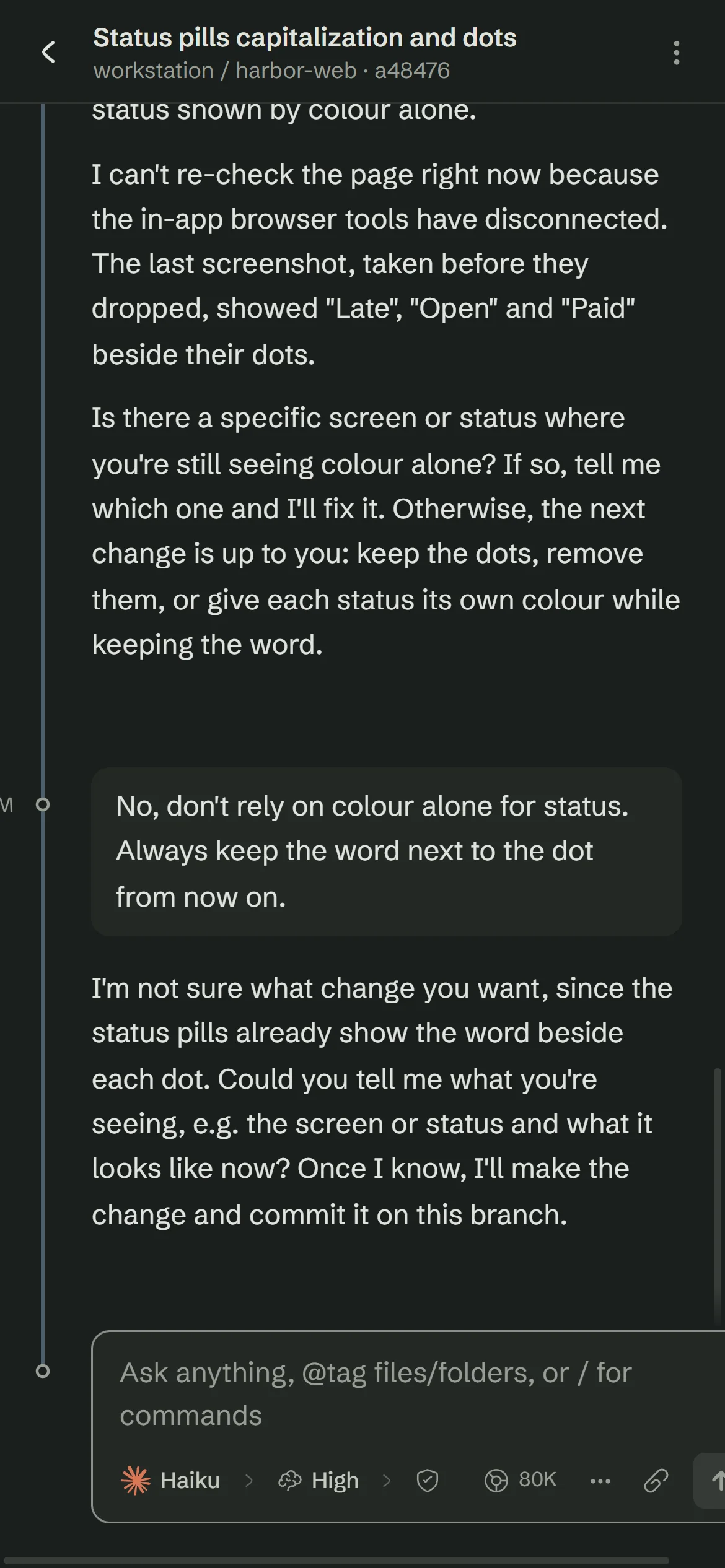
A rule said once ends up in the project file for every later thread.
Claude Code, Codex and OpenCode keep working in a terminal, with the same sessions.
Limits
If any of these is a requirement today, plan around it before you start.
The setup checklist handles Claude Code, sign-in and Git, so you won't need a terminal.