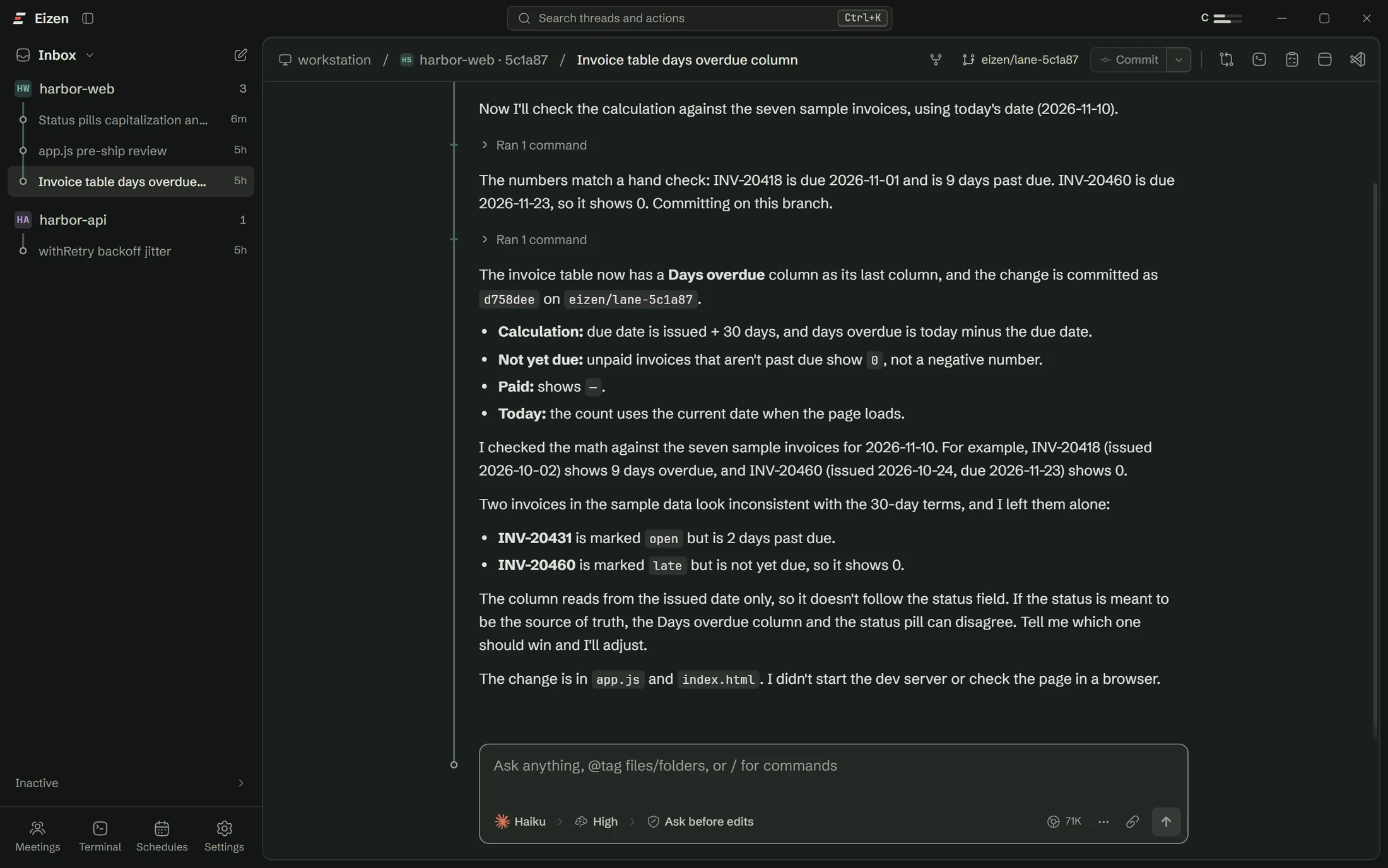
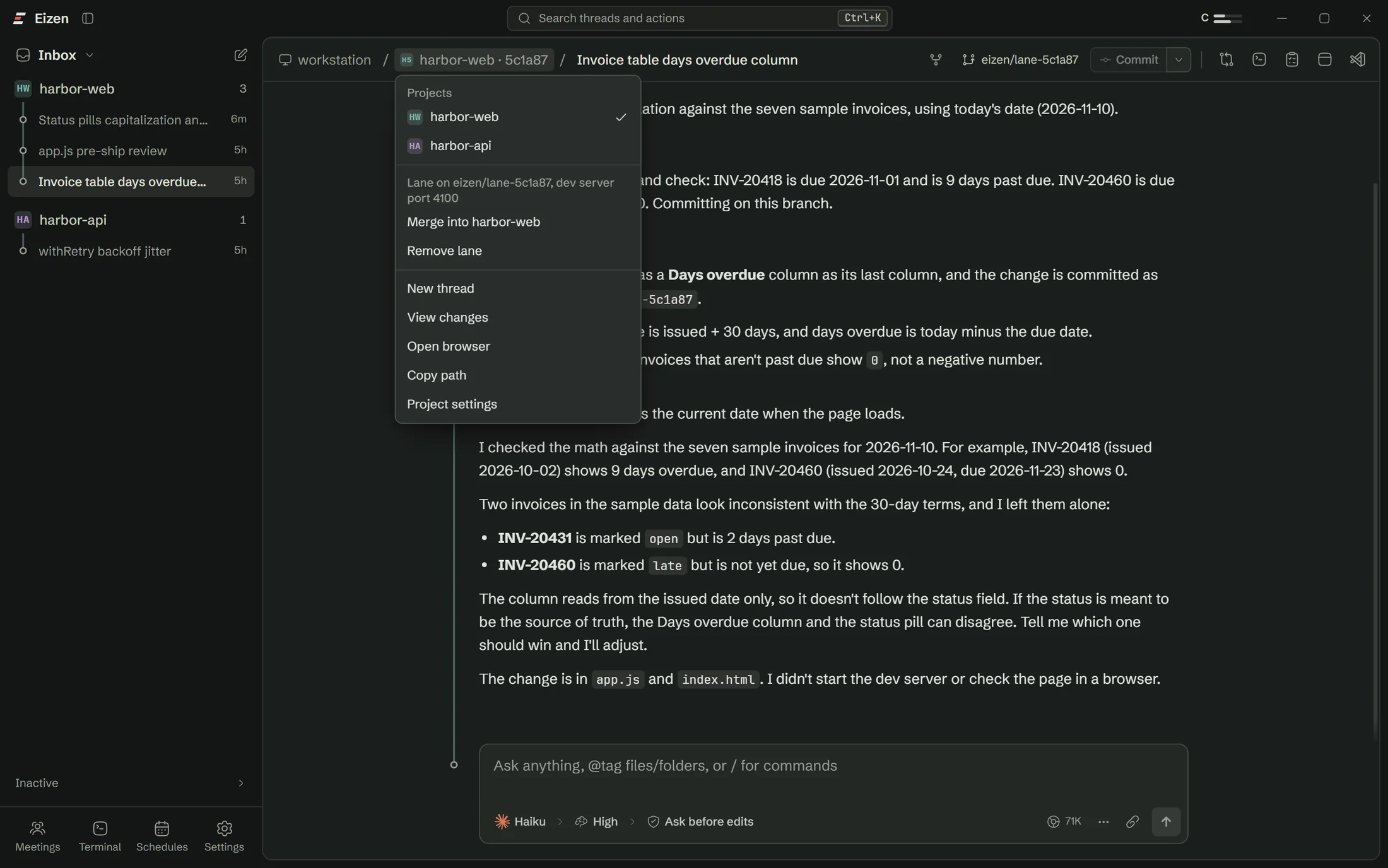
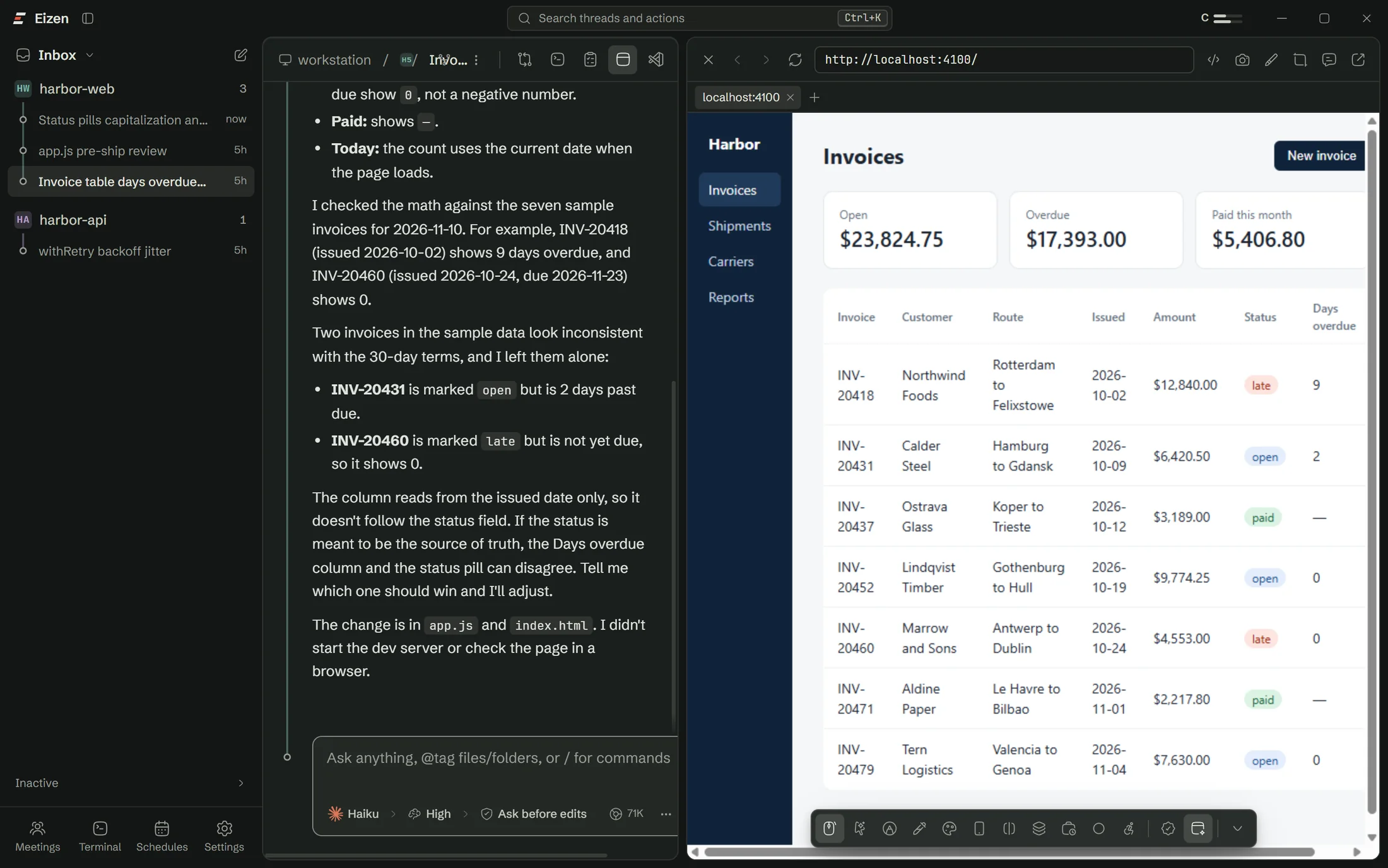
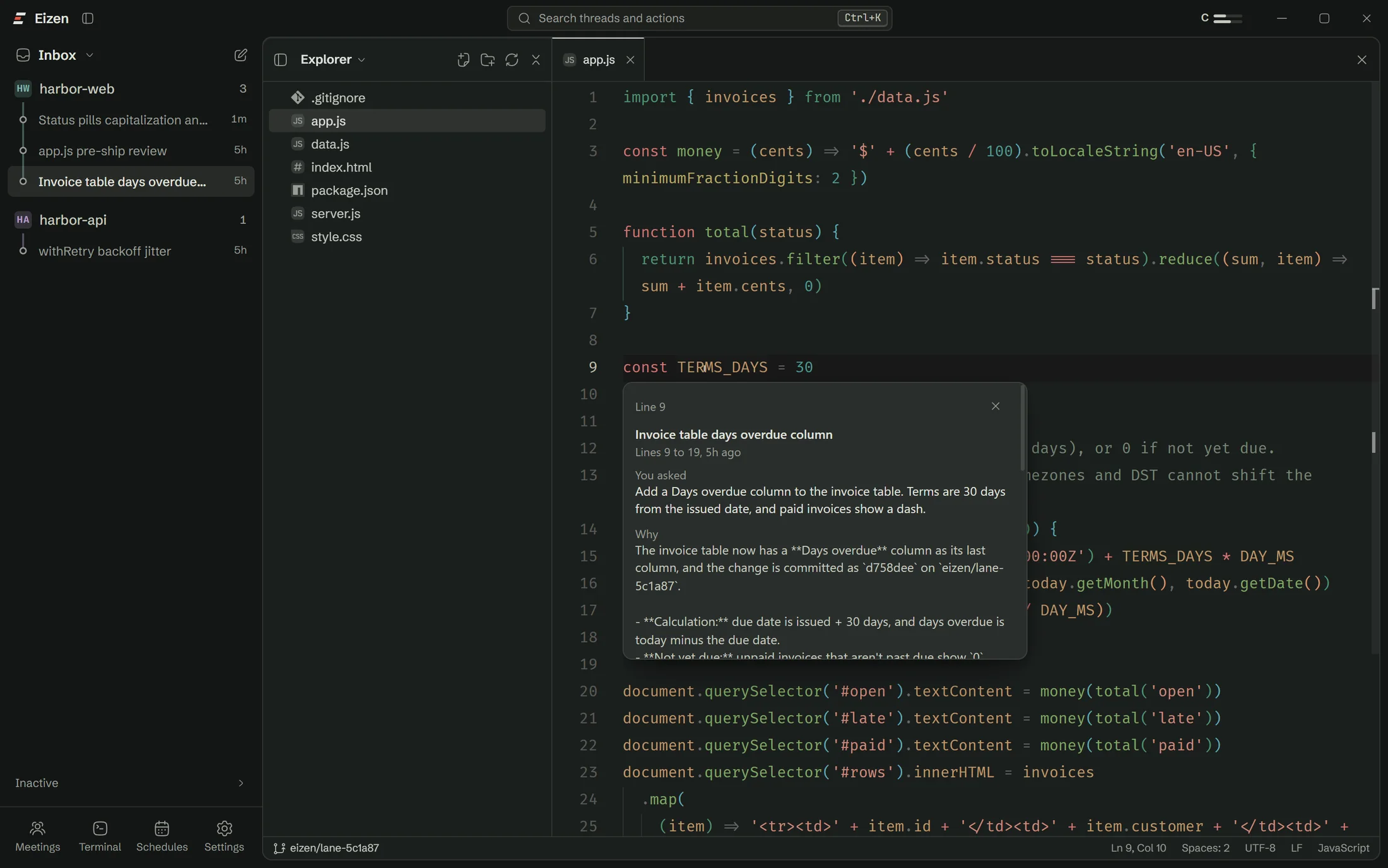


Meetings
Decisions from the meeting, already in a thread
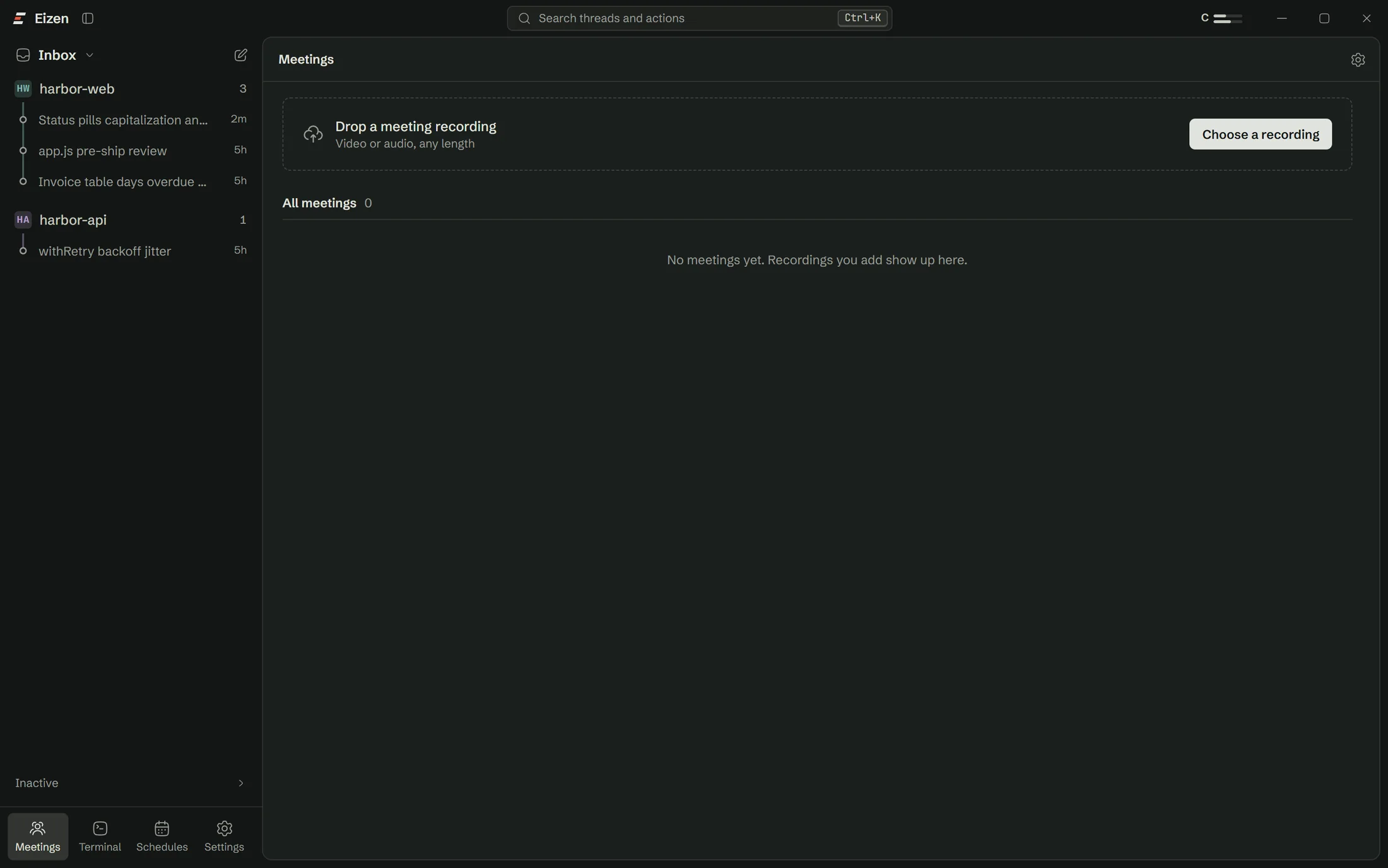
Drop in a recording of any length. Eizen transcribes it on your computer, works out who said what and opens a thread where Claude summarises it and you can ask questions.
How it runs
Four steps, three of them local
1. Extract
Pulls out the audio. For video it also keeps the frames where the screen changes, such as slides.
2. Transcribe
Runs Whisper or Parakeet on your machine, using the GPU when there is one.
3. Tell speakers apart
Separates voices and recognises the ones you have named before.
4. Open a thread
Claude gets the transcript and frames, and writes the summary.
While it runs
From a recording to a thread you can question
Progress shows on each meeting as it moves through the steps. When it finishes, the thread is waiting with a summary and you can ask for the action items.
A sample transcript
Named speakers, in order, with times
The transcript is plain text in the meeting folder, so an agent can read it and so can you.
- 00:41MayaThe overdue number on the invoice page is wrong for anything on 60-day terms.
- 01:02TomaszTerms are per customer now, so it needs to read them from the account.
- 01:15MayaCan we also get the CSV out before Friday? Finance keeps asking.
- 01:24TomaszThat one is small. I'll give it to an agent this afternoon.
Sample conversation. The people are made up.
Privacy
The audio stays on your computer
Only the transcript and the screen frames reach Claude.
| Where it goes | |
|---|---|
| Audio | Stays on this computer |
| Transcript | Sent to Claude for the summary and your questions |
| Screen frames | Sent to Claude when the recording is a video |
| Voice profiles | Kept on this computer, under names you give them |
Set-up
The speech engine is a separate download
It downloads the first time you ask for it, and every Eizen install on the computer shares it.
Models include Whisper and NVIDIA Parakeet, and a Bangla fine-tune of Whisper.
Open a lane on the repo you were going to work on anyway
The setup checklist handles Claude Code, sign-in and Git, so you won't need a terminal.