
Tour
Threads, diffs, terminals and a browser in one window
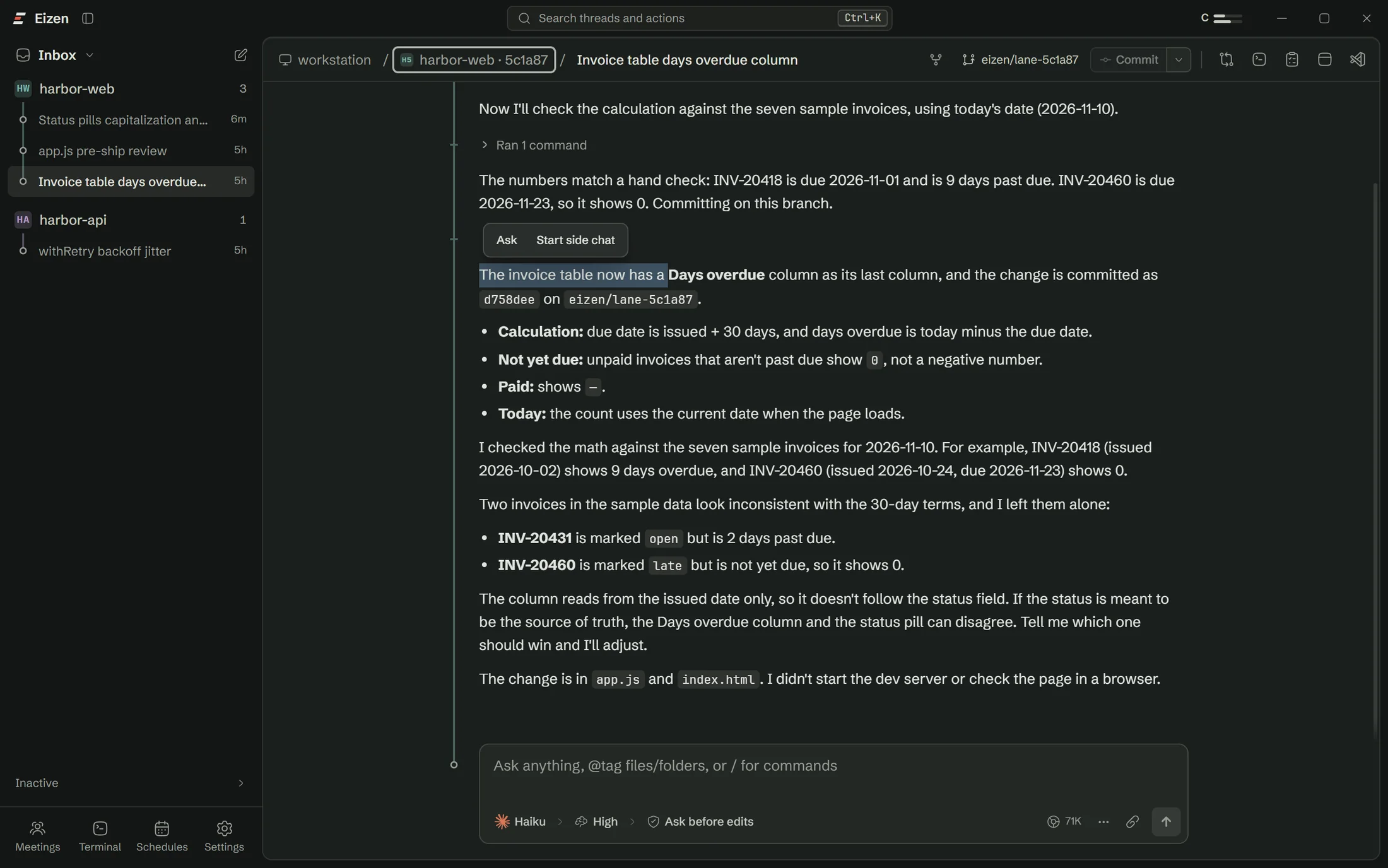
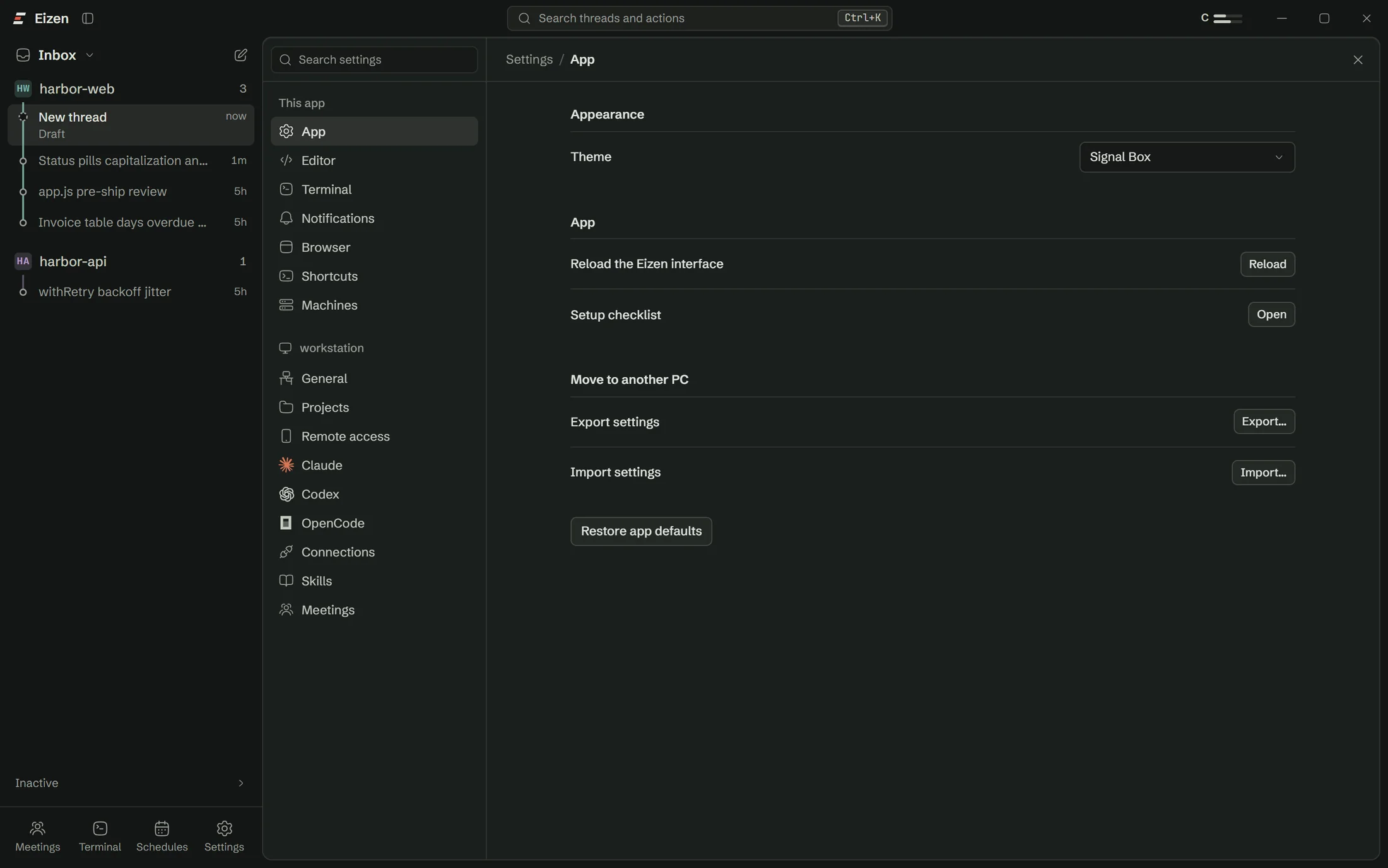
Move over the dots to see what each part of the window does.
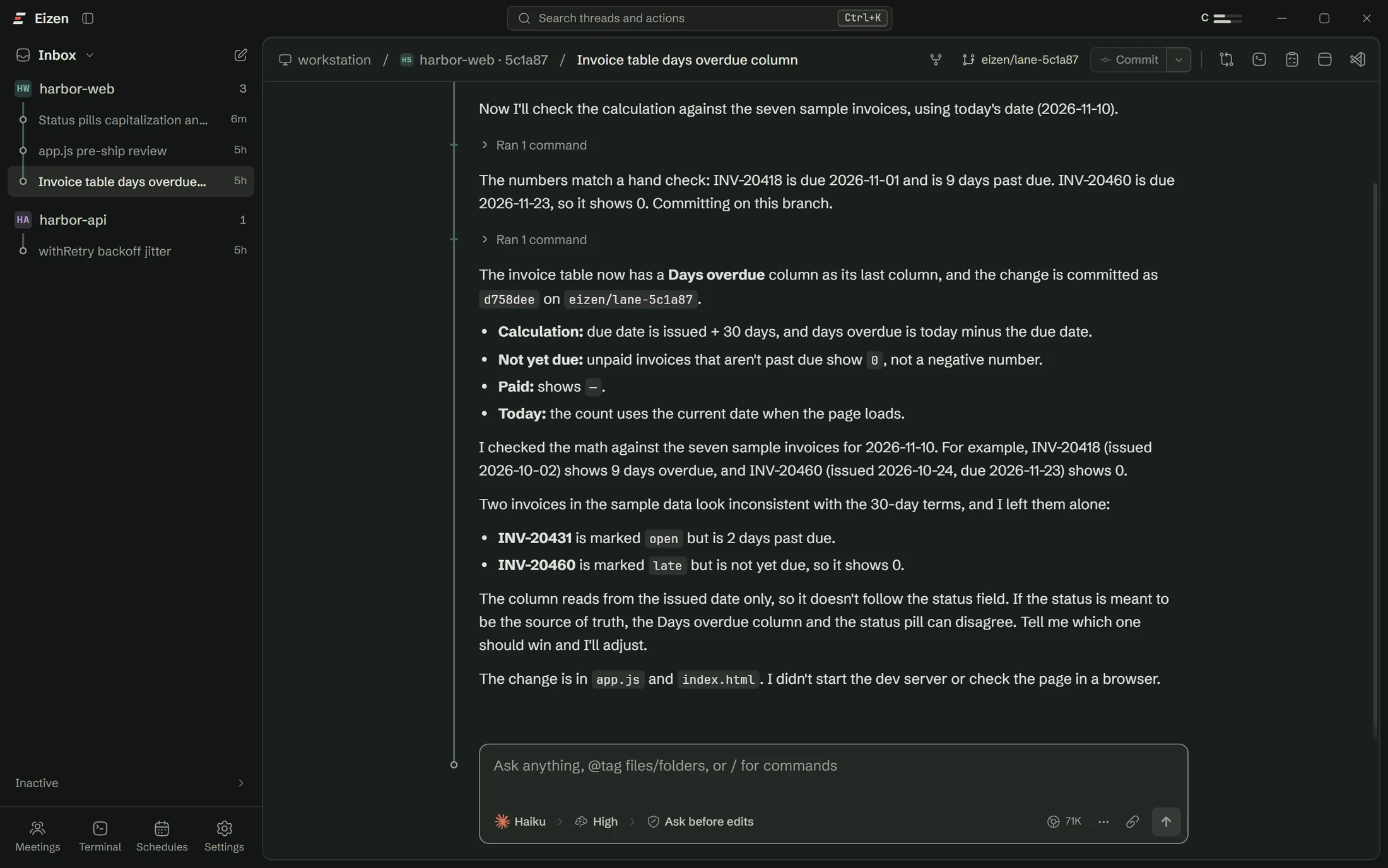
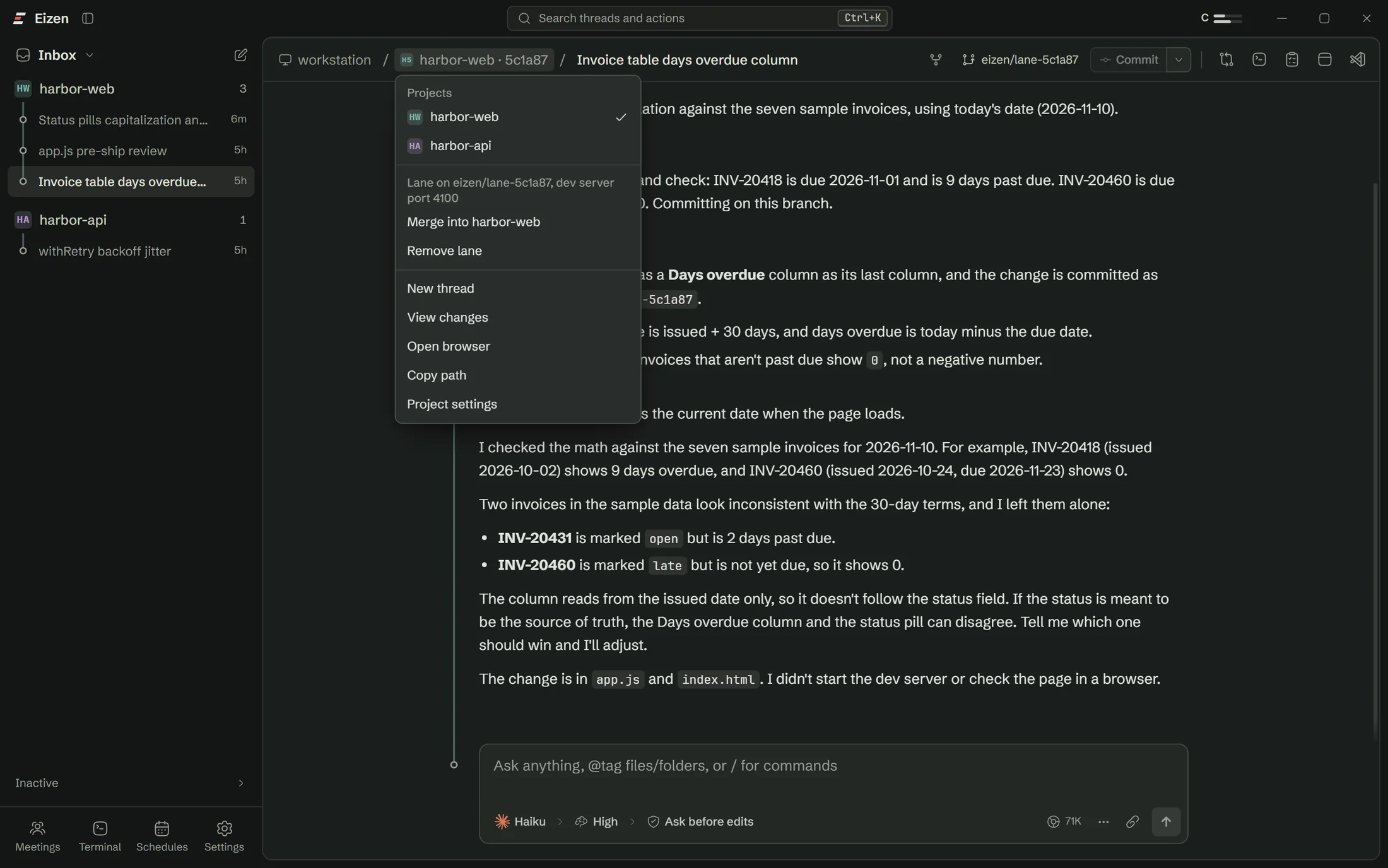
- Threads with lamps. Blue is working, amber is waiting for you, green has finished.
- Breadcrumb menus. Click the computer, project or thread to jump to another one or act on it.
- Git, in the header. Branch, commit, and the state of GitHub Actions.
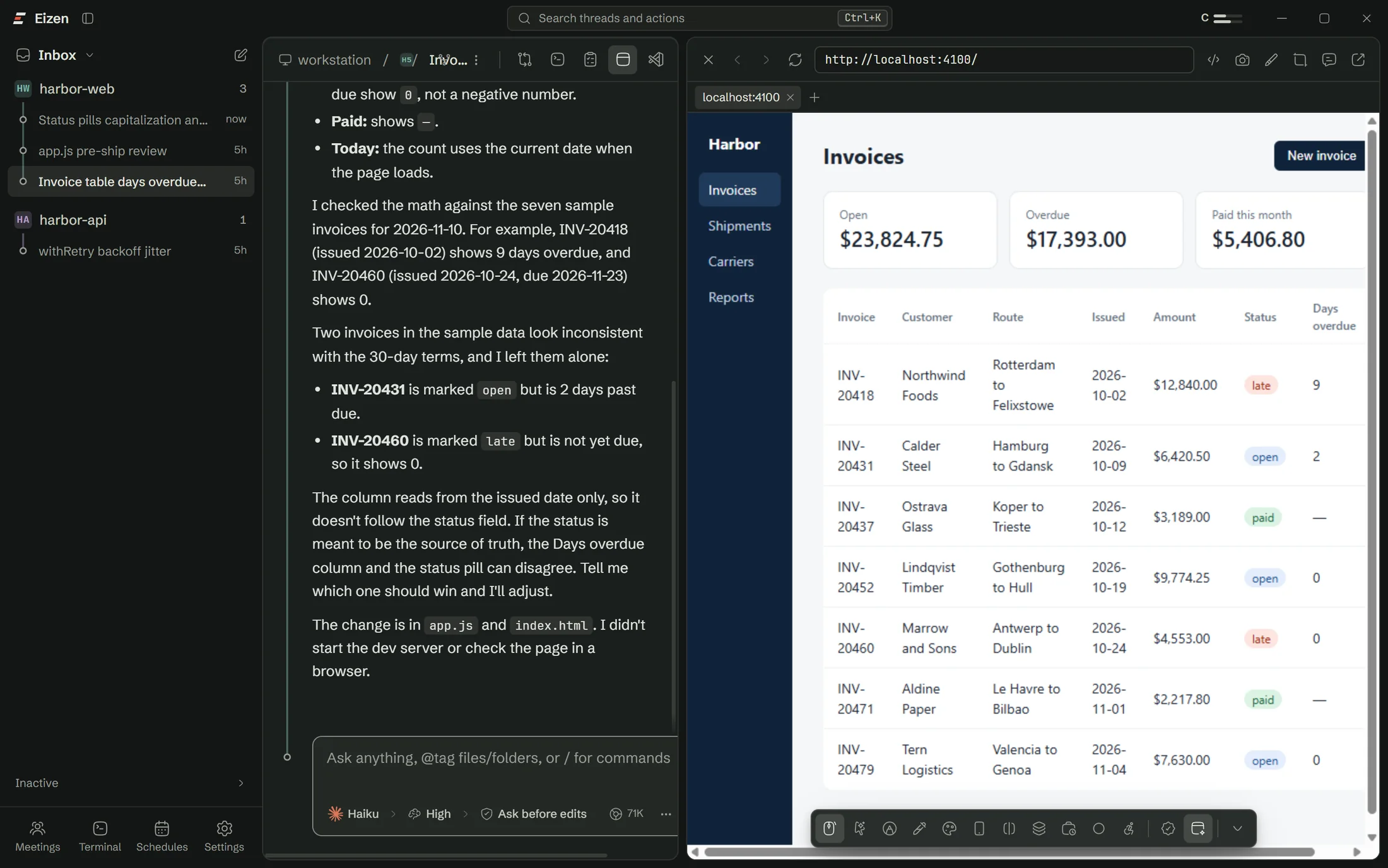
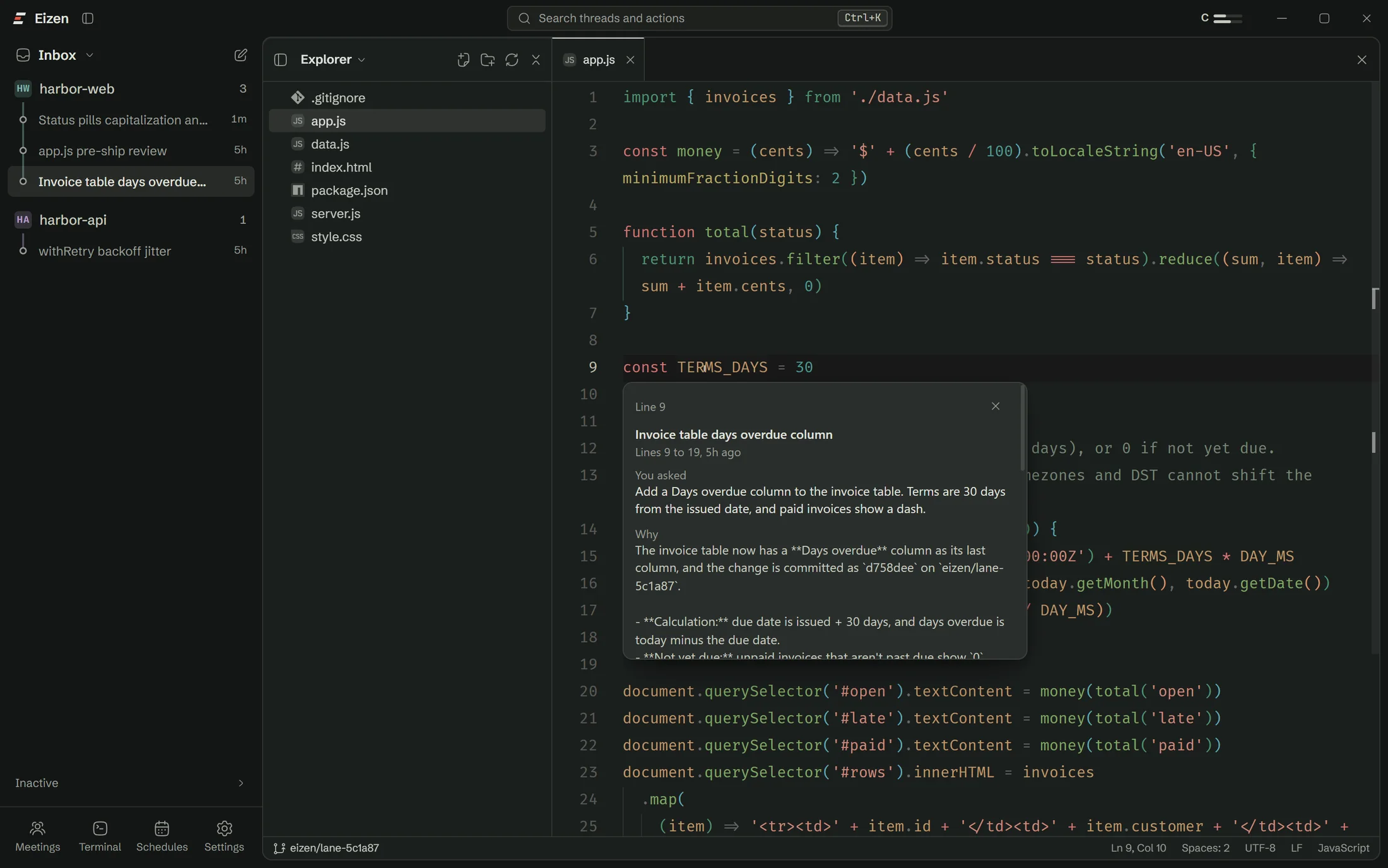
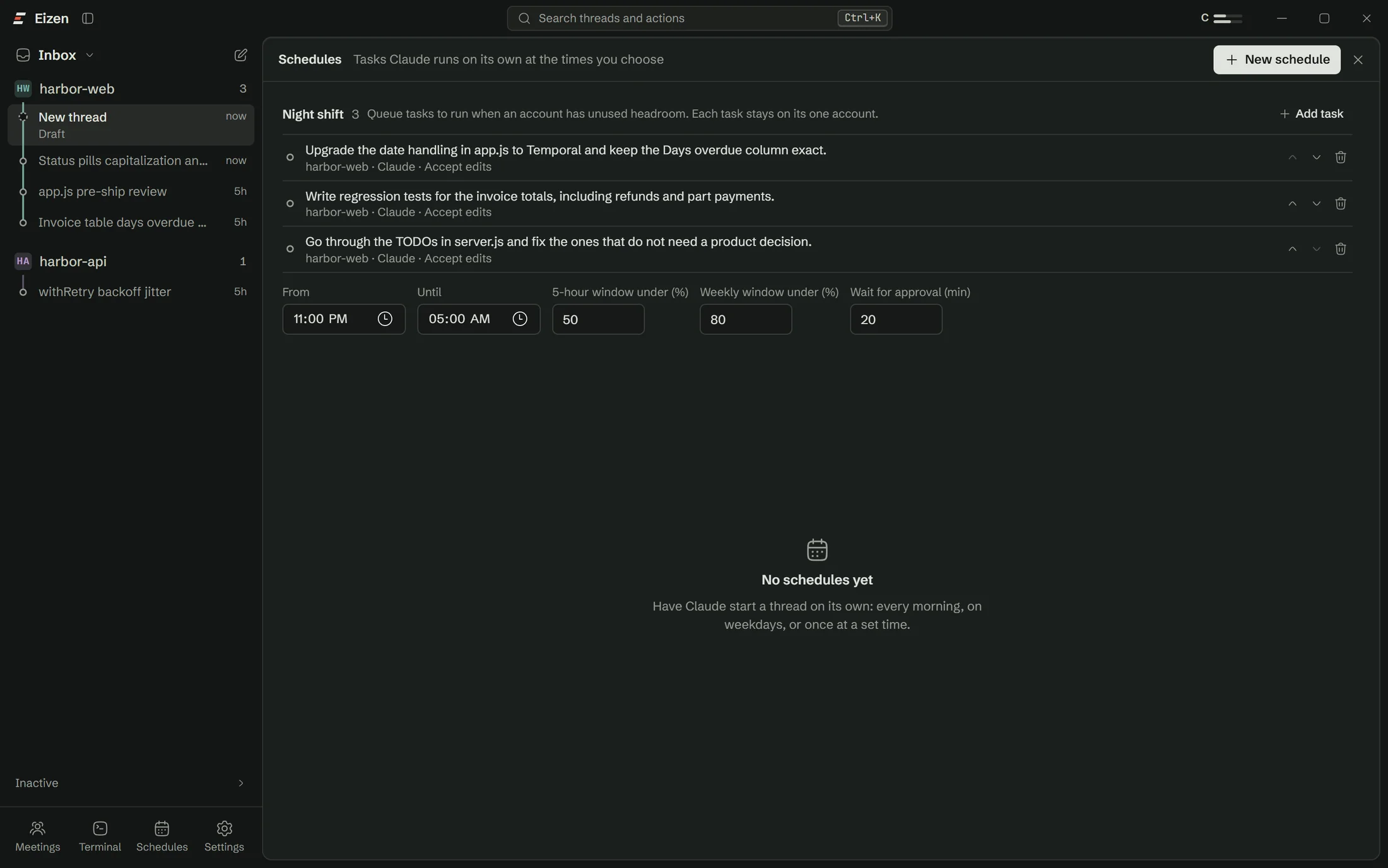
- Panels. Diff, tasks, browser, terminal and editor each open beside the thread.
- The composer. Account, model, effort and permission mode, always in sight.
- Account meters. How much of each usage window every account has left.
Composer
Steer a running agent or queue the next message
While an agent works, Enter sends your message straight in or holds it for the end of the turn, whichever you set as the default. Ctrl+Enter does the other one.
- @ finds files and folders in the project.
- / lists the commands the agent knows.
- Paste or drop images and files.
- Select text in the thread and ask about it, or branch a side chat from there.
Usage
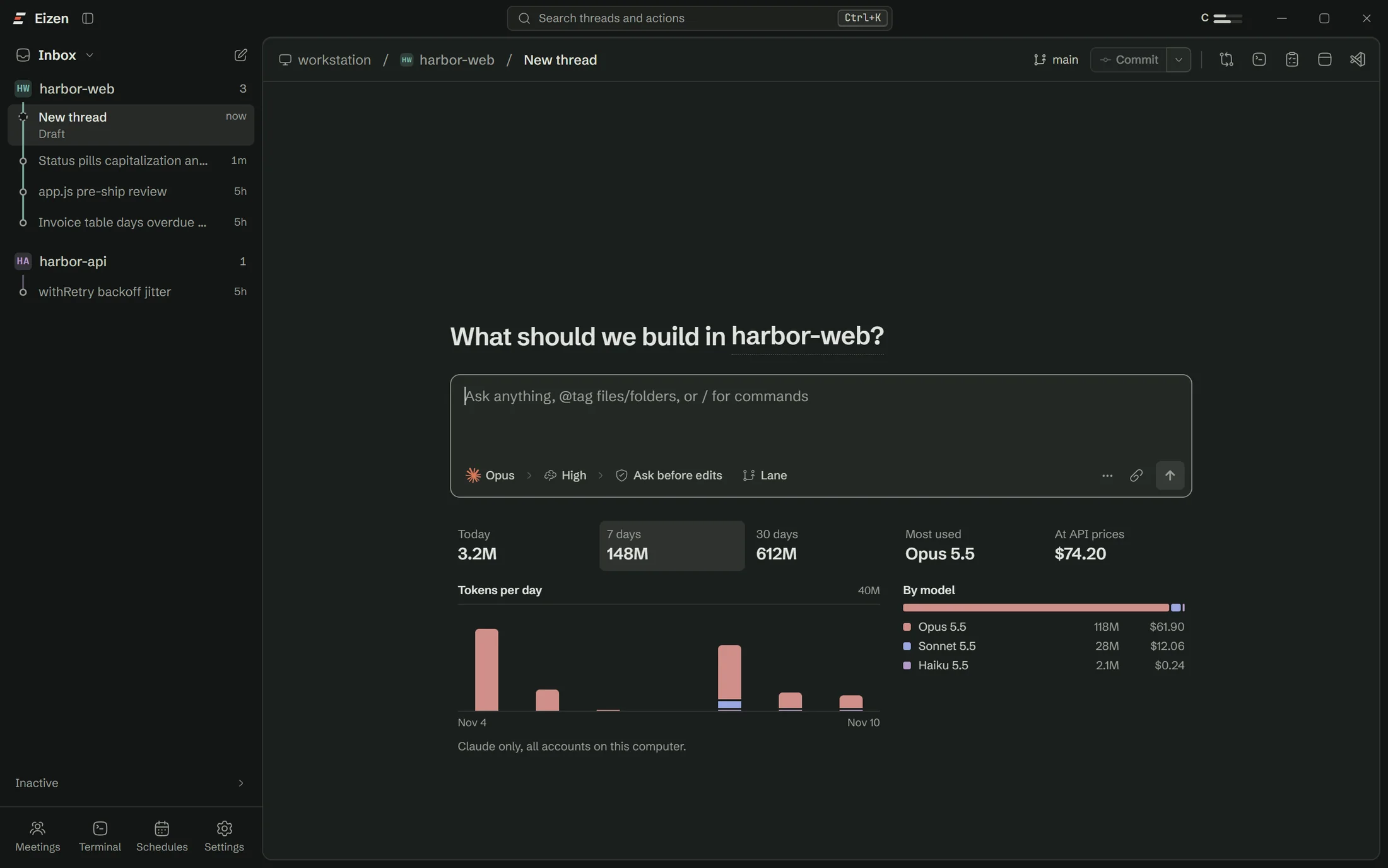
See what each model and each agent used
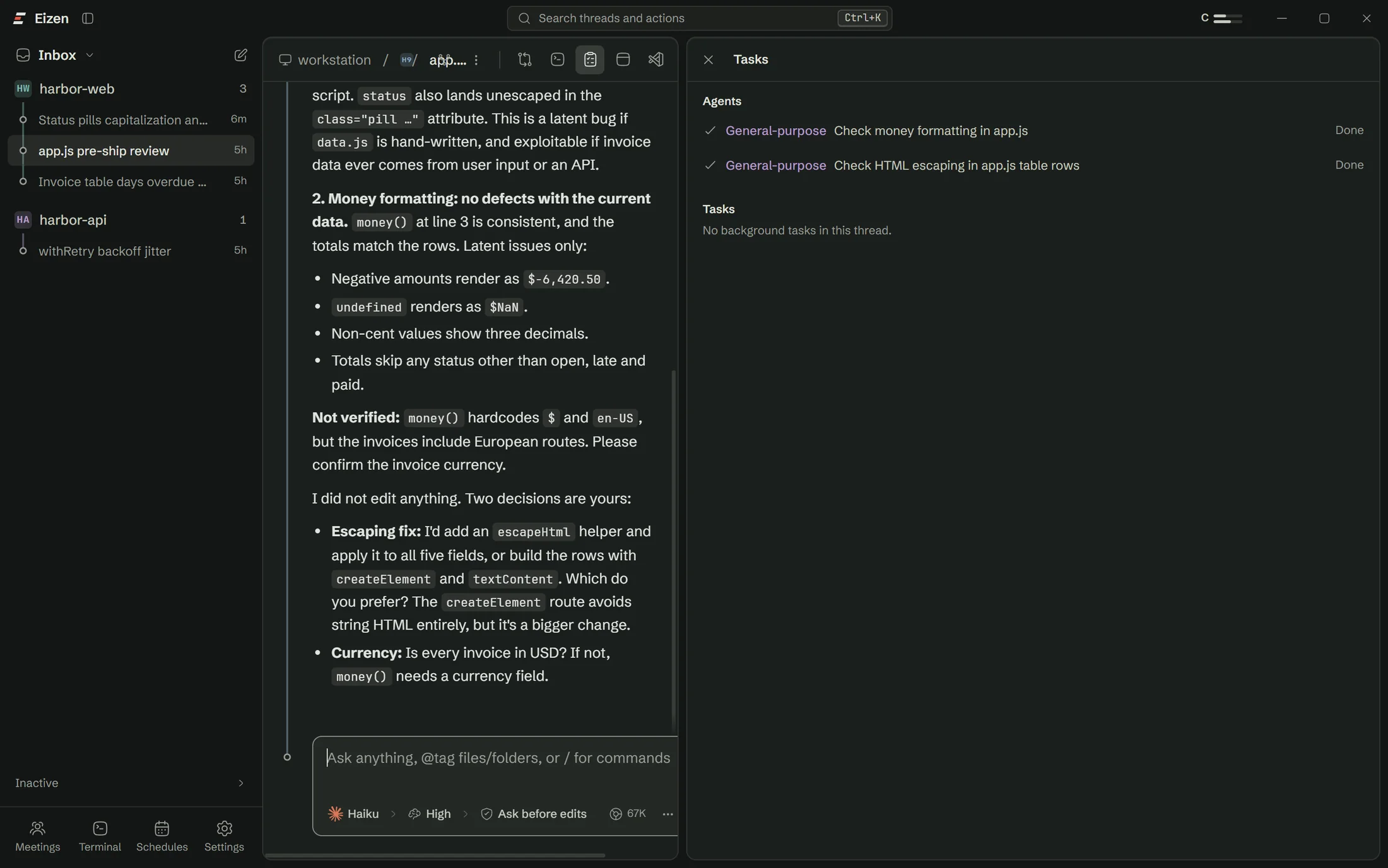
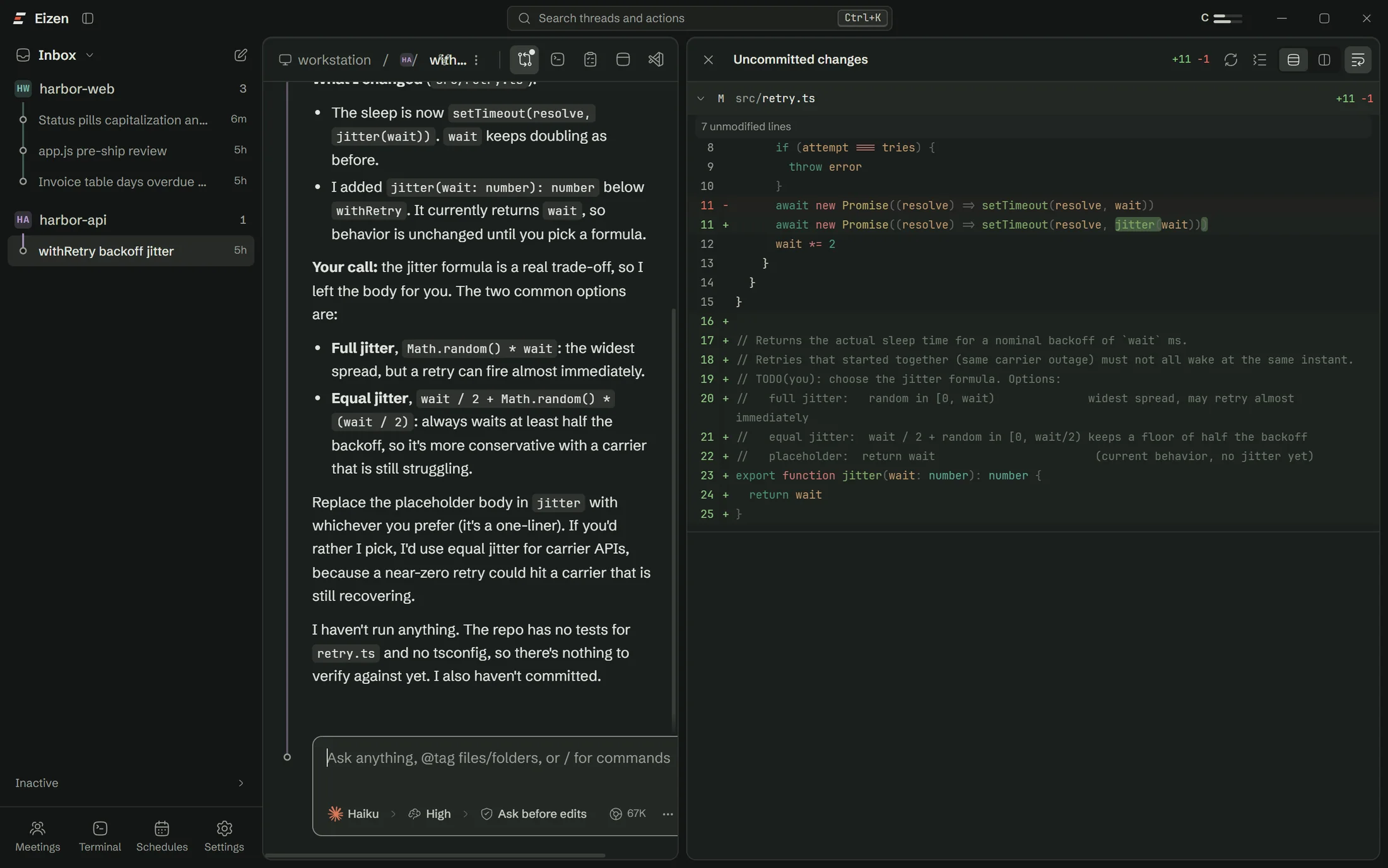
The new-thread screen shows tokens for today, 7 days and 30 days, your most used model and what those tokens would cost at API prices. The Tasks panel breaks a thread down by sub agent.
Panels
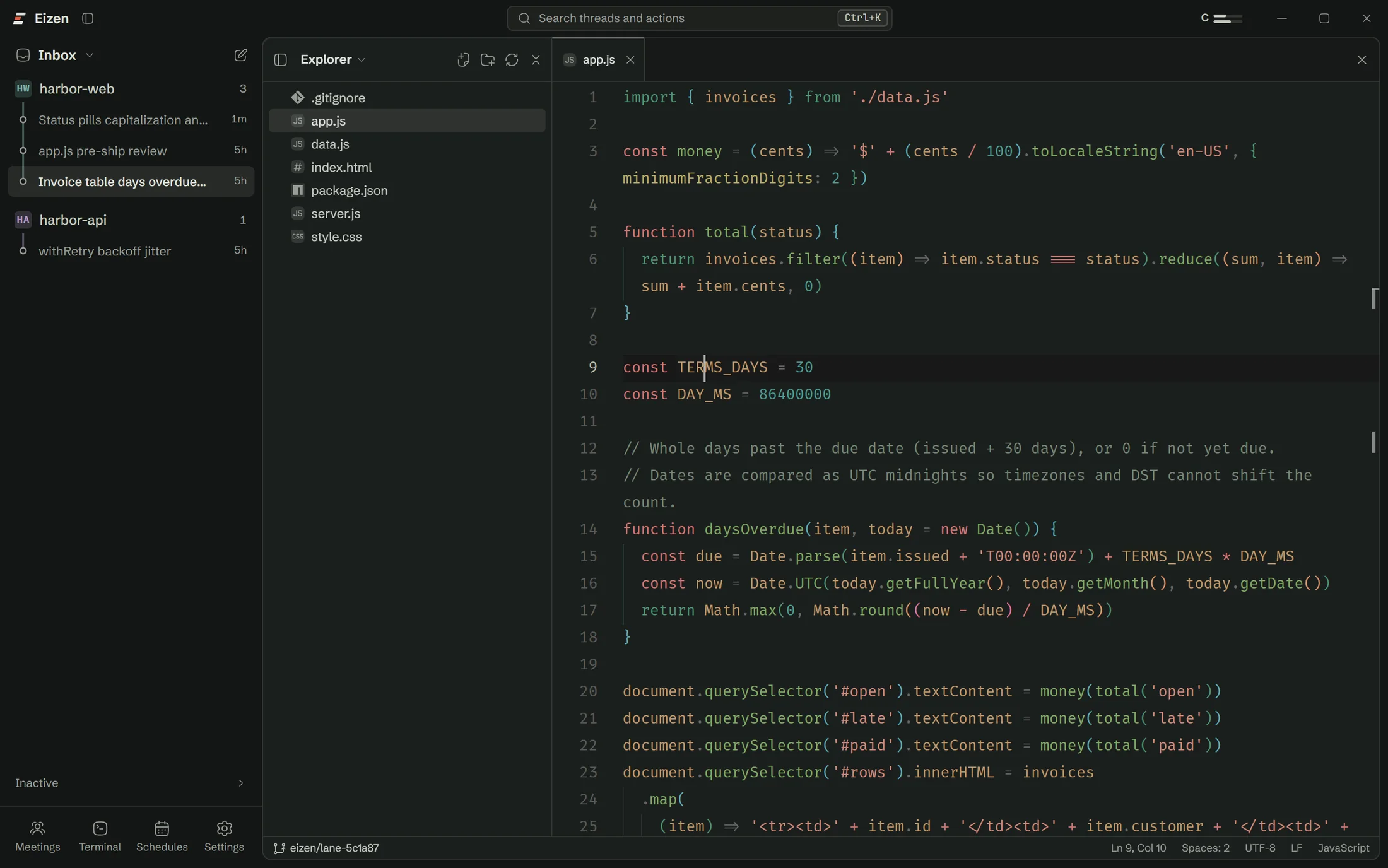
Everything opens beside the thread
Git
Commit, branch and open the pull request from here
The usual git work stays in the window, including the parts people go to GitHub for.
Commit
Commit with your own message, or have one written from the diff.
Branches
Switch, create and delete. A merge preview lists what would conflict.
Pull requests
Write the title and body from the branch, then open it.
GitHub Actions
A spinner in the header follows the runs on your branch.
Repositories
Projects with several checkouts get one view of all of them.
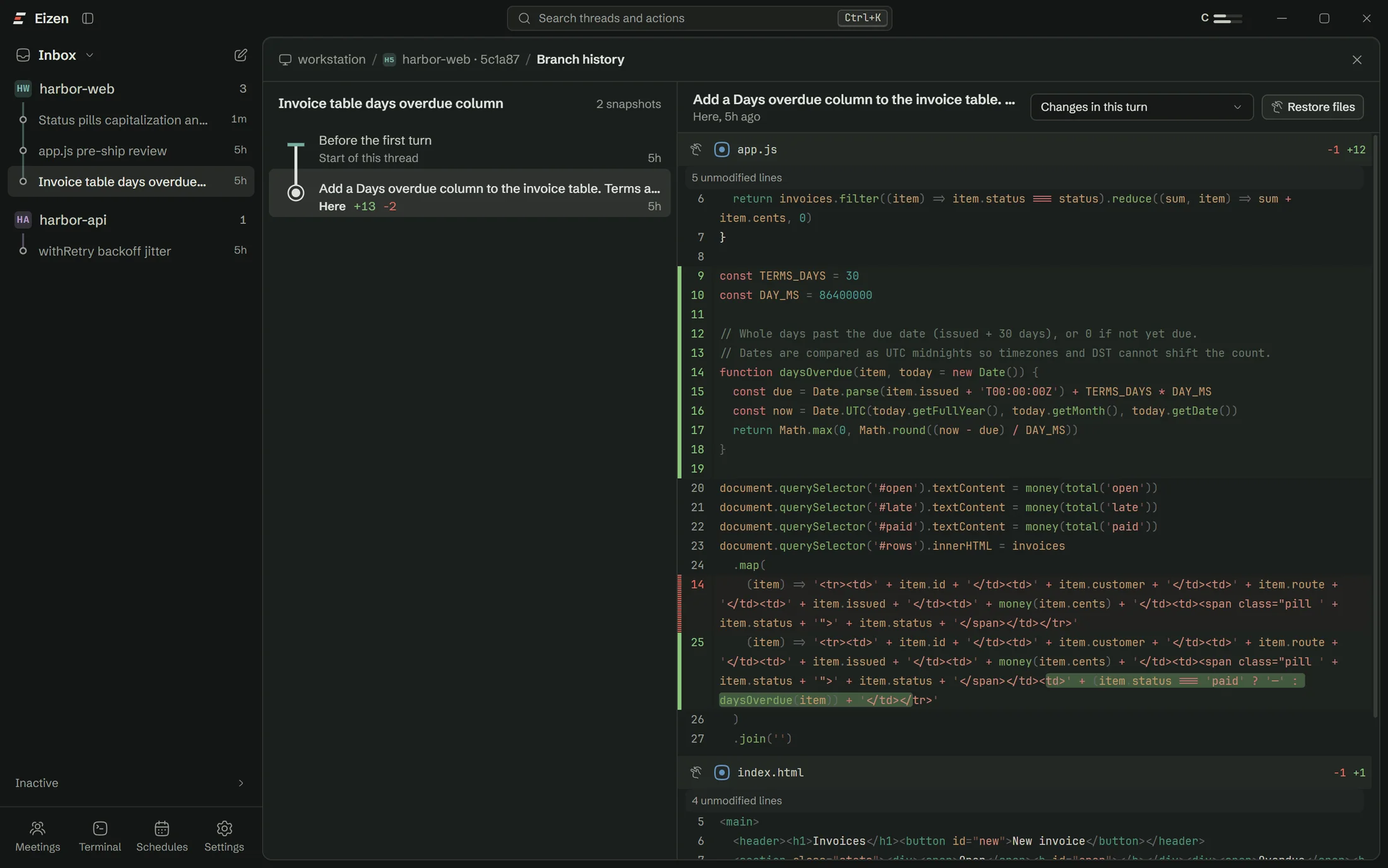
Branch history
A snapshot after every turn, kept outside your repository.
Accounts
Keep work and personal plans side by side
Add every Claude account you pay for and pick one per thread. The meters at the top show what's left in each usage window. New threads can go to whichever account has the most room.
Relay can move a thread to another account at a limit. It's off by default, because rotating between personal accounts may conflict with a plan's terms.
Built-in guide
Ask the app how the app works
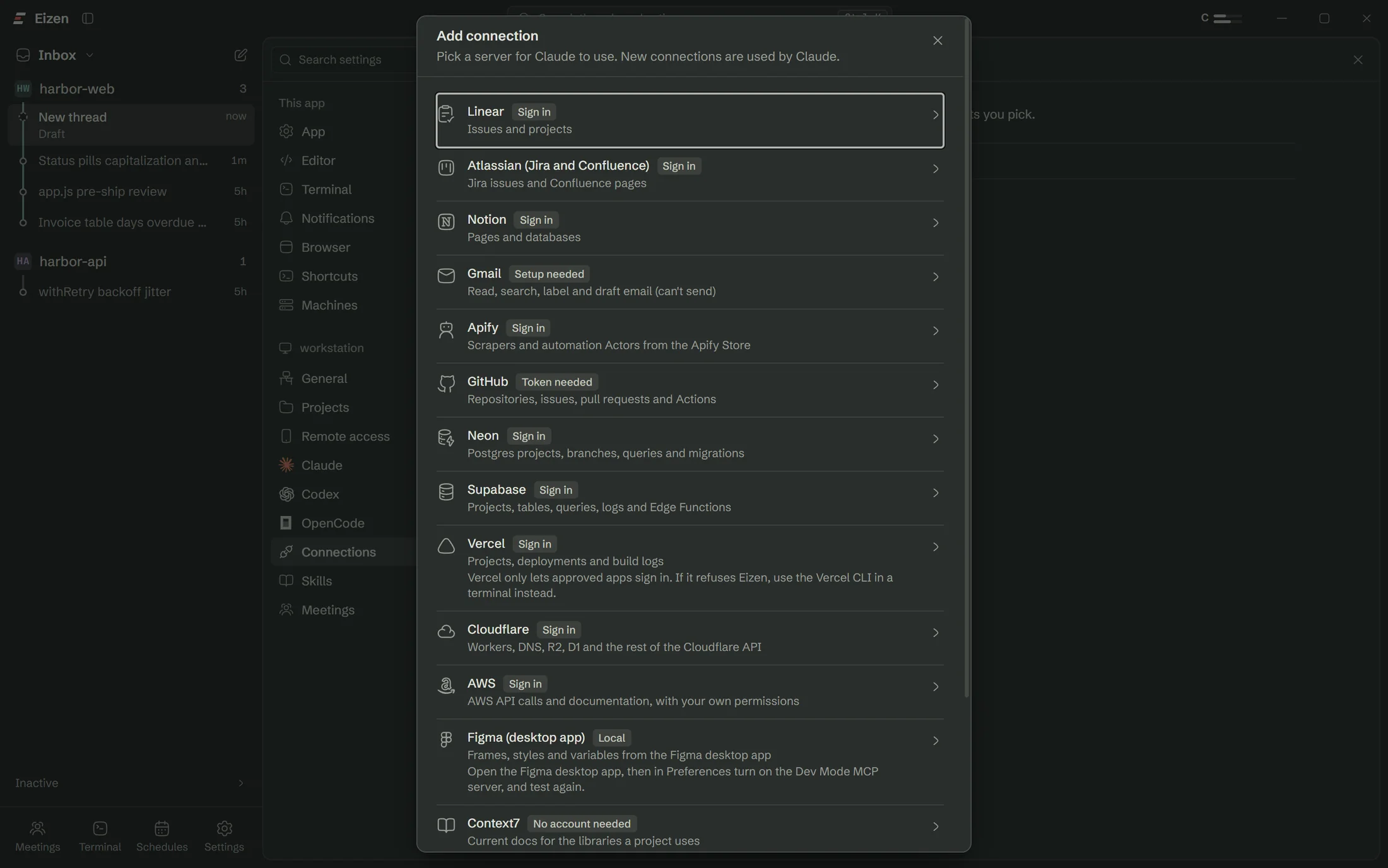
Eizen ships with a user guide that the agent can read. Ask in any thread how to add an account or where the logs live, and it answers from the guide using the labels you see on screen.
Open a lane on the repo you were going to work on anyway
The setup checklist handles Claude Code, sign-in and Git, so you won't need a terminal.