

Security
Know exactly what stays and what leaves
Eizen has no account system and no server of its own in the path between you and your model provider.
The boundary
What crosses it
Two kinds of traffic leave your computer in normal use. Everything inside the line stays there.
Stays on this computer
Local by default
| What | Where | Notes |
|---|---|---|
| Threads | The same transcript files as the CLI | Your existing Claude history shows up in the app |
| Settings | Your Windows app data folder | Never includes tokens |
| Connection tokens | An encrypted file | Encrypted for your Windows user |
| Branch history | A snapshot store outside your repository | Has a storage limit you set |
| Line origins | A local database | Lasts after snapshots are cleared |
| Meeting audio | Your disk | Transcribed locally |
Leaves this computer
Only what you send
Each of these happens because you set it up. Eizen itself sends no analytics.
| What | Goes to | When |
|---|---|---|
| Prompts and the code an agent reads | The model provider you chose | Every turn, as with the CLI |
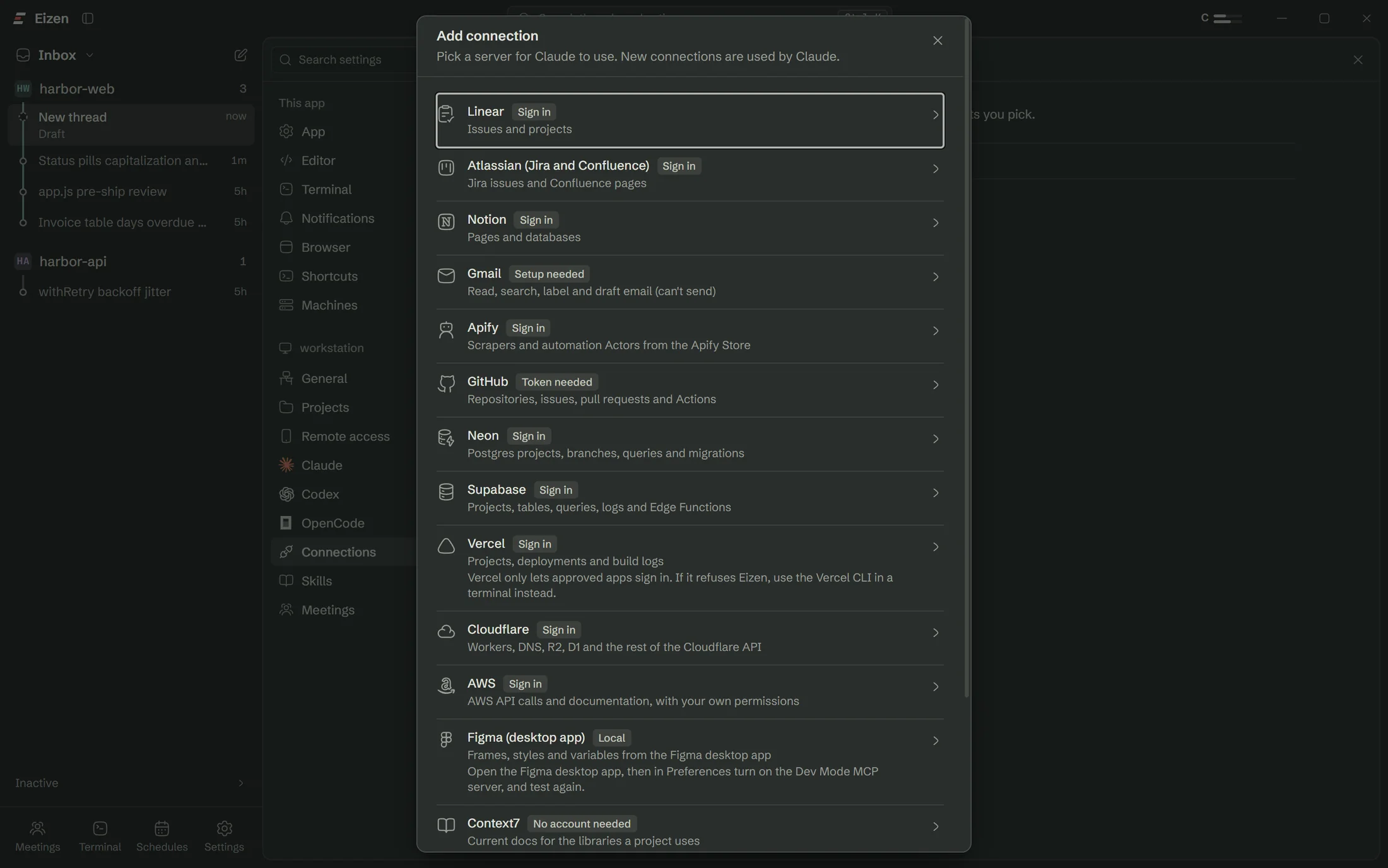
| Tool calls | Each connected MCP service | When the agent uses that connection |
| Meeting transcript and frames | Claude | When a meeting finishes processing |
| Remote access traffic | Your own Cloudflare Tunnel | Only if you turn it on |
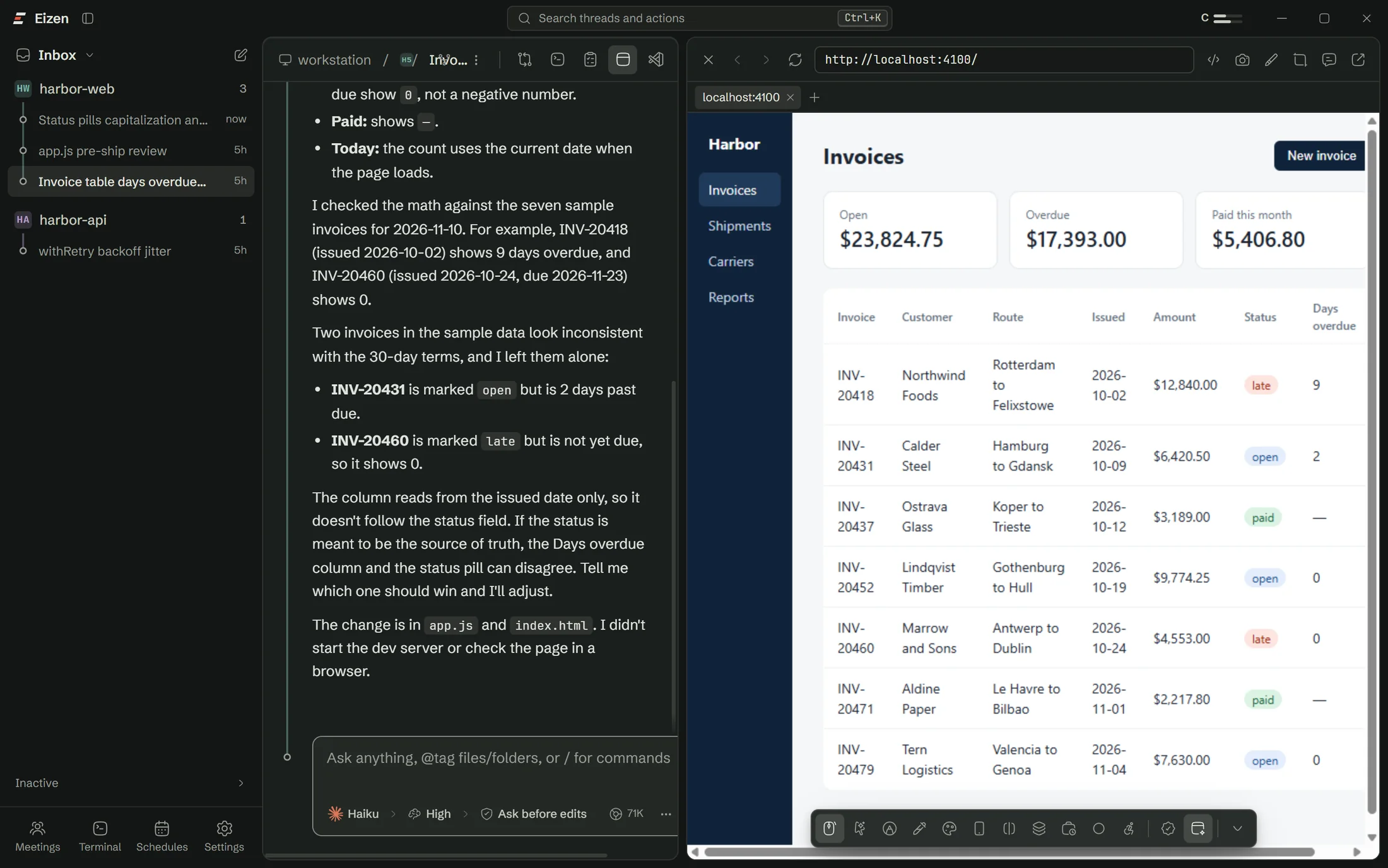
| A dev server, to a reviewer | Whoever holds the review link | Only if you create one |
| Phone alerts | The ntfy topic you chose | Only with away mode on |
Approvals
You see the command before it runs
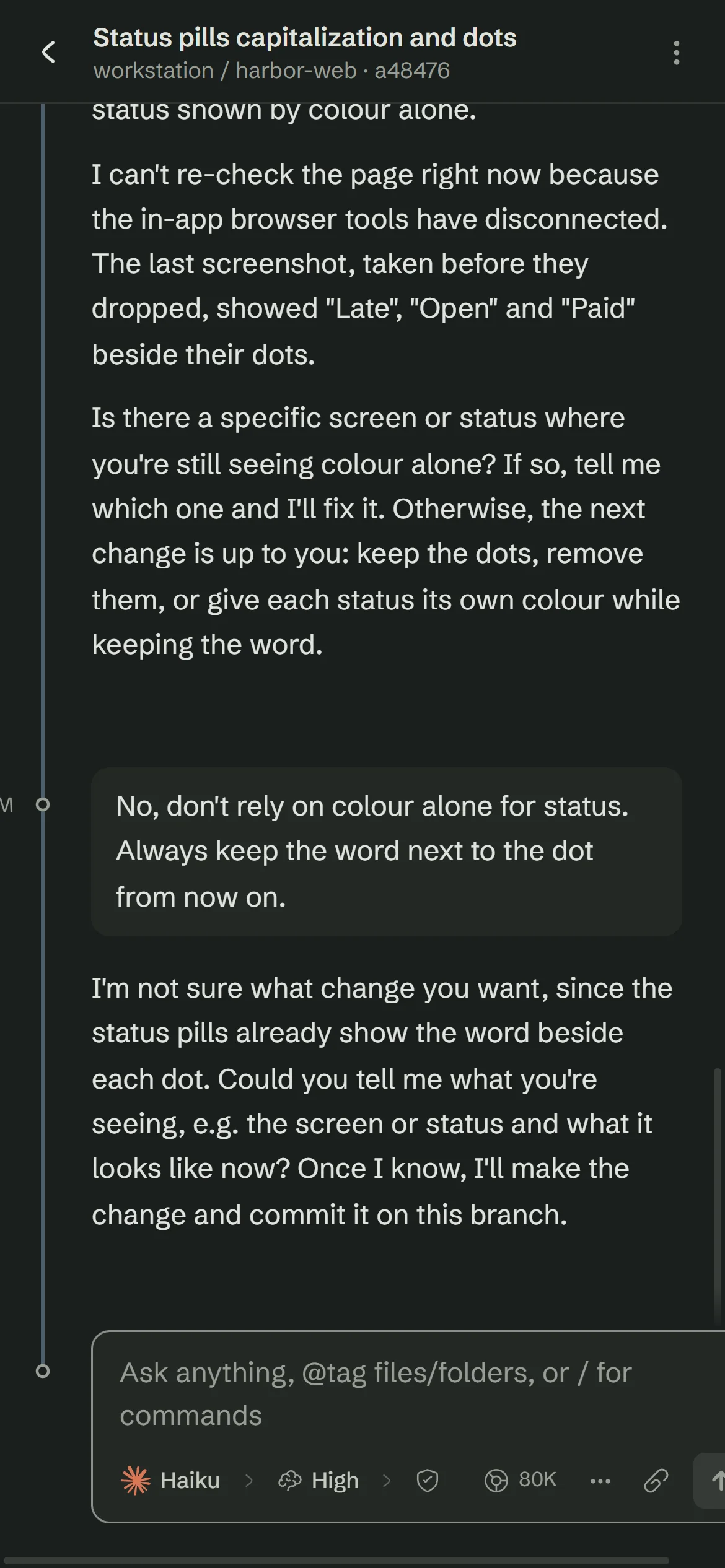
A prompt shows the exact command and, when it is risky, what it could do. With the safety net on, force pushes and recursive deletes still stop and ask in every mode.
Limiting the agent
Controls for what an agent may do
Permission modes
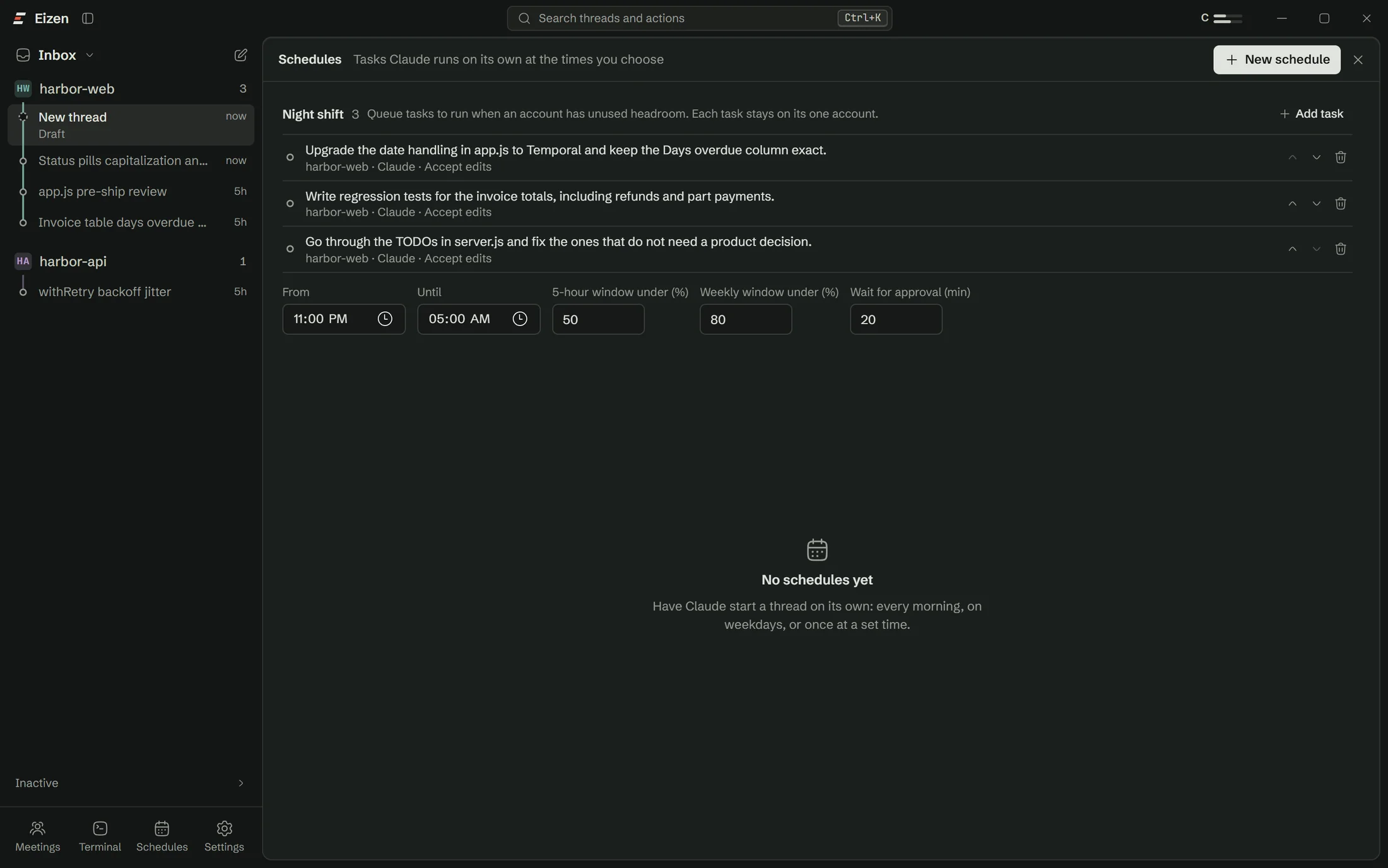
From asking before every edit to Bypass permissions, shown in the composer at all times.
Approvals
The exact command, and why it is risky when it is.
Risky command safety net
An optional setting that makes recursive deletes, force pushes and publishing stop and ask in every mode.
Learned rules
Requests you approve repeatedly are offered as rules. Risky commands are never offered.
Protected files
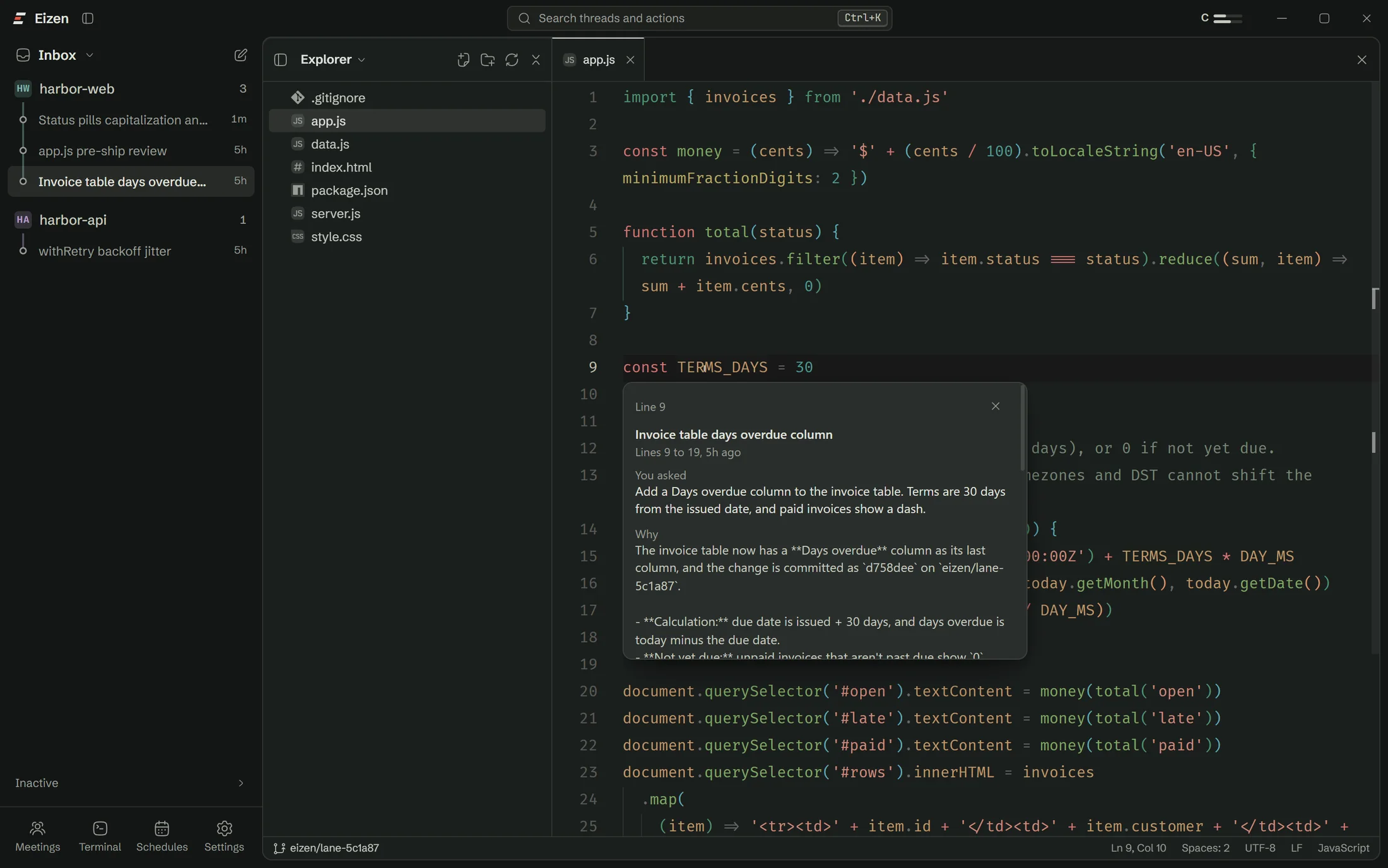
Patterns that agents can read and never edit, in Eizen or in the CLI.
Project checks
Your tests must pass before a turn that edited files can finish.
Remote access
Off until you turn it on
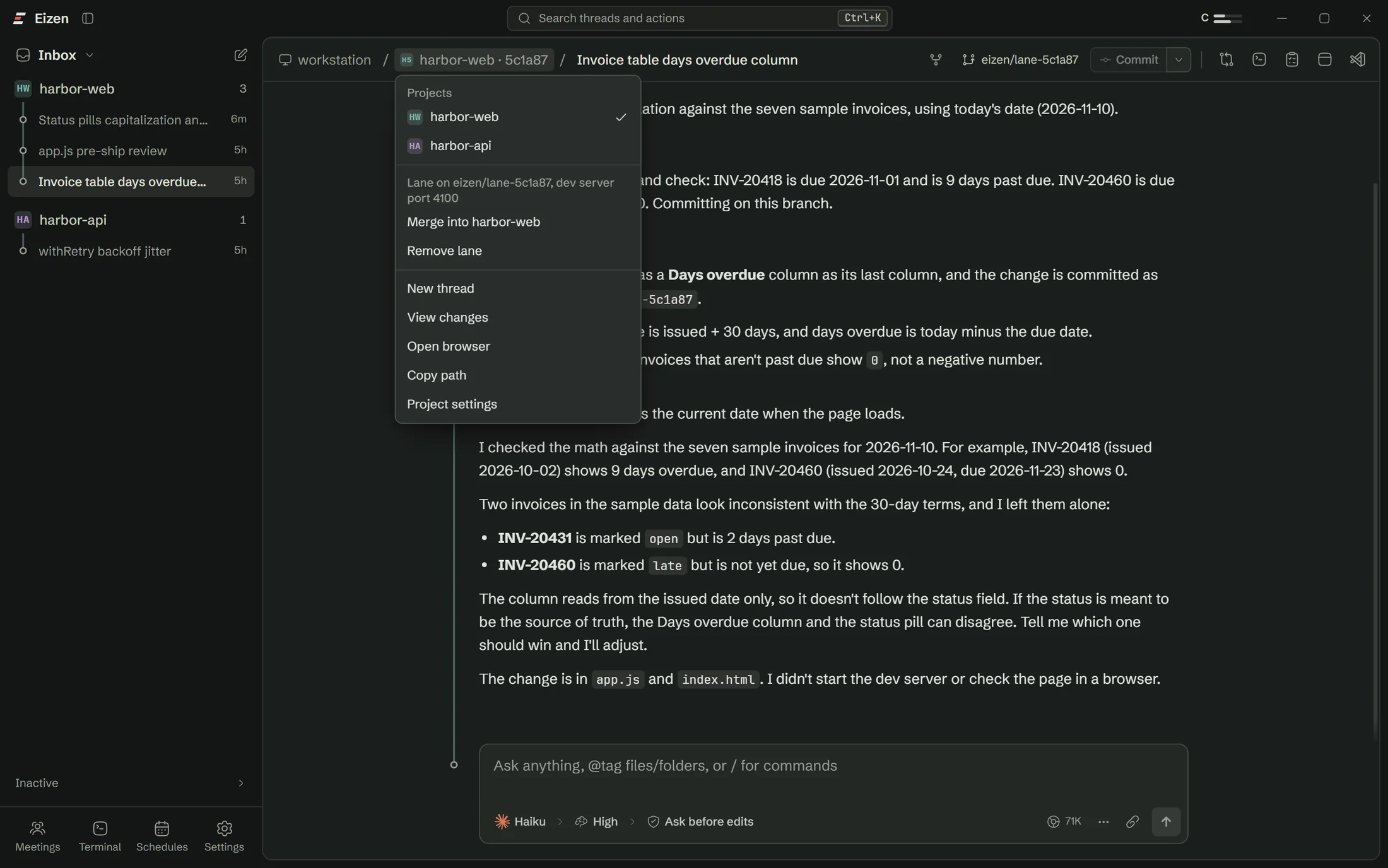
Devices pair with a one-time link and hold their own token. Unpairing cuts them off, including any forwarded connections.
- Review links use a random 128-bit token, stored hashed, for one port and one thread.
- Guests can reach nothing on the machine except that port.
- Comments are treated as untrusted and wait for you before reaching an agent.

Be careful with
The risks that come with the job
- Connections carry your access. A database or cloud connection gives the agent what you can do, so keep approvals on and stay away from production.
- Bypass permissions means what it says. Use it in a lane, with the safety net on.
- Web pages can contain instructions. Anything an agent reads may try to steer it. Review links hold outside comments for that reason.
Open a lane on the repo you were going to work on anyway
The setup checklist handles Claude Code, sign-in and Git, so you won't need a terminal.