
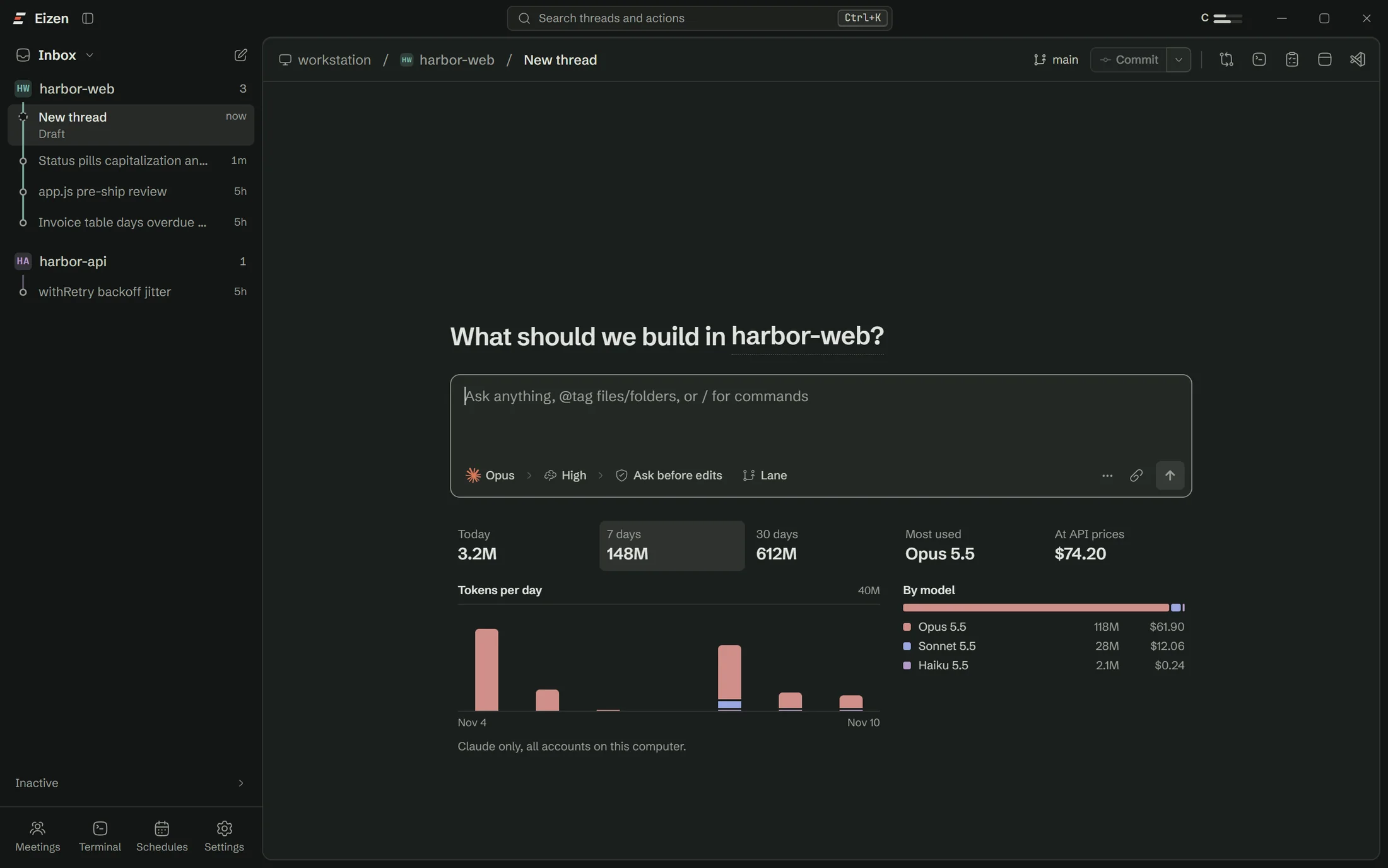
Press Lane and send
The Lane button sits next to the permission mode on a new thread and stays on until you press it again. The project folder must be the top of a git repository.

Lanes
Two agents in one folder read each other's half-finished edits, run each other's broken tests and fight over port 3000. A lane keeps them apart.
The map
Every lane has its own branch, folder and port. A merge that would conflict stops before anything changes.
How it works
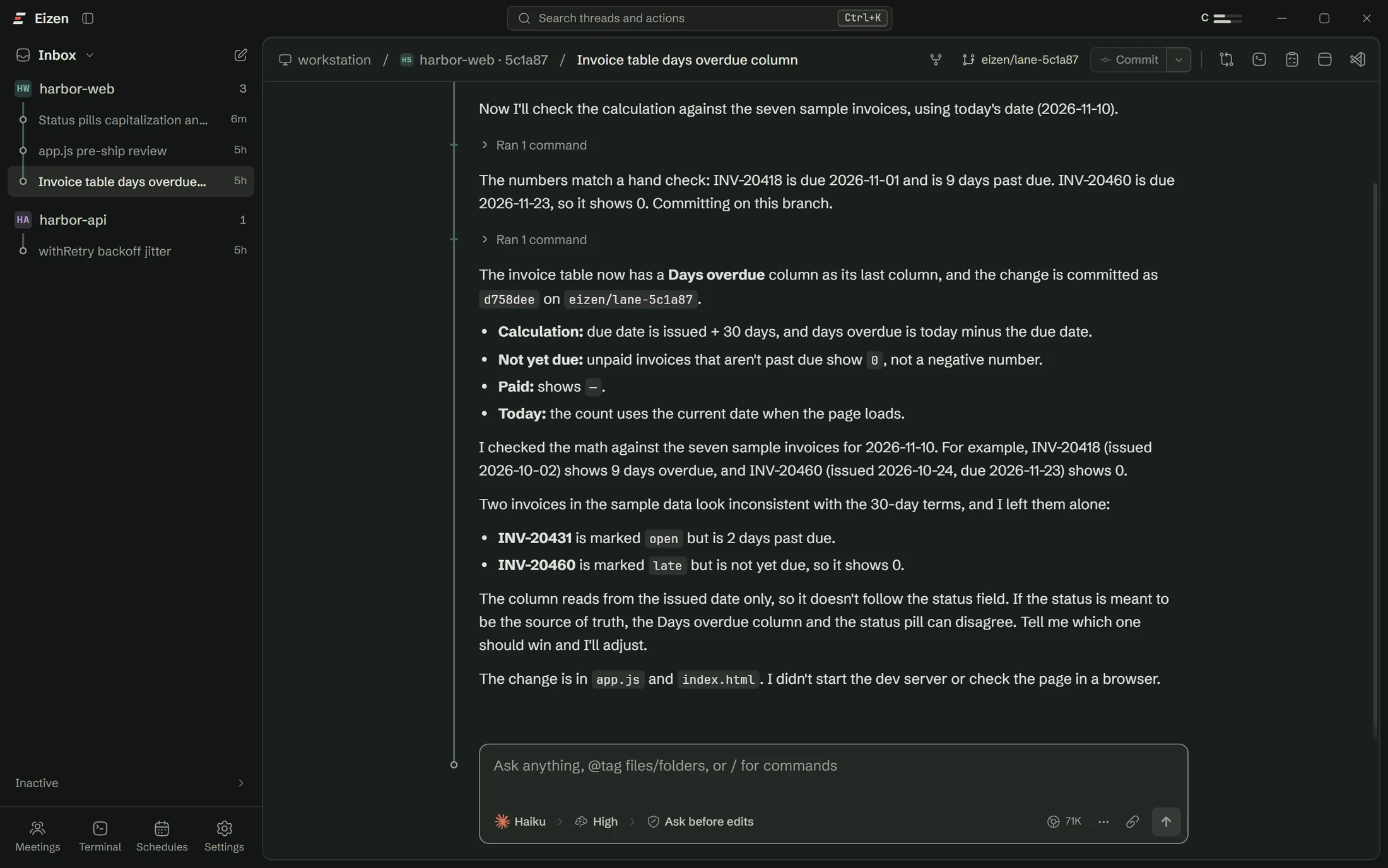
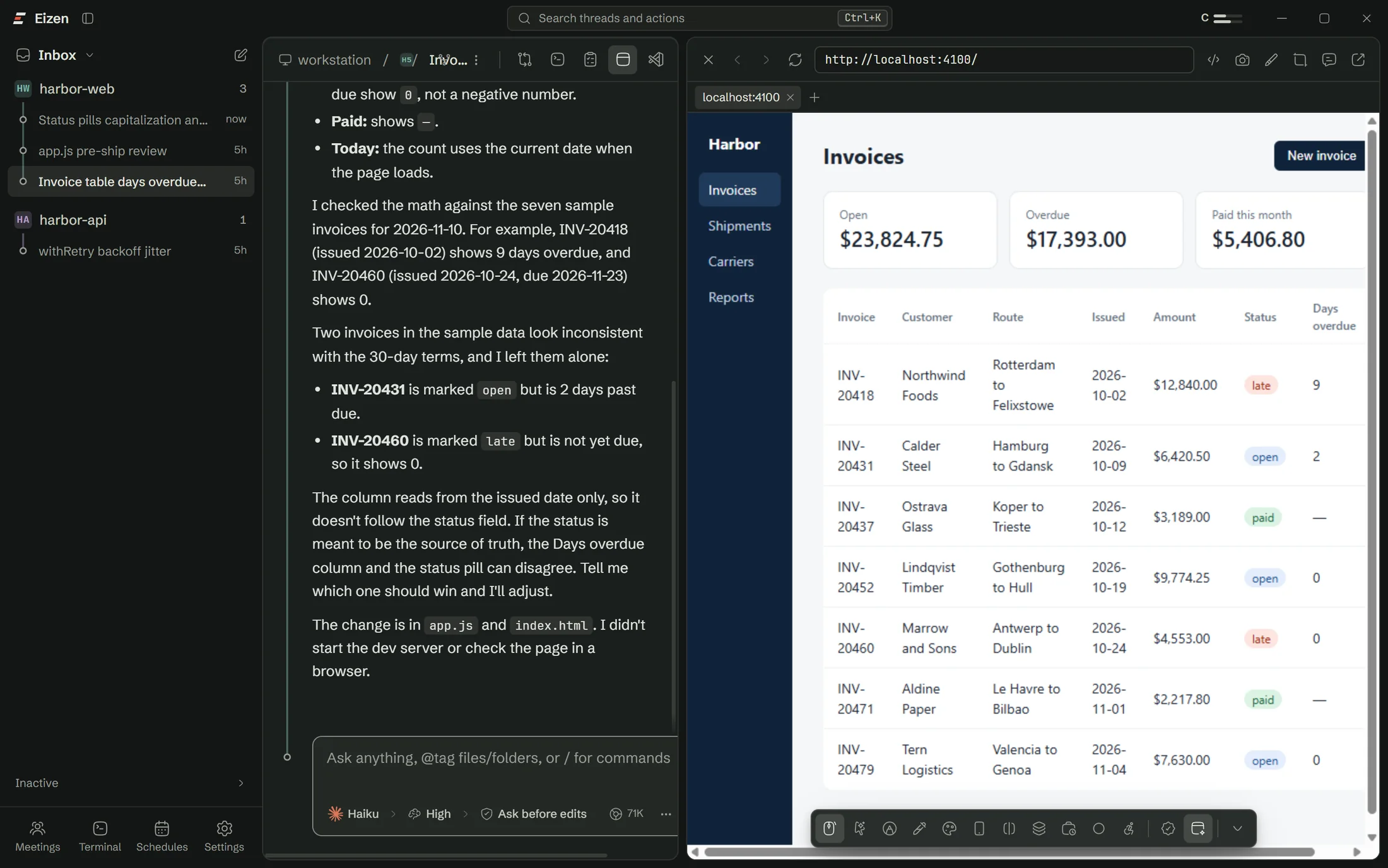
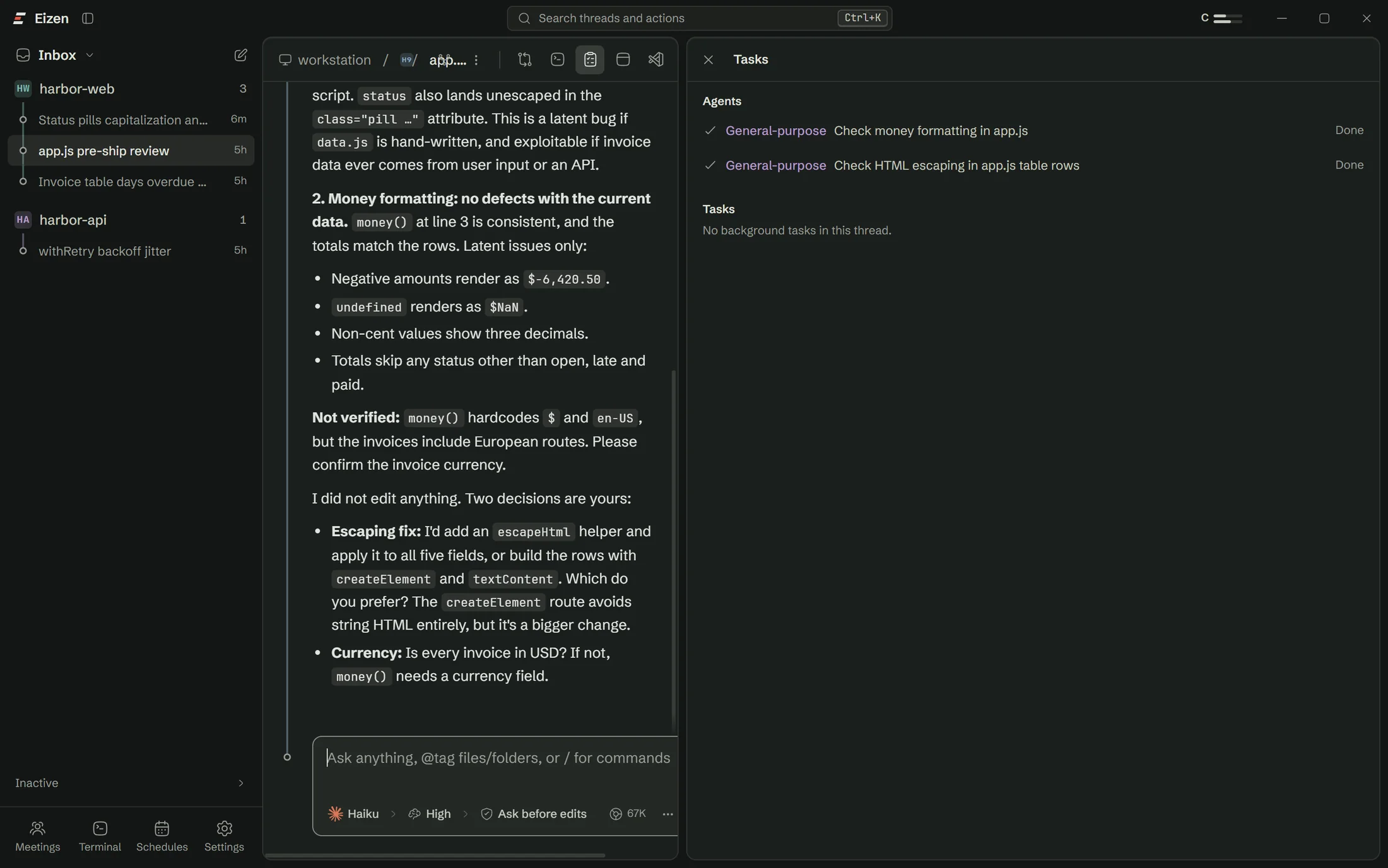
The Lane button sits next to the permission mode on a new thread and stays on until you press it again. The project folder must be the top of a git repository.
A git worktree appears beside your repository on a new branch, starting from your last commit. Your .env files are copied in and node_modules is linked to the main checkout.
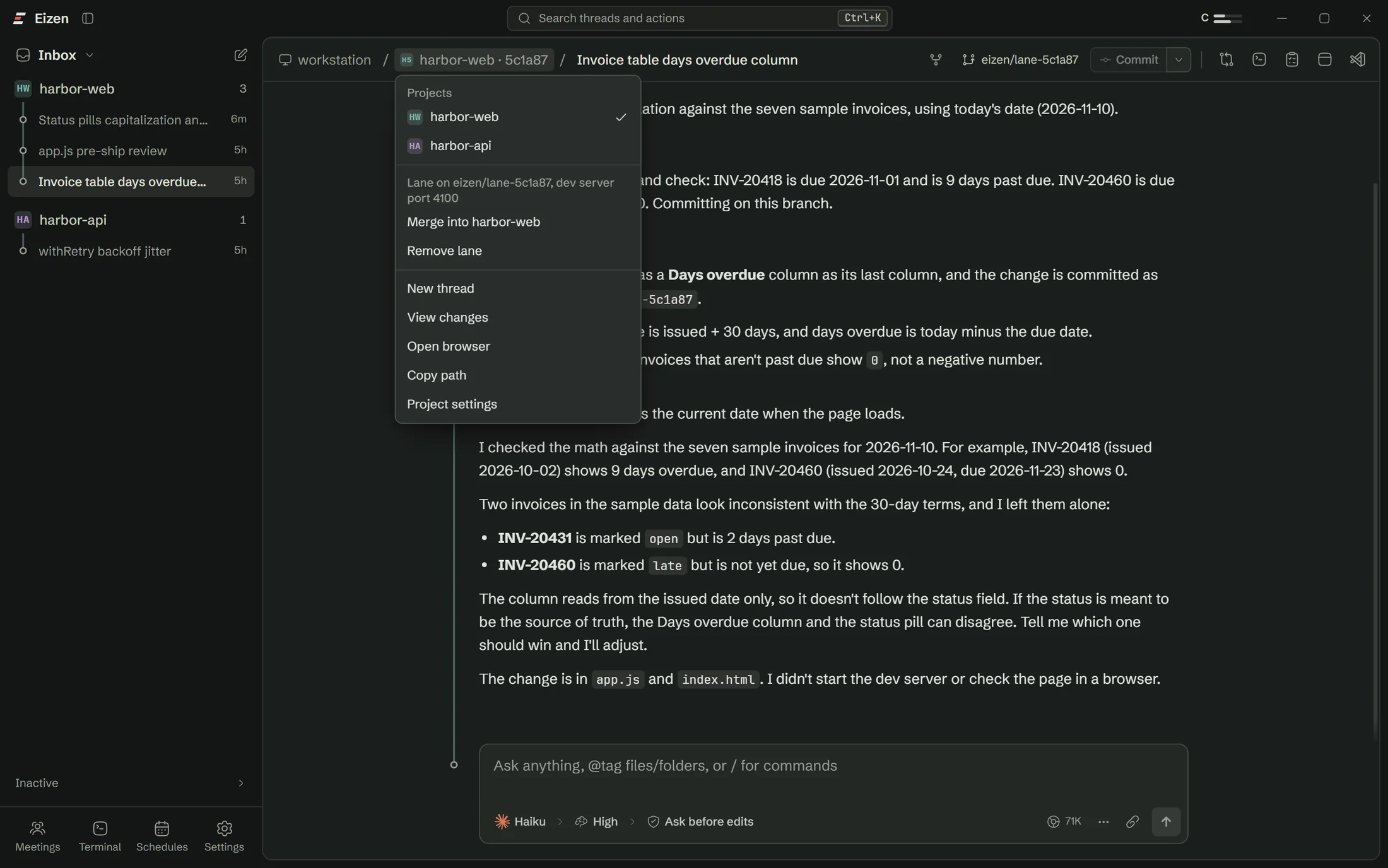
Each lane has its own dev server port, starting at 4100. Claude gets it as PORT and is told to stay inside its folder and commit on its branch.
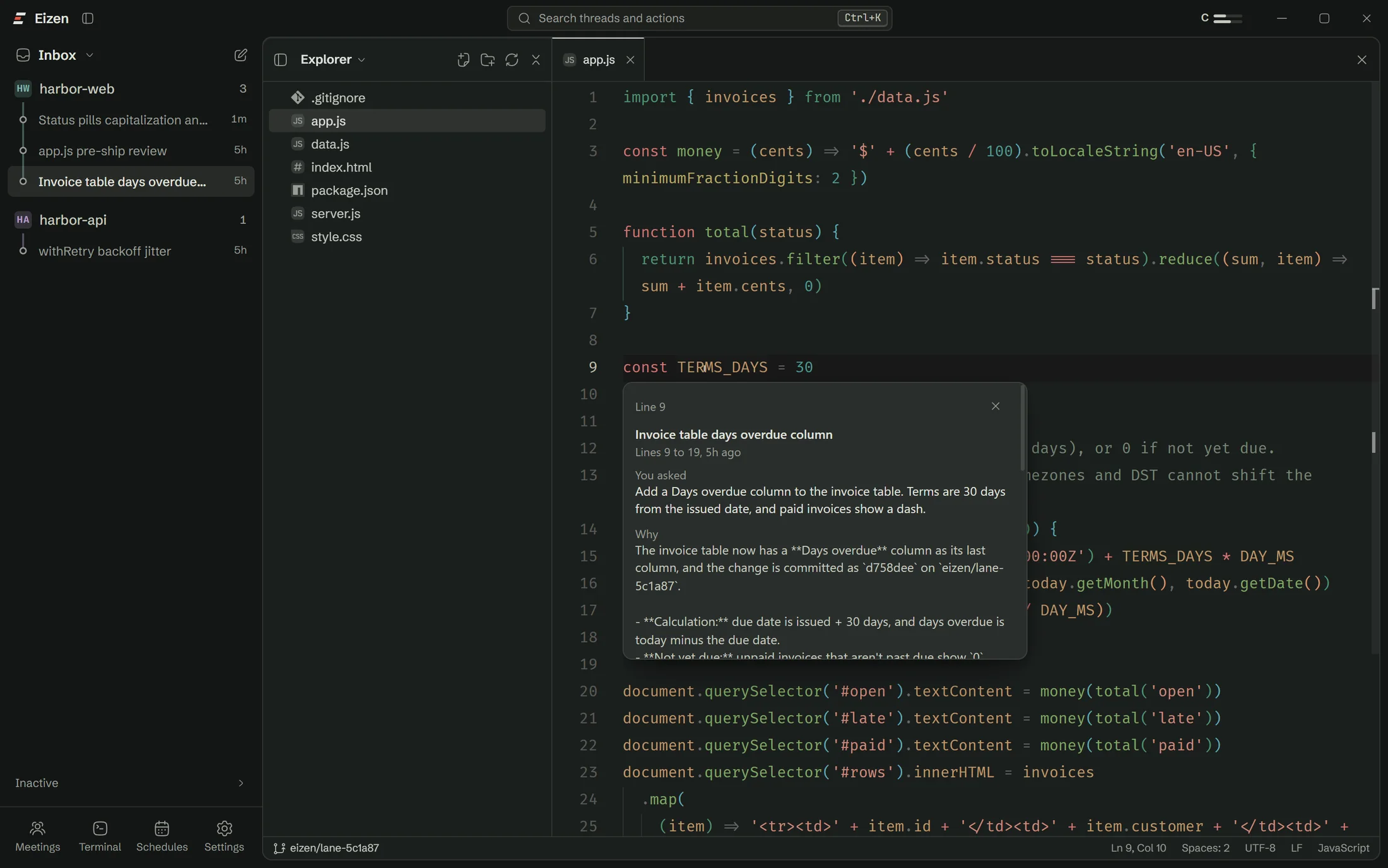
Files, the diff panel, the terminal, branch history and the browser all belong to that lane. You can open the others in split view and watch them side by side.
Commit with the usual button, then click the project name in the breadcrumb and choose Merge. A merge that would conflict changes nothing and names the files. Remove lane deletes the folder and keeps unmerged commits on the branch.
Try 3 ways
Open the "..." menu on a new thread and choose Try 3 ways in lanes. The same message starts in three lanes, each with its own thread and port. You judge by using the three running apps, and it costs three times the usage.
Try it here
The demo follows the same steps as the app. Tick the box to see how a conflict is handled.
Limits
A worktree separates files. Anything your app keeps outside its folder is still shared, and it pays to know which parts before you start five at once.
| What happens | What to do | |
|---|---|---|
| Databases | Every lane talks to the same database unless your config says otherwise. | Use a database per branch, such as a Neon branch, for anything that writes. |
| Hard-coded ports | A dev server that ignores PORT will clash. | Point its port option at the one shown in the project menu. |
| node_modules | Linked to the main checkout, so an install in a lane changes it for everyone. | Do dependency upgrades in a normal thread. |
| Uncommitted work | A lane starts from the last commit. | Commit or stash first if the lane needs it. |
| Codex, OpenCode, terminals | Claude gets the port automatically and these do not yet. | Set PORT yourself in those. |
Questions
The setup checklist handles Claude Code, sign-in and Git, so you won't need a terminal.