
Compare
What you gain, and what you give up
Eizen is a poor fit for some teams. If you need autocomplete, central admin or work that keeps running with every laptop shut, start with the last three rows.
| Eizen | Terminal agent alone | AI editor | Hosted agent | Worktrees and scripts | |
|---|---|---|---|---|---|
| Several agents on one repo | A worktree per thread, set up for you | One checkout unless you script it | Usually one workspace per window | Separate cloud environments | Yes, once you build it |
| A dev server per agent | Port assigned and passed in | By hand | By hand | Inside the environment | Your script decides |
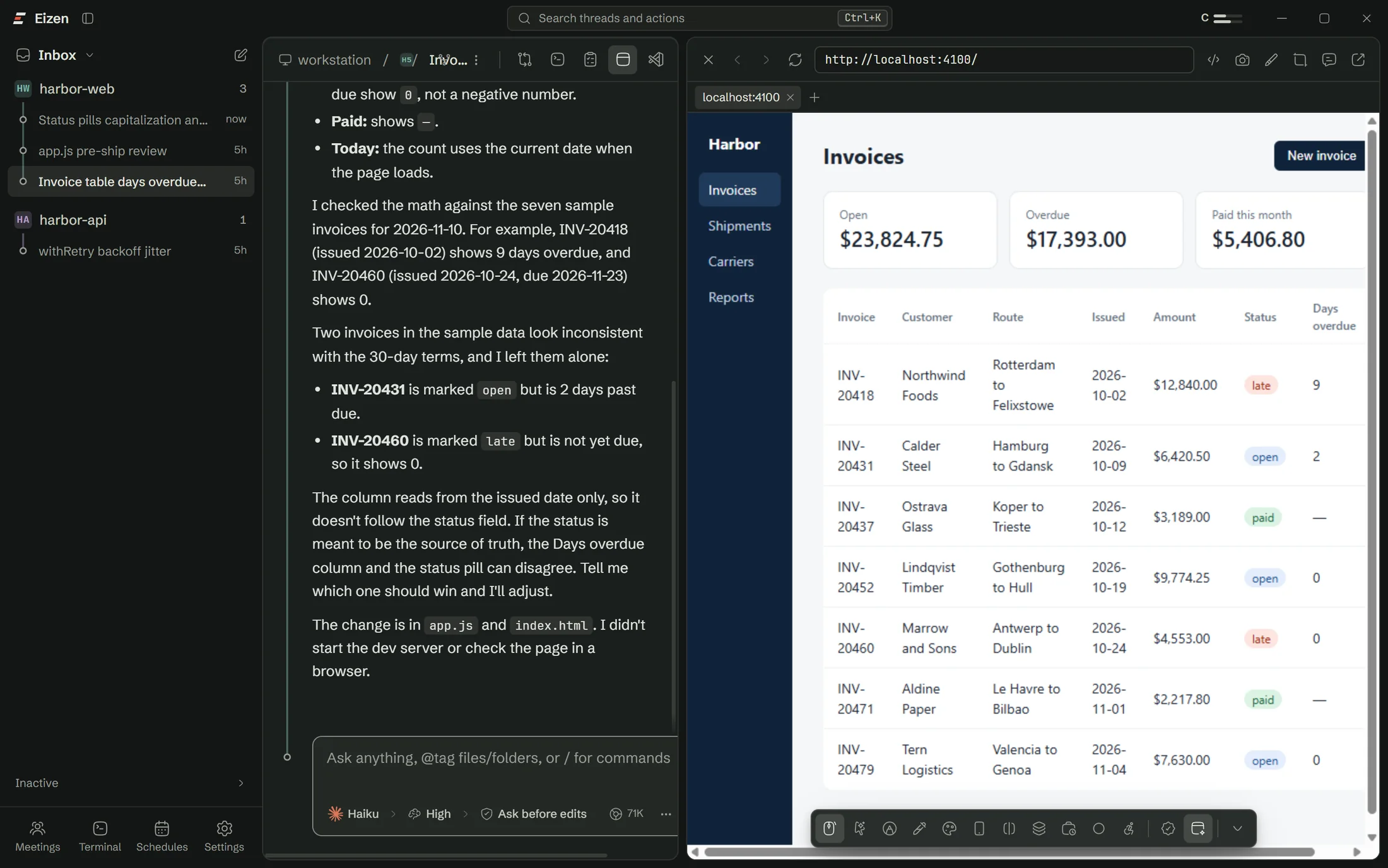
| Seeing the running app | A browser per thread that the agent drives | Add a browser tool | Varies | Screenshots from the environment | Add a browser tool |
| Real logins and OAuth | Real browser view | Depends on your tool | Varies | Limited by the environment | Depends on your tool |
| Local services and databases | Yes | Yes | Yes | Only what you expose | Yes |
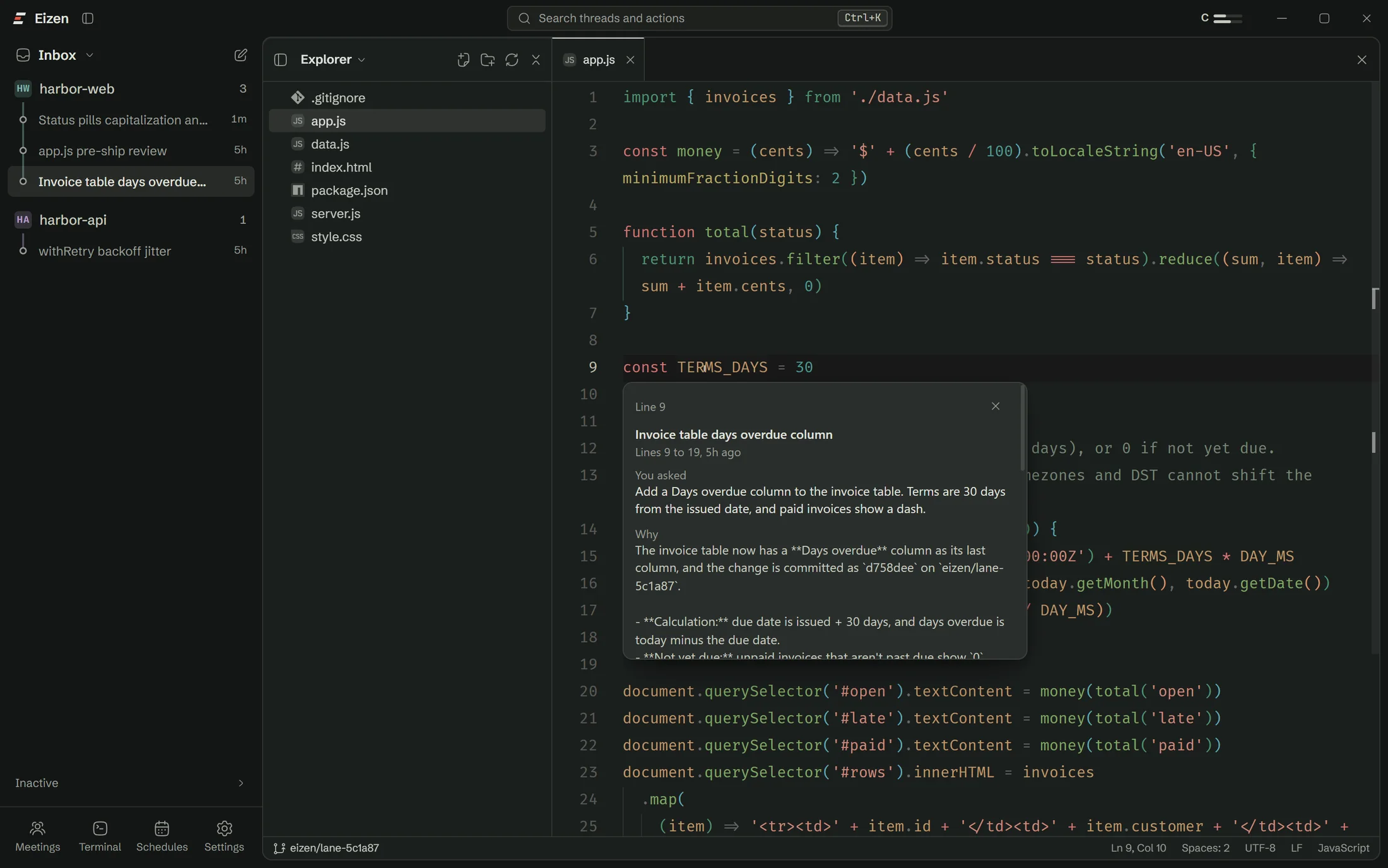
| Why a line exists | Ask this line | Git blame | Git blame | The pull request | Git blame |
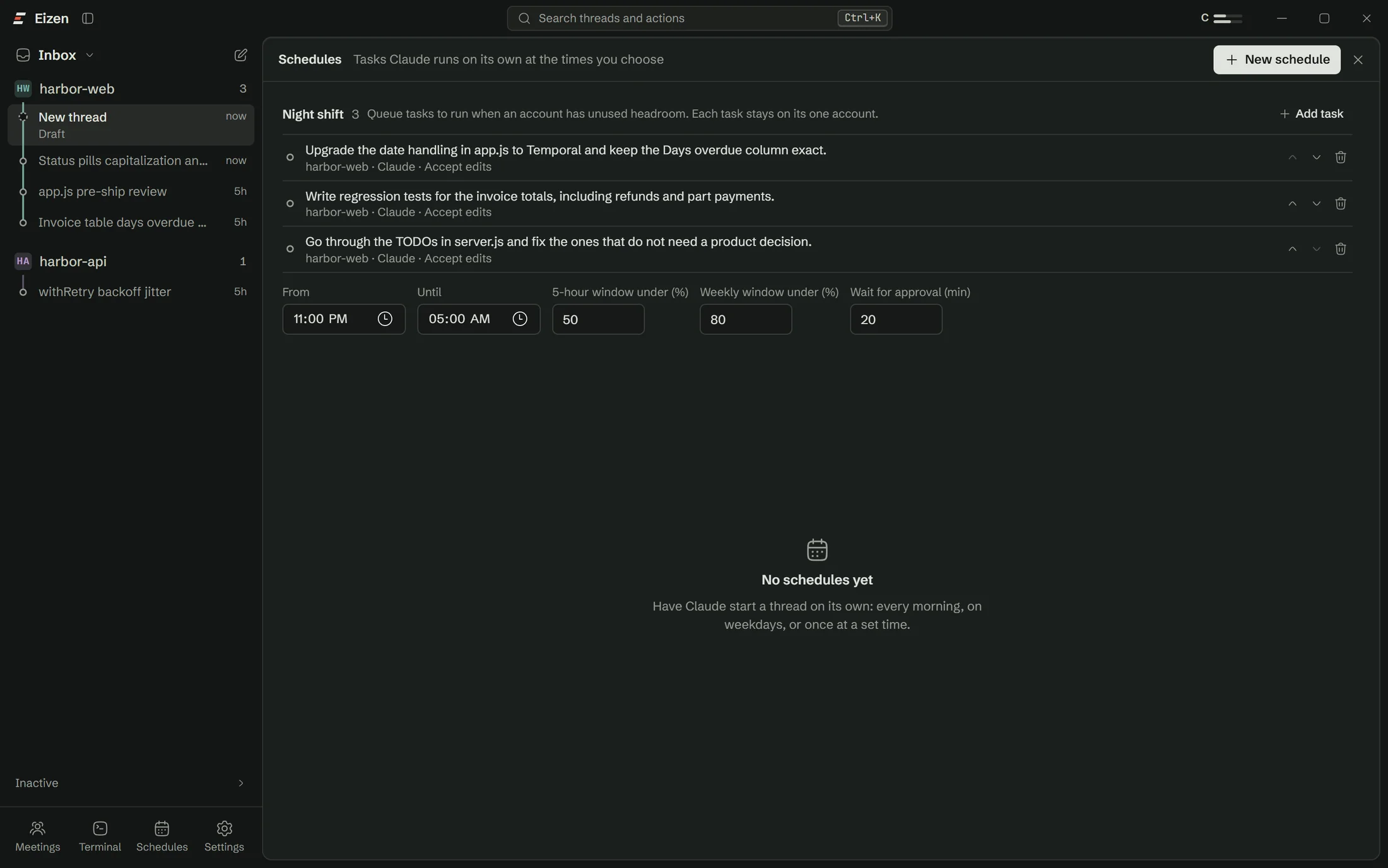
| Overnight queue | Night shift, within account headroom | Cron and your own script | Rarely | Runs whenever you ask | Cron and your own script |
| From your phone | Paired to your PC | Over SSH | Rarely | Yes | Over SSH |
| Inline autocomplete | None | None | Yes | None | None |
| Works with your PC off | No | No | No | Yes | No |
| Team admin and SSO | No | Depends on your plan | Often | Often | No |
Categories describe the usual setup and products change quickly. Check the current docs for anything you are seriously weighing.
Side by side
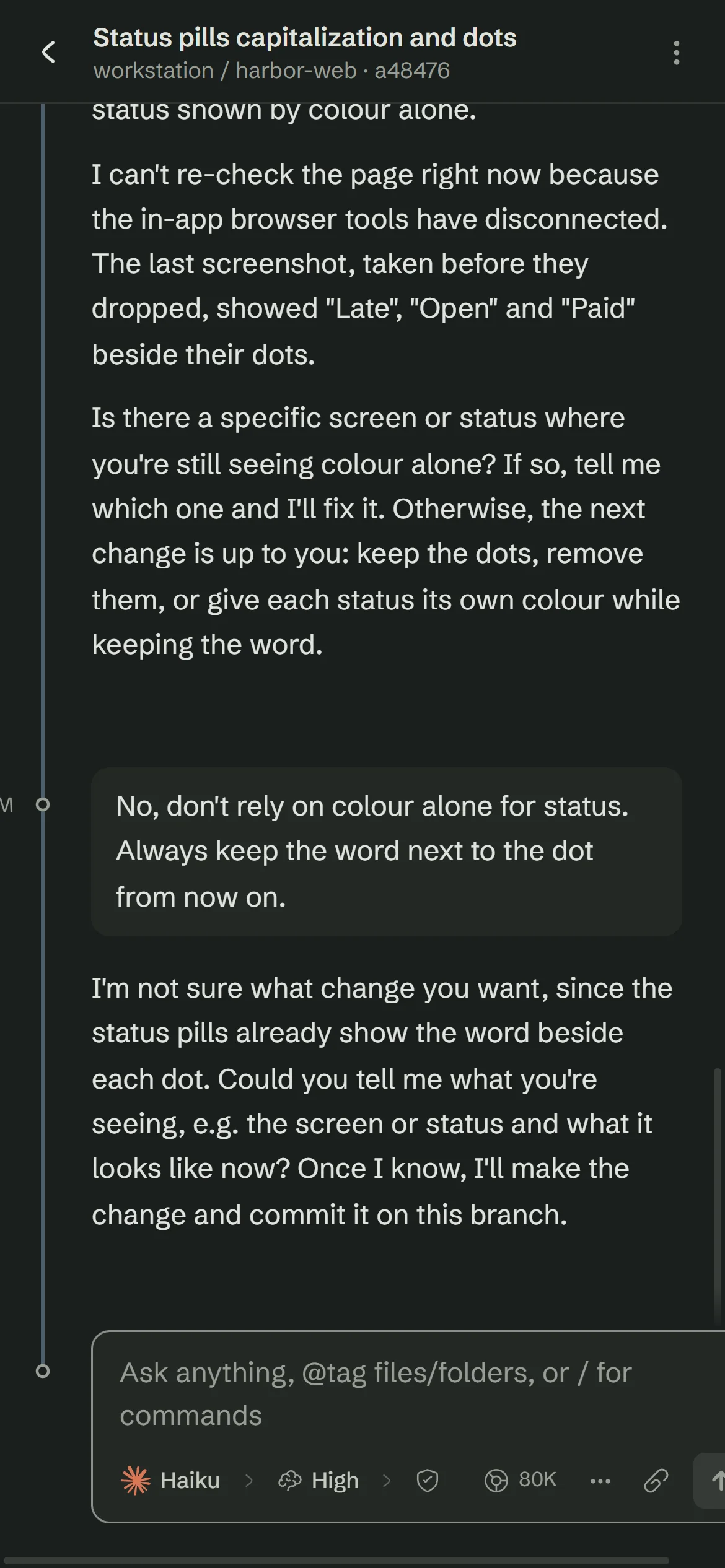
What happens when two agents share a folder
Two agents, one folder
Two agents, two lanes
Against a terminal agent
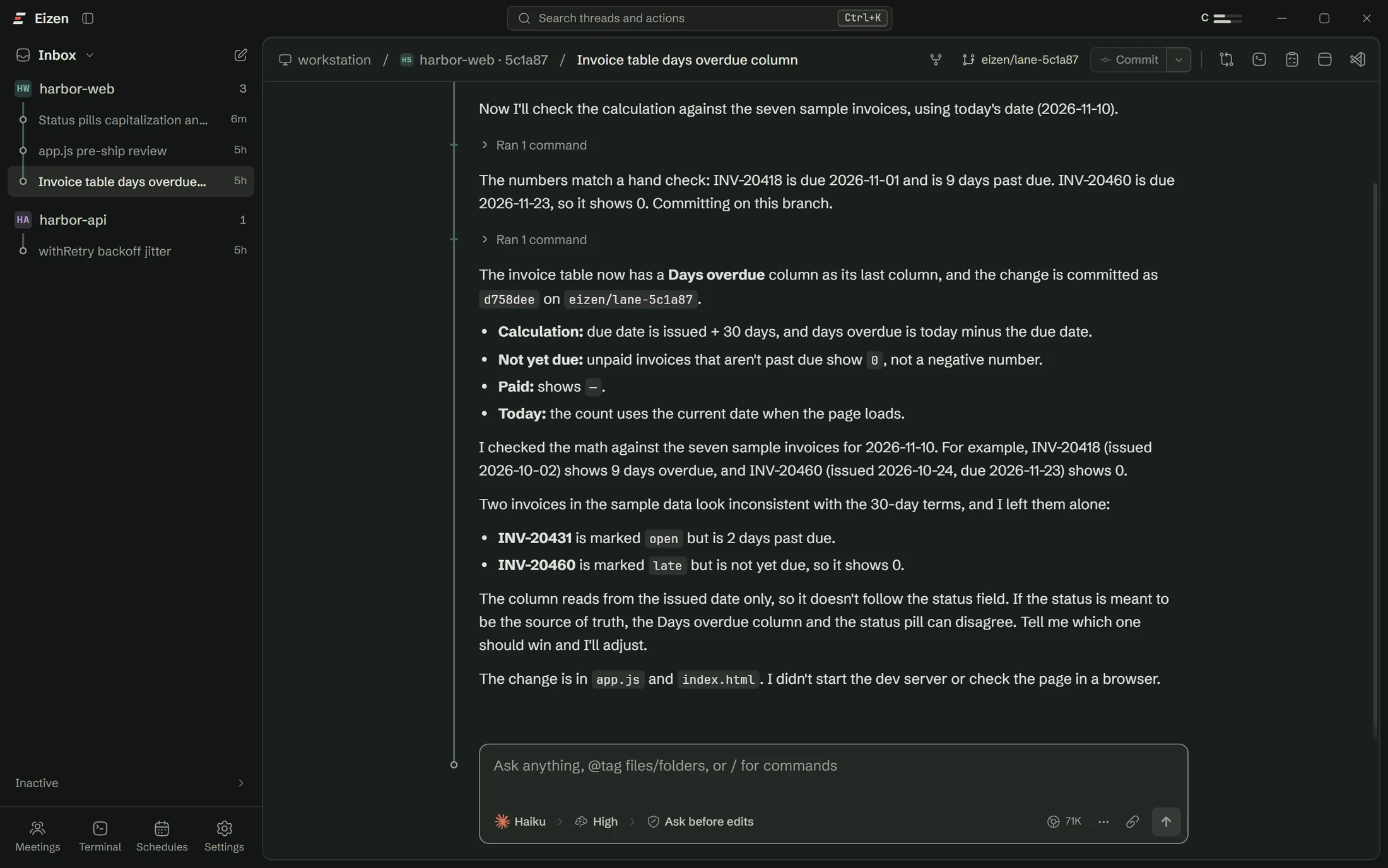
Keep the agent and add a workbench
Eizen drives the same CLIs and shares their sessions. You give up nothing in the terminal and gain lanes, a browser the agent can use, approvals in one place, branch history and a phone view.
Stay in the terminal if you run one agent at a time and like it that way.
Against an AI editor
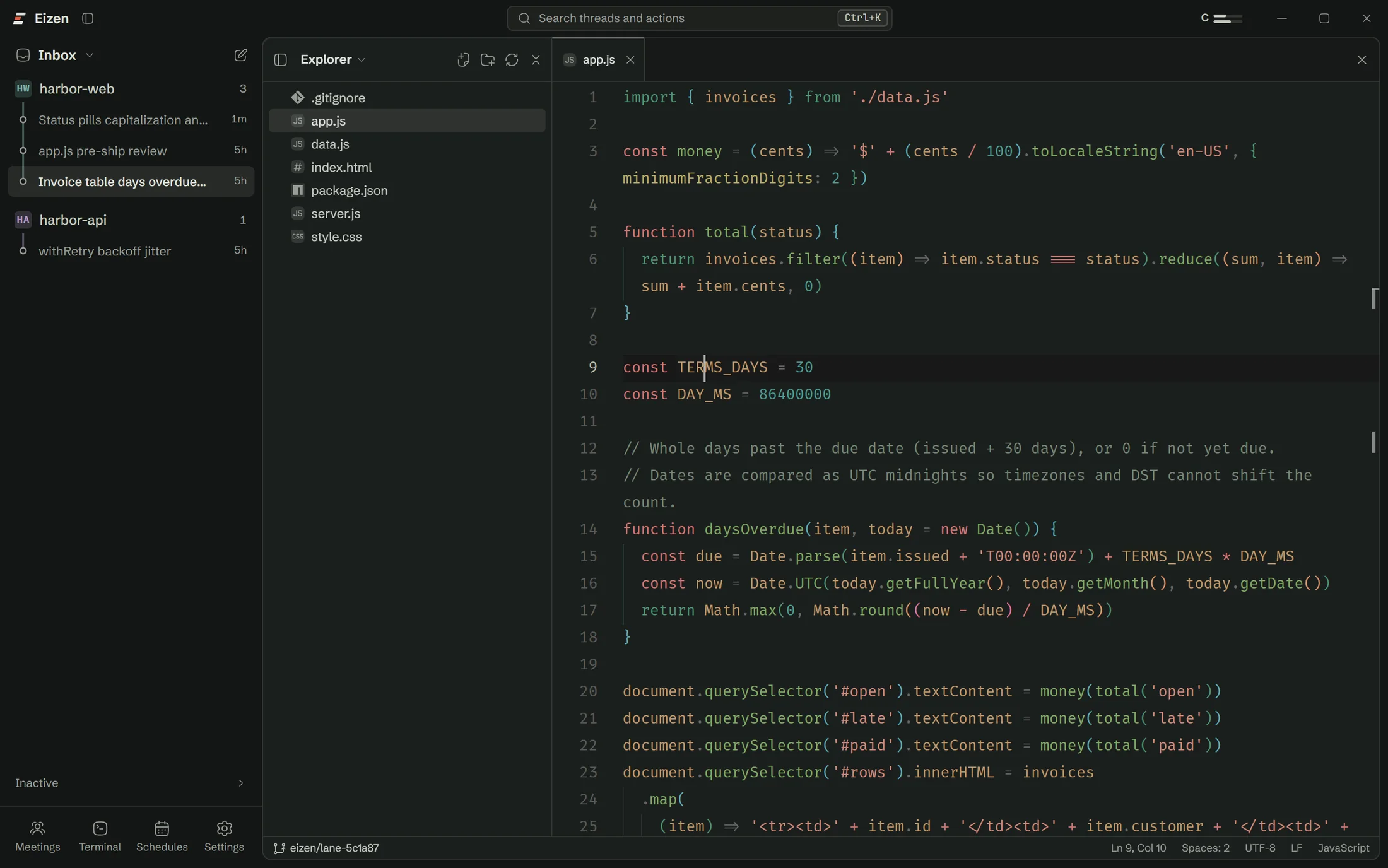
An editor is better when you are the one typing
Inline completion and tight in-file editing are what editors do well, and Eizen has none of that. Eizen suits the times you hand over whole tasks and want to supervise several at once. Plenty of people will want both.
Against a hosted agent
Hosted agents run while your laptop is shut
Eizen can't do that. It does run against your real local services, your own database and your own login sessions, and your code goes to one fewer company.
Choose a hosted agent if your work needs to continue with no machine of yours switched on.
Against your own scripts
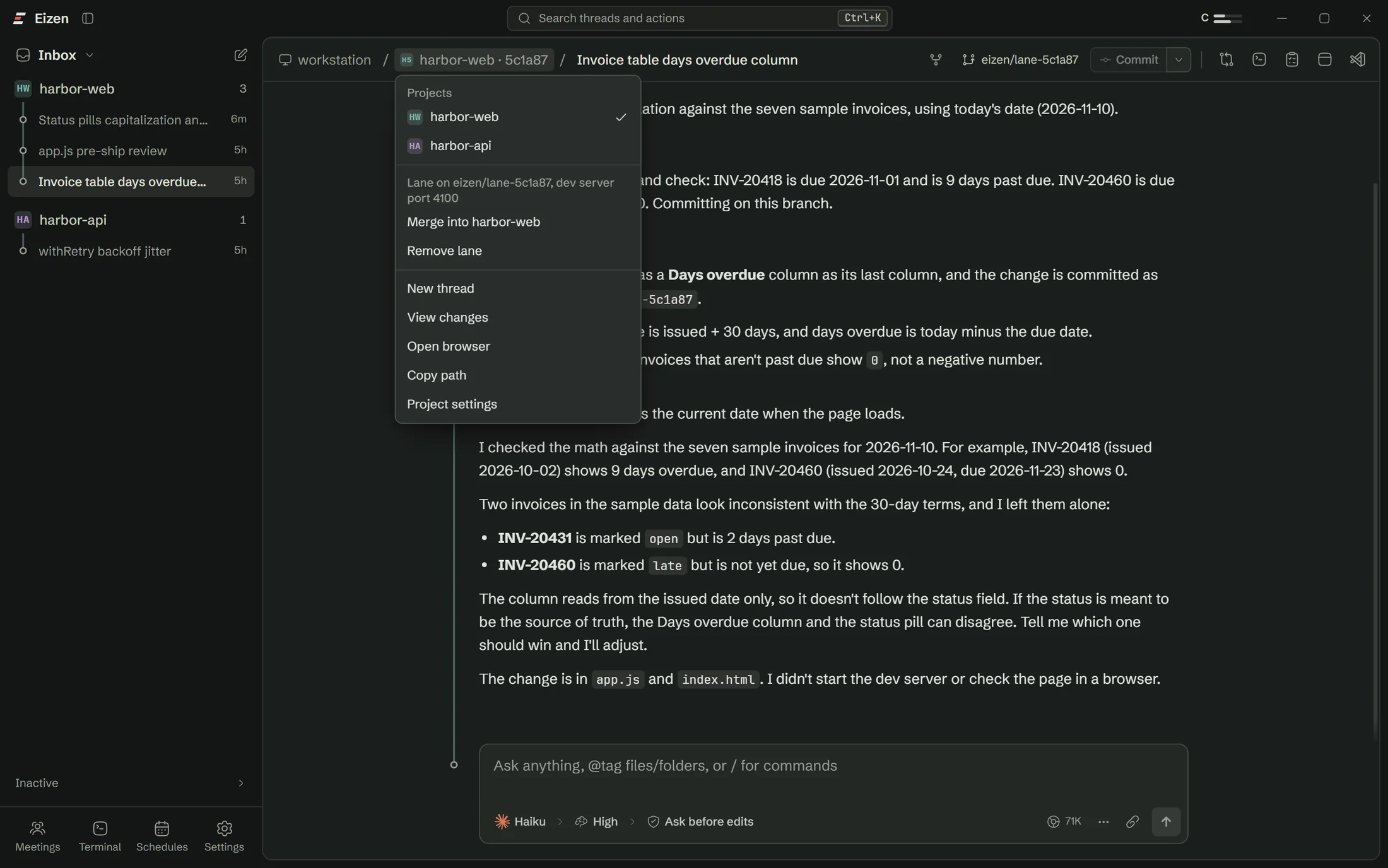
You could build most of the lane part
A shell script can make a worktree. It takes more care to copy env files, link dependencies, assign ports, tell the agent, handle merge conflicts without leaving a mess, and delete a folder full of junctions without emptying your main checkout. Eizen does all of it.
Open a lane on the repo you were going to work on anyway
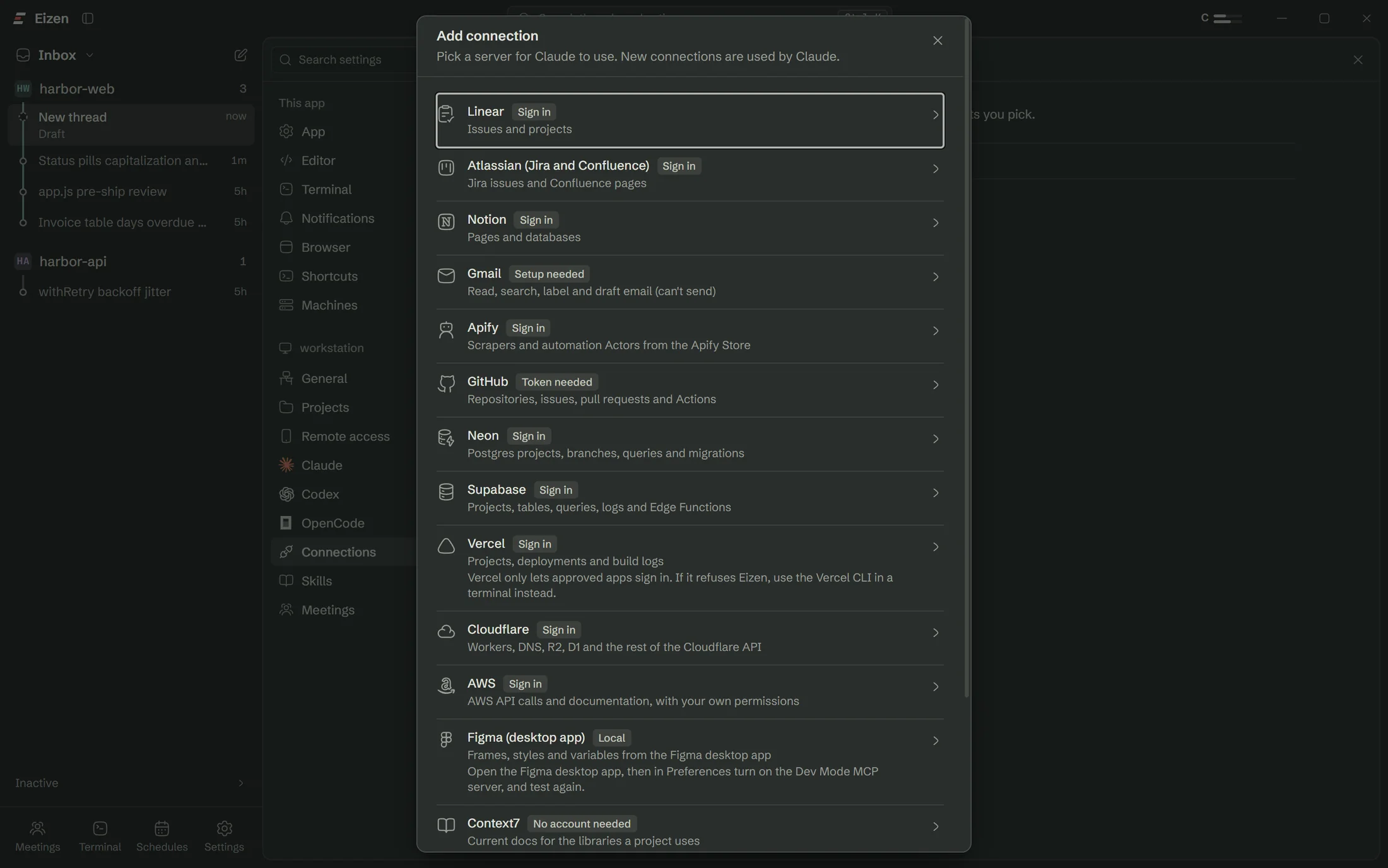
The setup checklist handles Claude Code, sign-in and Git, so you won't need a terminal.