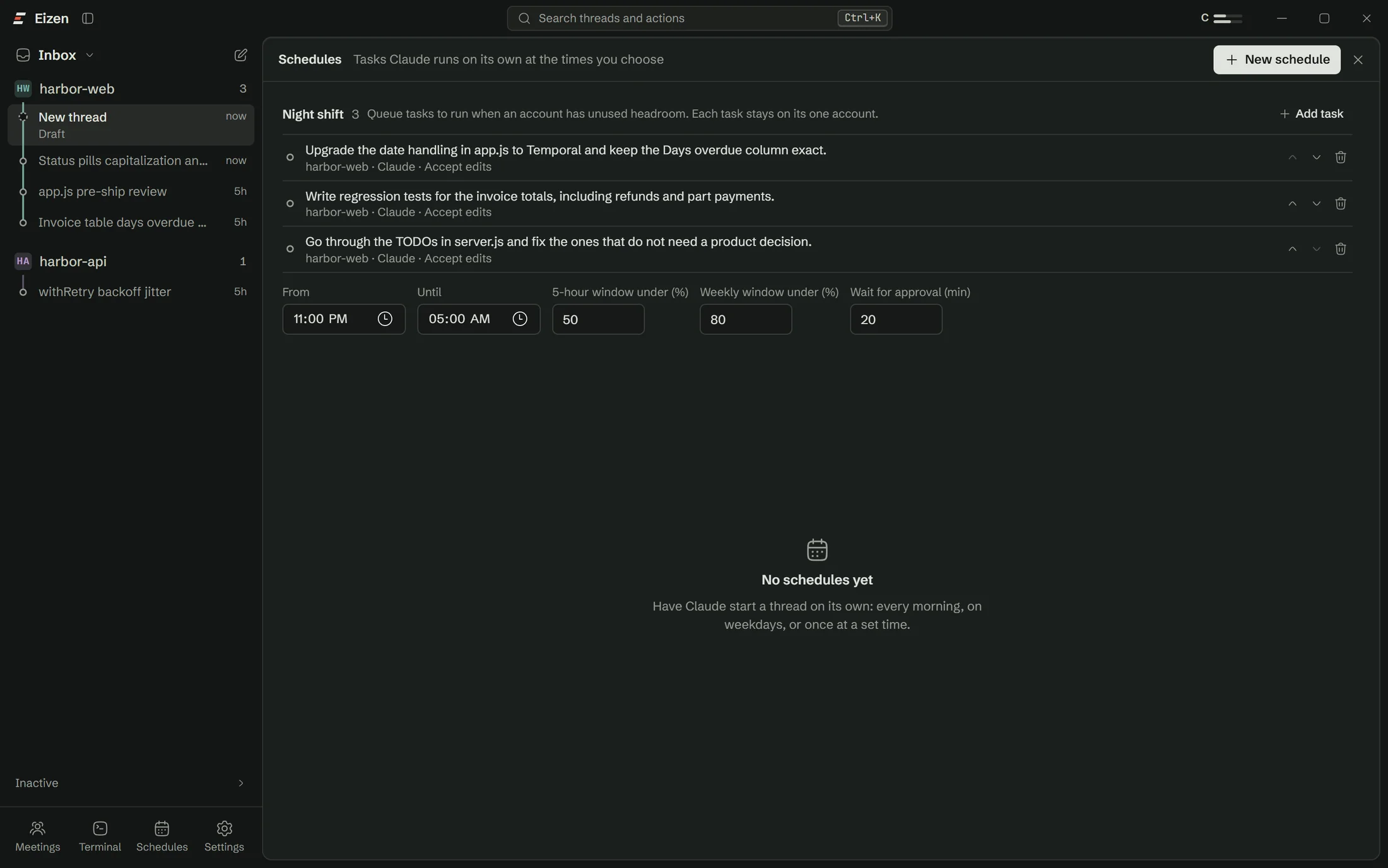

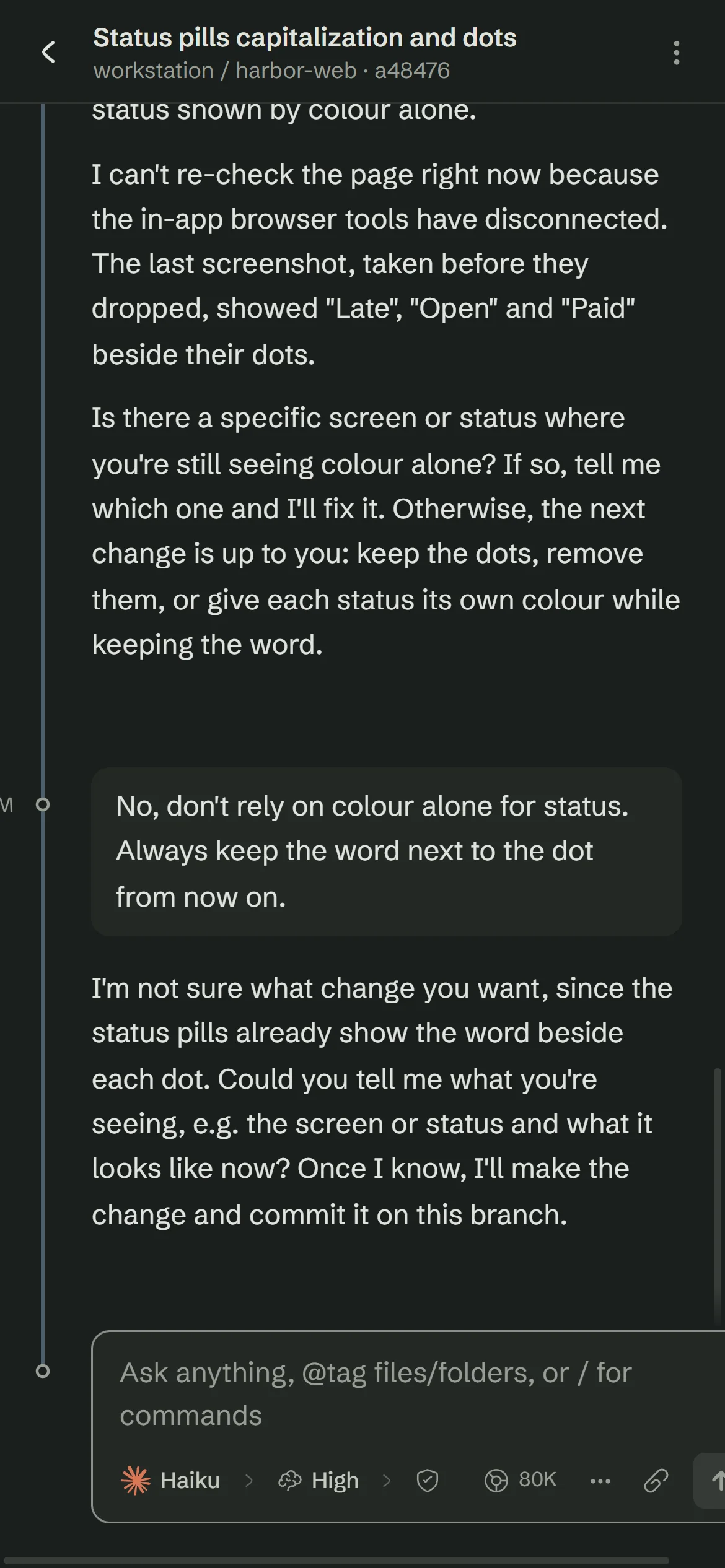

Connections
Your tracker, your database and your cloud, inside the thread
Add a service, choose which Claude accounts may use it, and its tools appear in the next message.
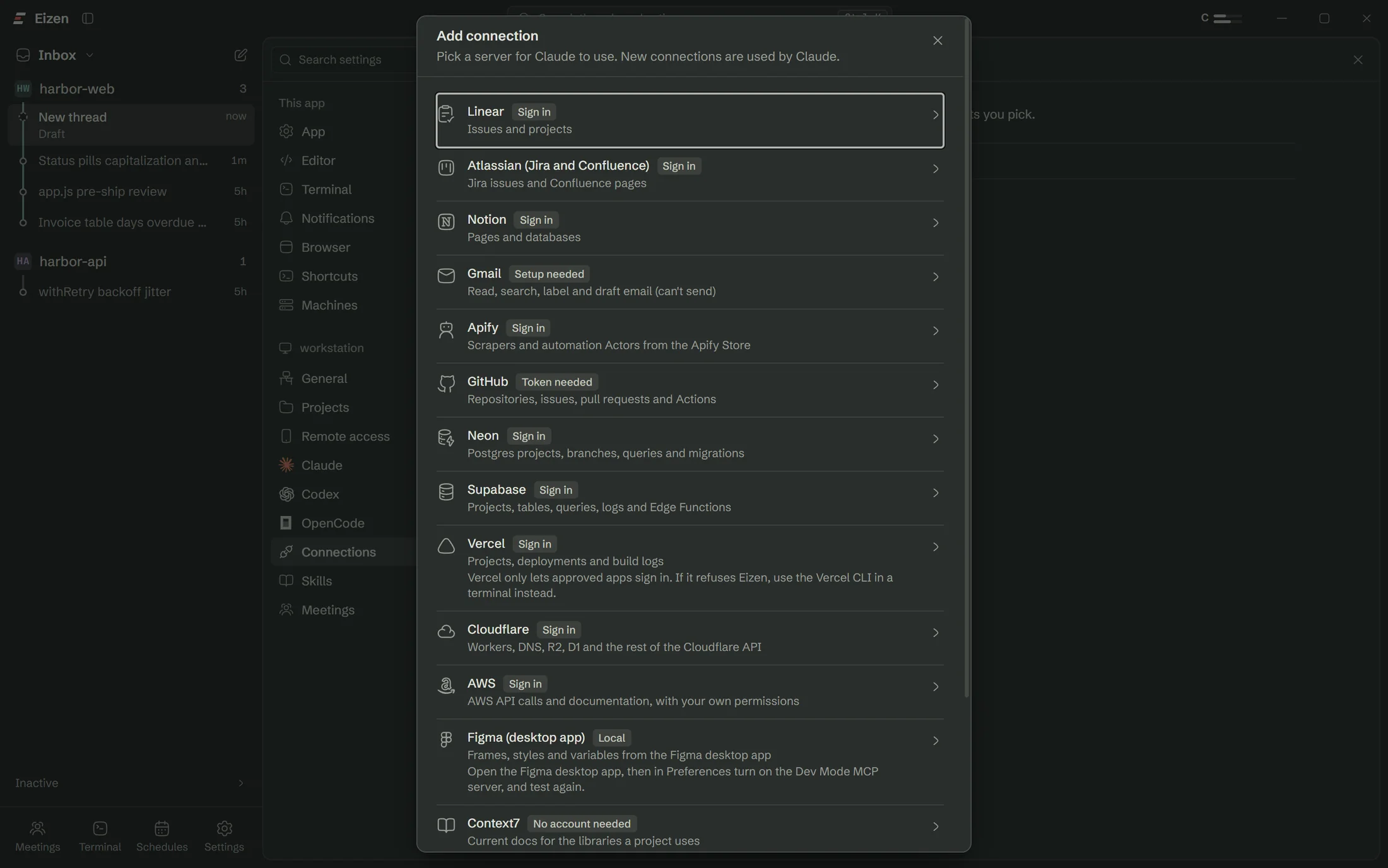
One click
Fifteen presets
Most connect with a normal sign-in. GitHub takes a token you create.
| Service | What the agent gets | How you connect |
|---|---|---|
| GitHub | Repositories, issues, pull requests, Actions | Paste a token |
| Linear | Issues and projects | Sign in |
| Atlassian | Jira issues and Confluence pages | Sign in |
| Notion | Pages and databases | Sign in |
| Gmail | Read, search, label and draft email | Your own Google client |
| Neon | Postgres projects, branches, queries | Sign in |
| Supabase | Projects, tables, queries, logs | Sign in |
| Vercel | Projects, deployments, build logs | Sign in |
| Cloudflare | Workers, DNS, R2, D1 and the rest of its API | Sign in |
| AWS | API calls and documentation | Sign in |
| Apify | Scrapers and automation Actors | Sign in |
| Figma | Frames, styles, variables from the desktop app | Local |
| Context7 | Current docs for the libraries you use | No account |
| DeepWiki | Answers about public GitHub repositories | No account |
| Microsoft Learn | Official Microsoft and Azure docs | No account |
Vercel only lets approved apps sign in, so it may refuse. Neon recommends its MCP server for development and testing.
Hub
Everything the agent can reach, in one list
Turn a connection off and the next message no longer has it. A test button lists the tools a server offers before you rely on them.
More than one of each
Connect two GitHubs or two Linear workspaces
Add the same service again and you get a second connection with its own login. Each one lists the Claude accounts that may use it.
| Work | Client | Personal | |
|---|---|---|---|
| GitHub Work | |||
| GitHub Personal | |||
| Linear | |||
| Neon staging | |||
| AWS |
Try the switches. 6 connections on, across three Claude accounts.
Separate logins
GitHub Work and GitHub Personal hold different tokens.
Chosen per account
Your work Claude account gets the work tools only.
Separate tool names
A thread with both sees github and github-2 and you say which.
Custom
Any other MCP server
Paste a remote URL or give a local command. Remote servers can use their own sign-in, a bearer token, or a client you registered yourself.
- Test shows the tools a server offers before you rely on it.
- Open threads pick up changes on their next message once idle.
Where the secrets live
Local, encrypted, per Windows user
Tokens and client secrets stay in an encrypted file on this computer and never appear in the settings file. They are not part of your Claude account, so anyone else signed in to that account elsewhere can't see them.
Open a lane on the repo you were going to work on anyway
The setup checklist handles Claude Code, sign-in and Git, so you won't need a terminal.