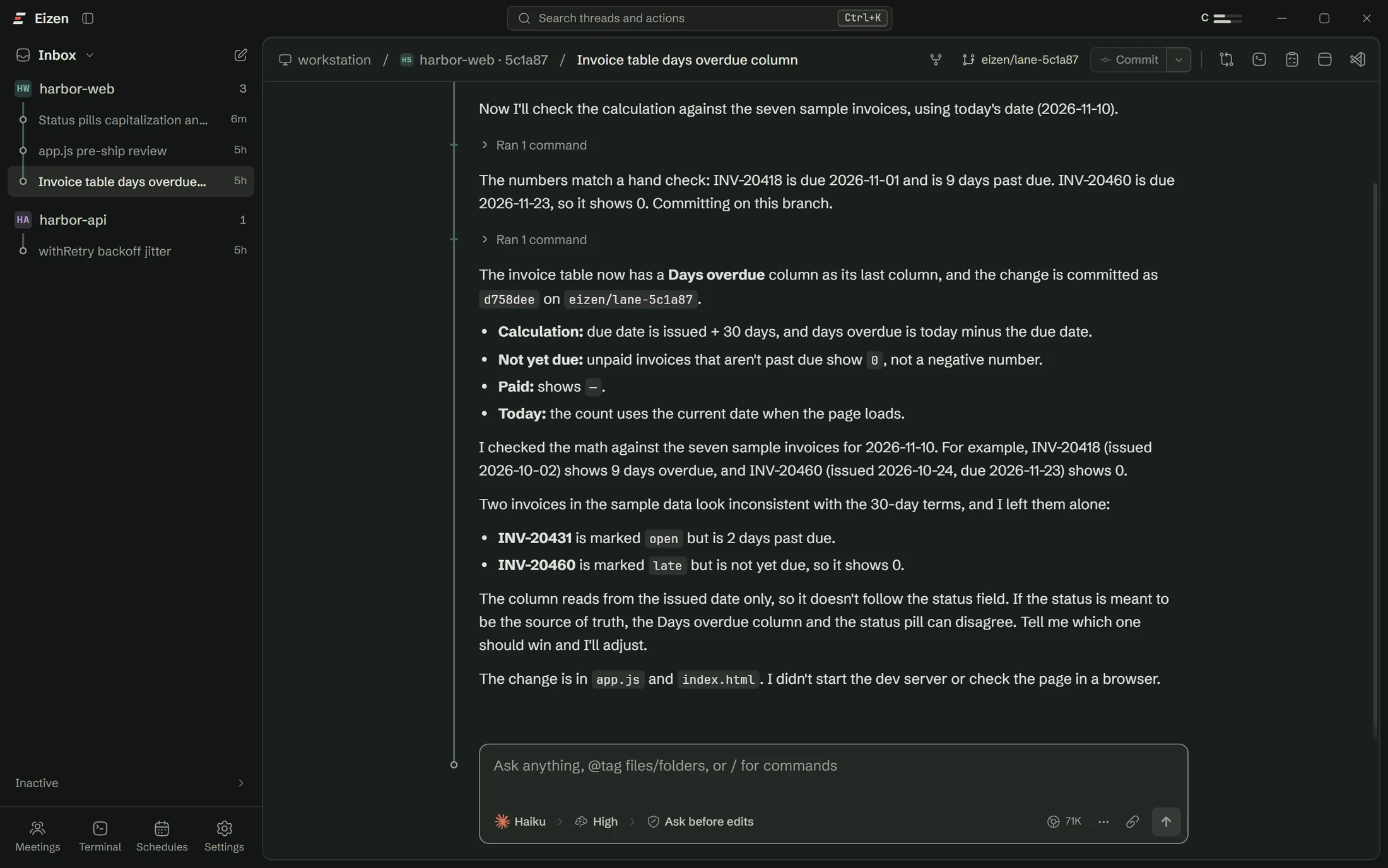
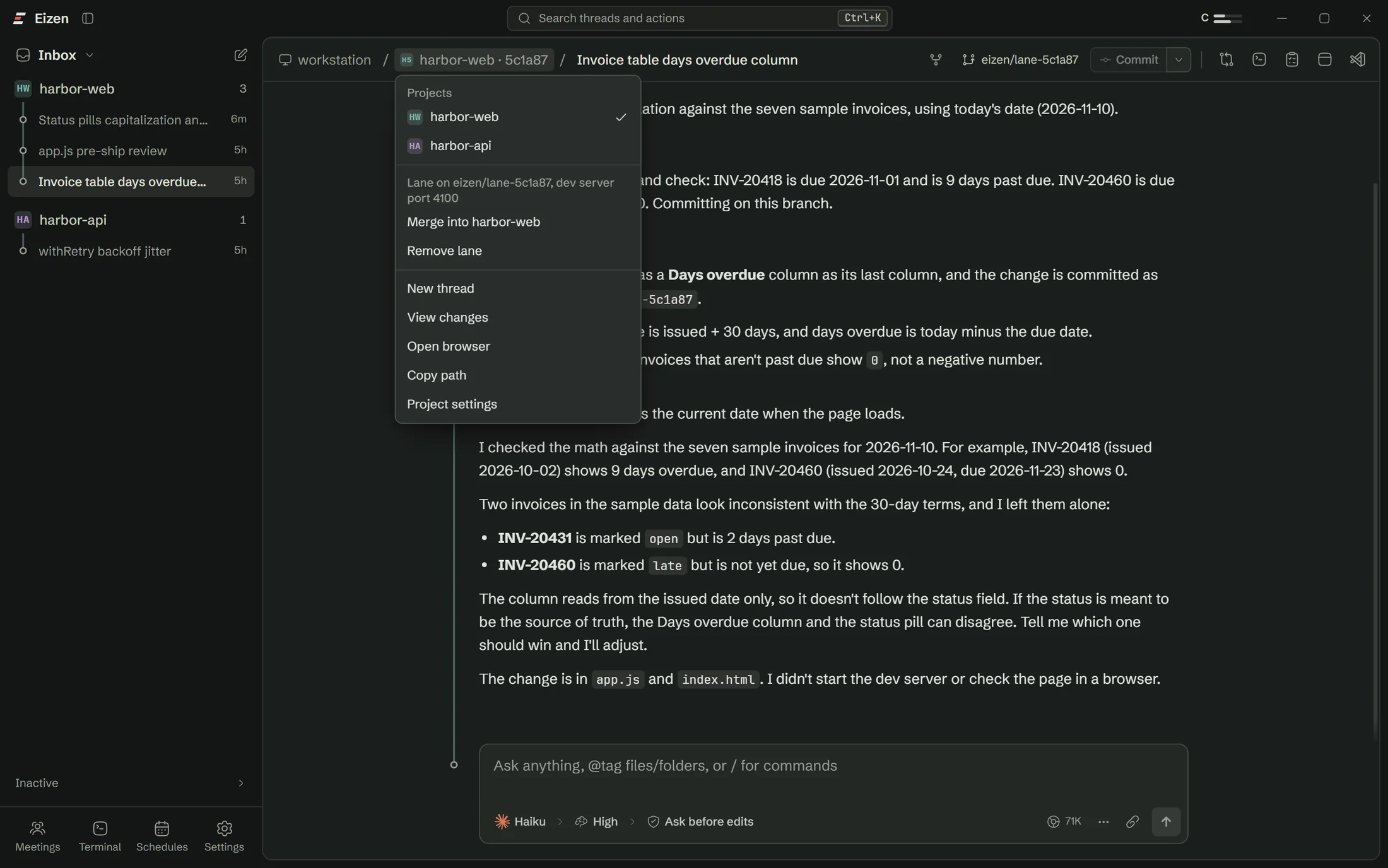
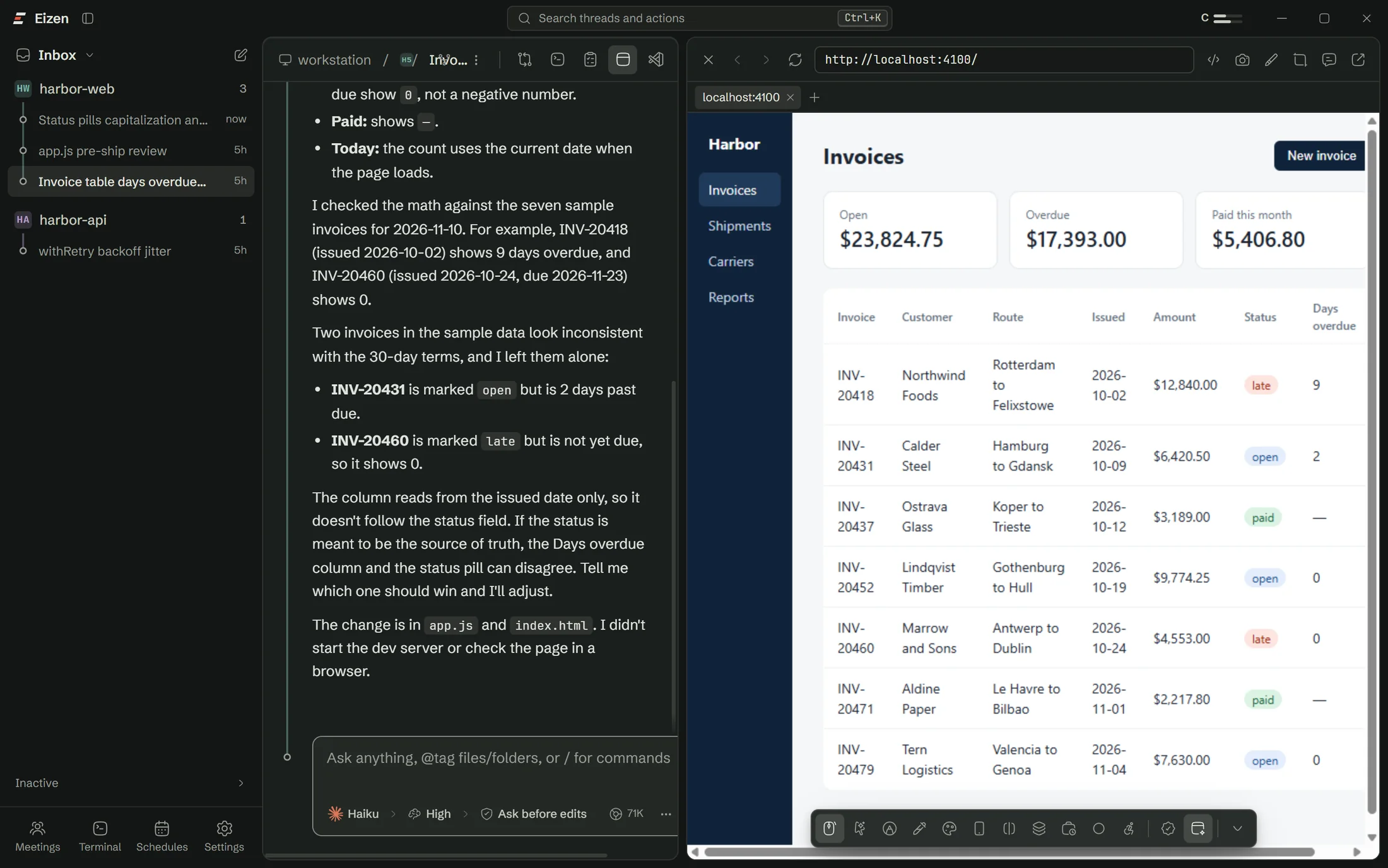
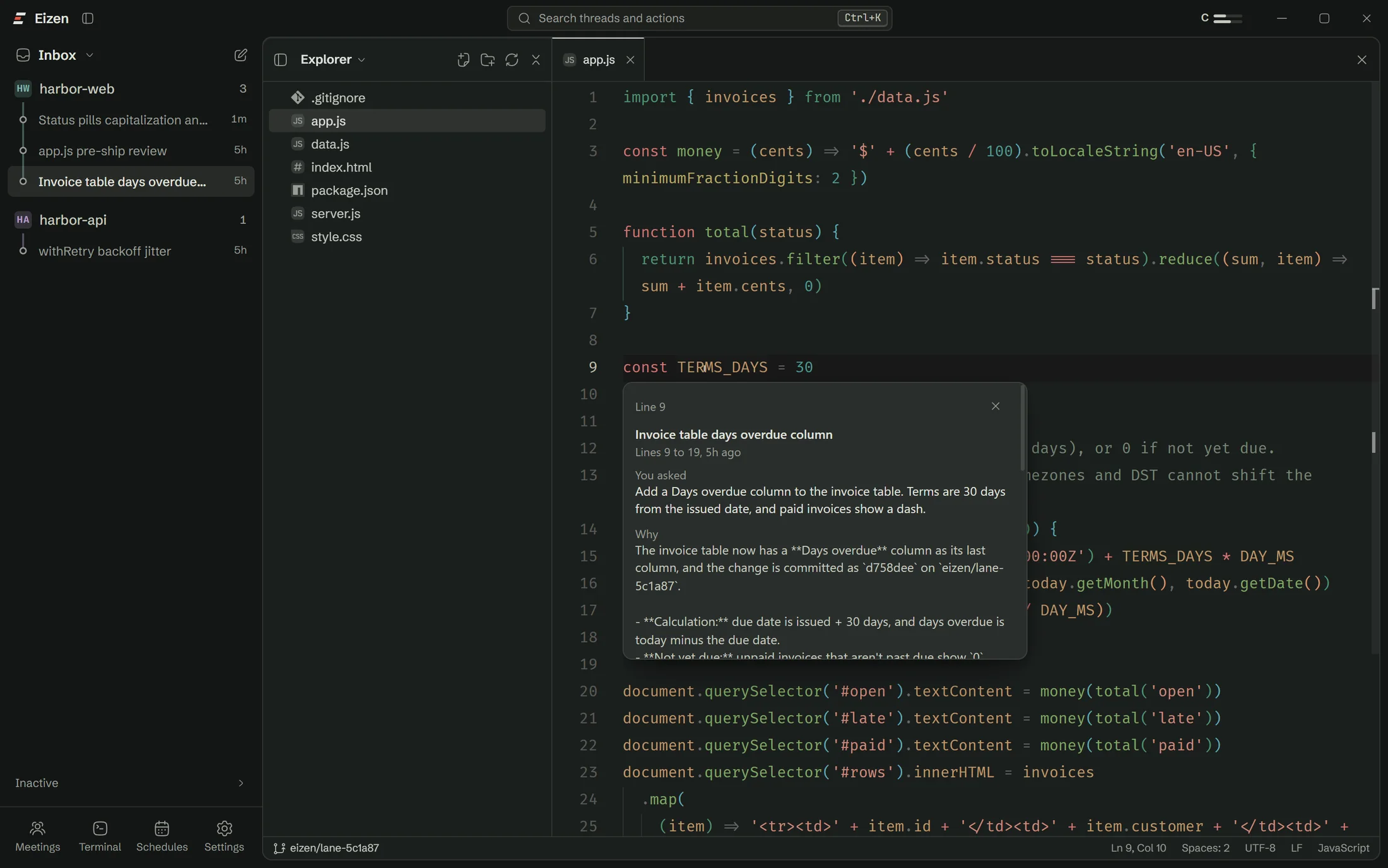



Eizen for Windows
Version 0.1.0, for Windows 10 and 11, 64-bit. About 70 MB.
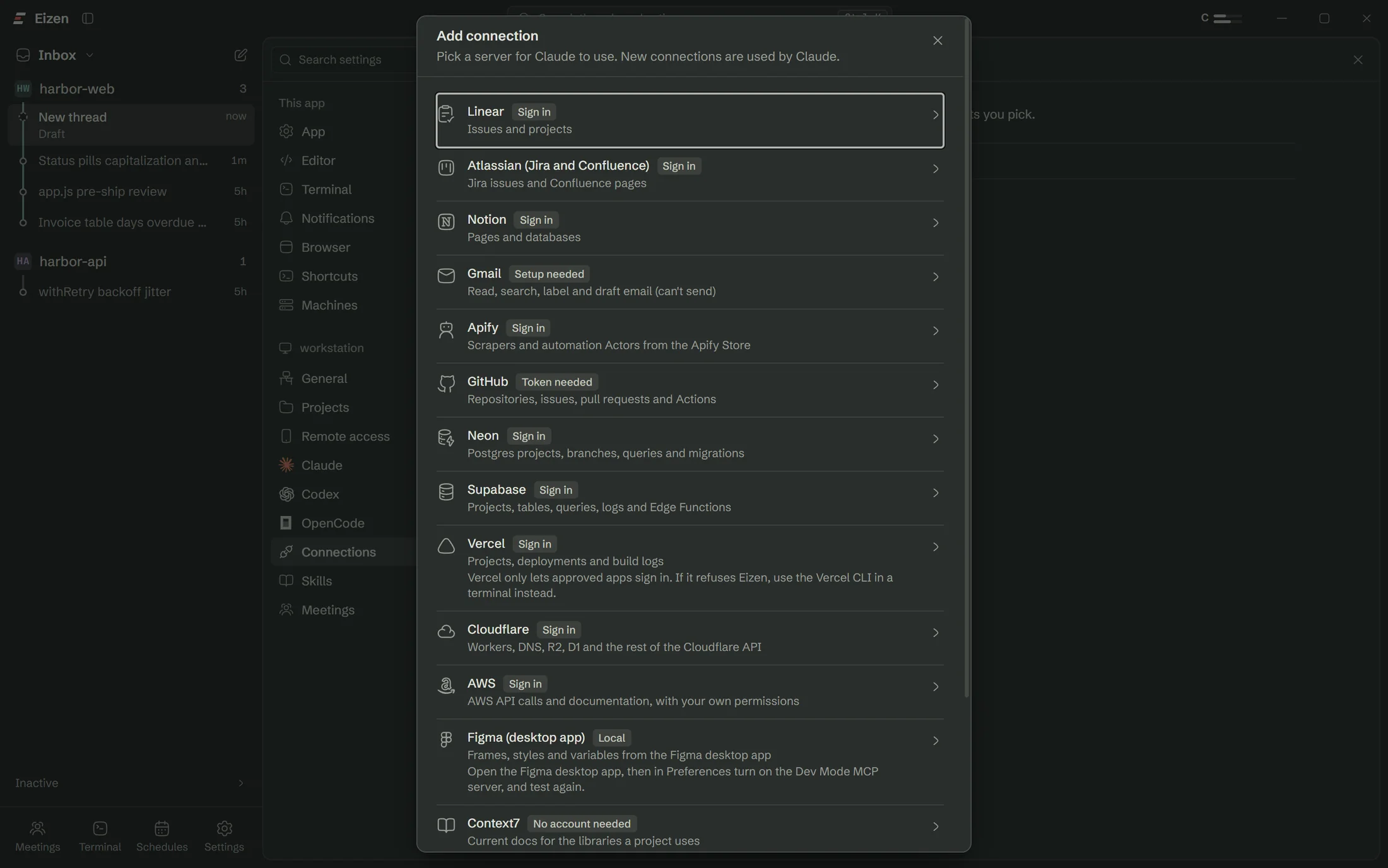
Eizen uses the Claude, Codex or OpenCode accounts you already have.
First run
A checklist does the setup
It finds what you already have and installs what is missing.
Install Claude Code
WaitingInstalled
Sign in to Claude
WaitingSigned in
Install Git
WaitingInstalled
Add your first project
Waitingharbor-web
Install
No terminal needed
- Run the setup file. The installer isn't code-signed yet, so Windows may warn you. Choose More info, then Run anyway.
- Follow the checklist. It installs Claude Code, signs you in and checks Git.
- Add a project. Choose a folder.
- Write what you want done and press Enter.
Requirements
What you need
| Windows | 10 or 11, 64-bit, with WebView2 |
|---|---|
| An agent account | Claude, Codex or OpenCode |
| Git | Needed for lanes and branch history. Setup checks for it |
| Meetings, if you use them | A one-time speech engine download. A GPU helps |
Updating
Install over the old version
Quit from the tray icon, run the new installer, and open the app. Your threads, accounts and settings are stored separately and stay where they are. Eizen doesn't update itself yet.
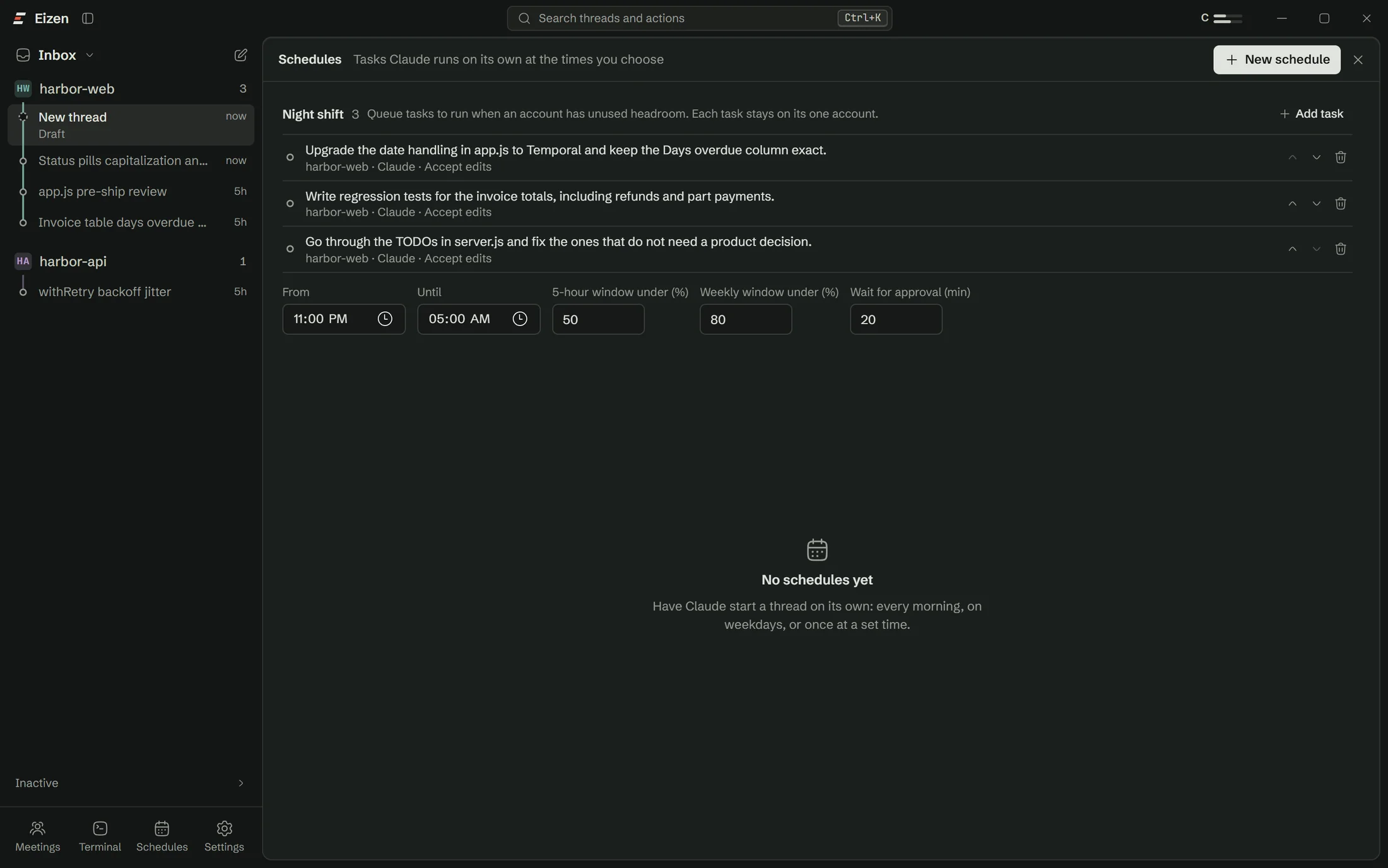
Closing the window keeps Eizen running in the tray so that schedules can fire.